Create a new document in PaintStop at 2200 by 950 pixels at 300 dpi and use the medium cotton duck canvas
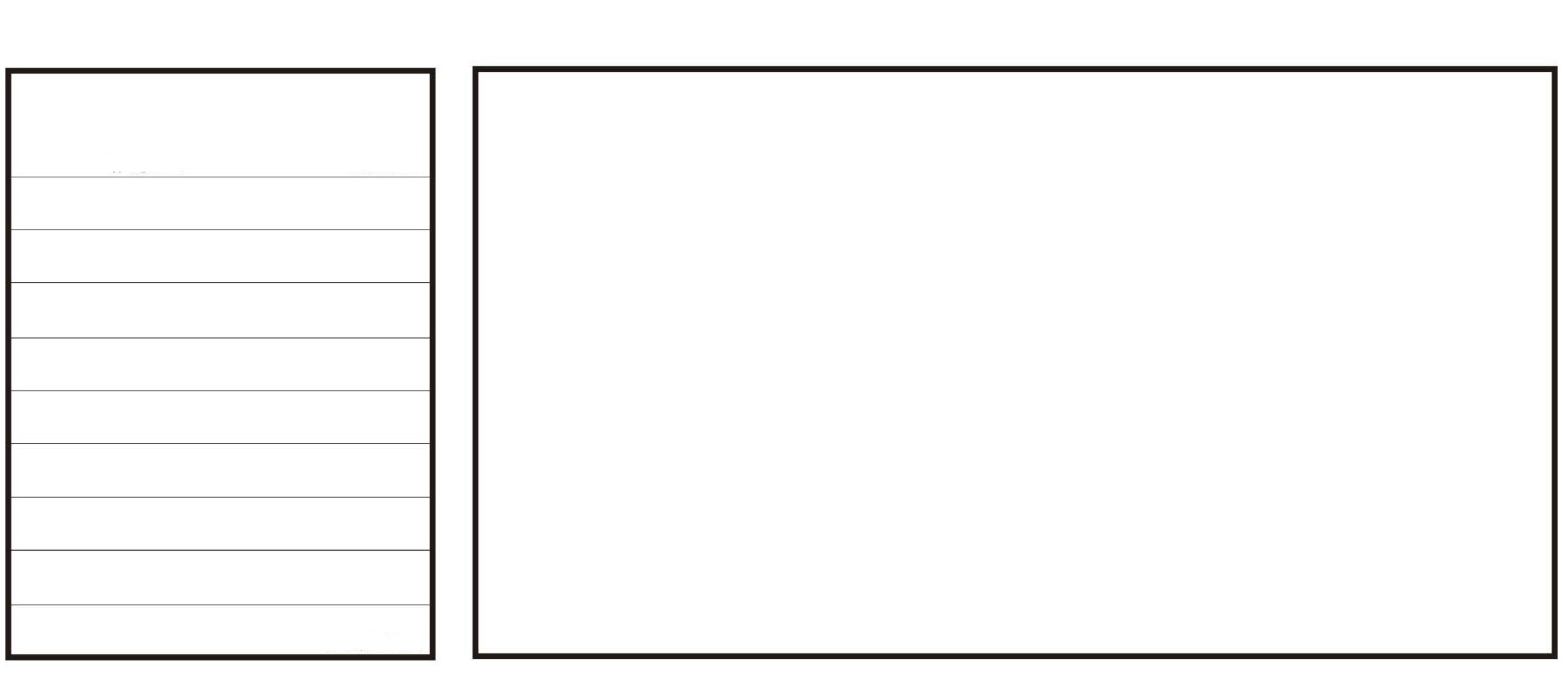
Next (Download the image here of the storyboard} Bring in the storyboard image as a tracing layer and set the transparency to 100% and save as a PaintStop file - name it something like StoryBoard Flip Blank
Then draw
After drawing save the file out save as an image export file number first drawing 0001
Then open the blank storyboard file and draw name it 0002
repeat and name 0003, 0004, 0005, etc
After saving the files (in one folder) several ways to view to get the feel of the action
NOTE: may have to do a batch to jpeg on the files
- use a sldieshow
- use a gif animation editor and bring in the images
NOTE: the lines on the left are for notes about the image and left enough space at top to give it a title
NOTE: by using the 300dpi you would be able to get a pretty good print on an 8 1/2 x 11 sheet of paper
NOTE: I have not tried this yet but when you do your first image drawing 0001 save it out then merge it into one layer and then use the second layer to draw on that way you should be able to see the 0001 drawing as you draw the 0002 drawing then turn the 0001 layer to no transparency.
Have fun
[:)]
[attach=152215]storyBord Flip page.jpg[/attach]