ZBrushCentral

painting a bump map

Hello,

I have been painting a bump map in PM (ZApplink to PS). I don’t know whether it is the correct approach for what I want, and I need some advice.

Firstly: My model in Maya is SubD-3 (1 million poly). So my thought is that I don’t really need to worry about Normal mapping or displacement, since the only thing missing from my model is the subtle texturing, like skin pores and wrinkles. I figured that my best approach would be a bump map. Any thoughts?

Secondly: I have been painting detail for the bump in PM on a 4K texture. The results in Maya were awful! That got me thinking that perhaps I have the bump set-uo wrong. That is to say, that perhaps Maya sees 50% (grey) as no bump, black as inward bump and white as outward. Is this true? If so that would explain my problem. I have been assuming that Maya thinks Black is zere bump (like it does for displacement).

Thirdly: Is a bump map on my 1million poly in Maya going to do what I want; Define wrinkles/pores/eyebrows?

Thanks in advance.

If itwold help for you to see what I am working on, here is the link:
http://www.zbrushcentral.com/zbc/showthread.php?t=36623&page=4

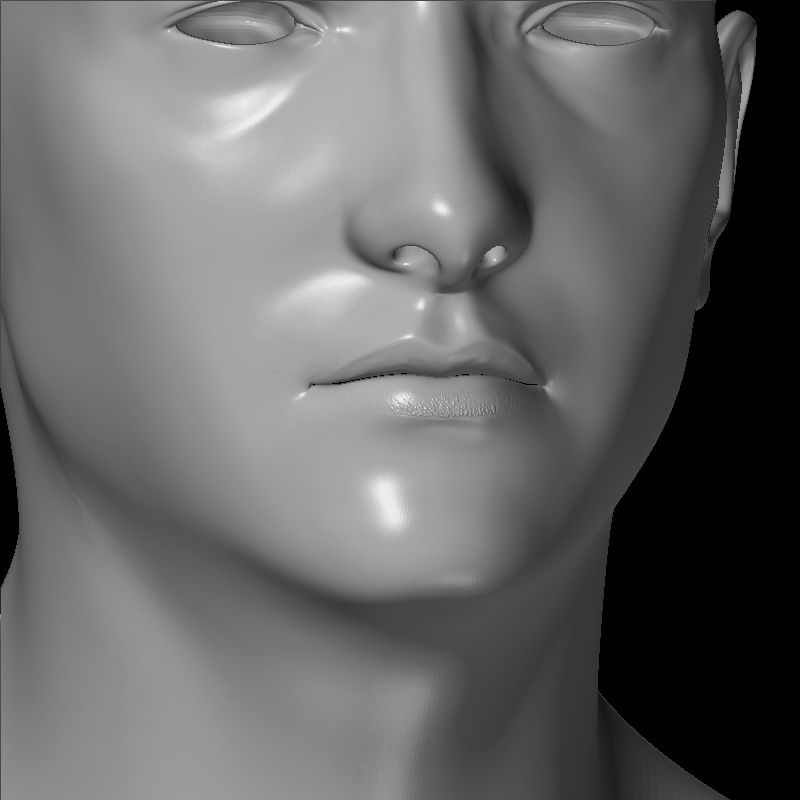
Try the bumpviewer material in Zbrush. Goto the Wikki for instructions, at least you will see it in real-time.

Now, as for Maya, that should be right, same for most apps. Grey is nadda, white is out/up, black is in/down.

Do some simple tests on a sphere and you should be fine. :wink:

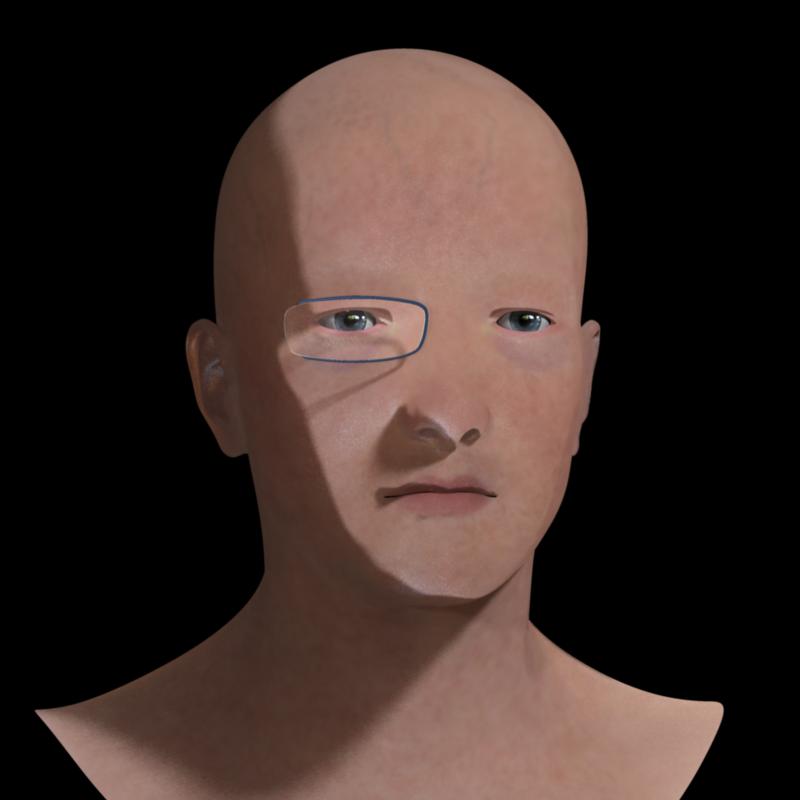
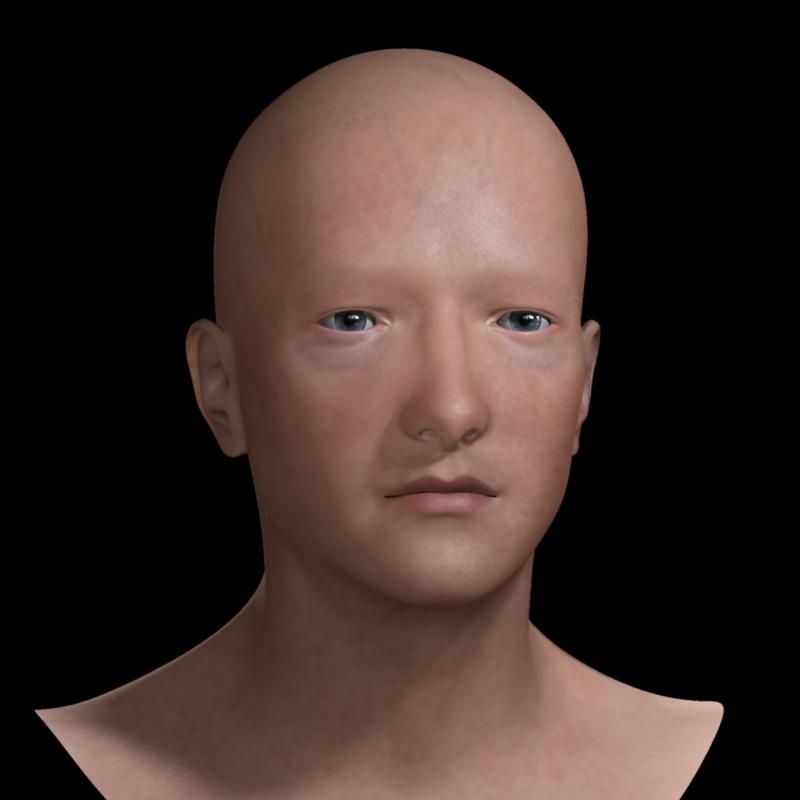
Ok I set the texture to gray (no bump). I added a little bump which can be seen in the bumpviewer render. I took it into Maya and Viola :wink: Image 3. Rubbish.

Any ideas?

Original
Self-Portrait-other-15.jpg

Attachments

bumpView.jpg

bad_bump_image.jpg

First, are you remembering to flip the map vertically before exporting it from ZBrush?

Second, your render looks like there’s a problem with the shader network in Maya.

Aurick

The image was flipped.

The Maya shader network is a mental Ray fast SSS with the ZB bump map connected in a file node into the bump value. Alpha set to 1 and Alpha off-set of 0.

I am new to MR so I may just be missing some part of the puzzle… :slight_smile:

The ZB bump map has a default 128/128/128 gray colour (no bump) with black/white for inward/outward bumping.

Any ideawhat might be wrong?

As always, you need to help us understand your situation. Give us step by step to and from. So if you started in Maya, walk us through, then to Zbrush, then when you get back to Maya, just point form.

As Aurick has pointed out, what you are showing us is usually a texture orientation issue. Are you flipping it in one app, and then again in the other?

As for MR setup, I really can’t help you, don’t use it. That said, most render setups across apps are basicaly the same. :wink:

The only thing I can can think of is set your Alpha Offset to -.5 (or use same expression as Dis[ Map, if you know it ). Did you create a bump2d in Hypershade, and MMB drag it into the Bump Shader (if you are using fast_simple)?

If so, try cranking the bump value up to see an exaggerated effect, so at least you can see if your map is positioned correctly.
Usually, my problems come from forgetting to turn Quick3d edit OFF in Zbrush or forgetting to GUV when making a new texture.
So many times…