ZBrushCentral

Orientation of Model to Floor in ZBrush 4 (answered)

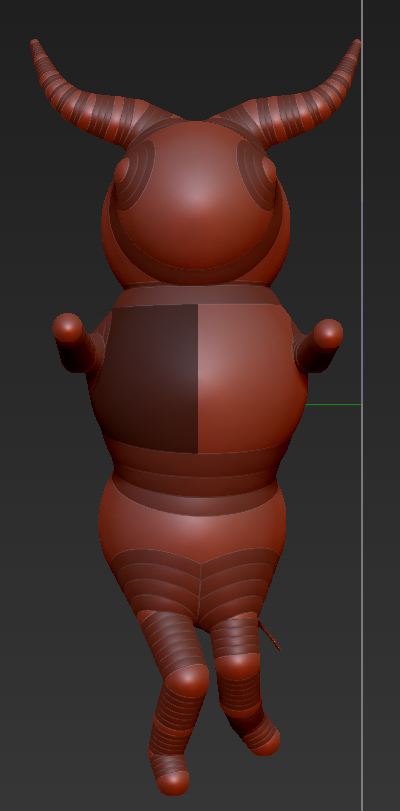
I’ve attached a file that shows the orientation of my zspheres model to the floor in ZB4. The floor runs vertically alongside the model rather than horizontally beneath the model. Should I be concerned about that? Does it affect my ability to work with the model? Is there a way to change the orientation of the model relative to the floor?

Thanks,
Doc Pit

Attachments
Model_Floor.JPG

It shouldn’t make any difference except to how you need to select symmetry axes. But you can easily change it by clicking and dragging in the Tool>Preview window. You can press Shift to snap to the vertical. Then when you are happy press Tool>Preview>Store to apply the change.

You also have the XYZ toggles at the top of the Floor button to change the floor orientation. You can have all three on at once if you want. Like Marcus says though, it’s probably better to flip the model to the proper axis for the sake of correct symmetry.

floor button.jpg

Yes indeed, thanks zber2. :slight_smile: