ZBrushCentral

Only half of ZSphere preview shows?

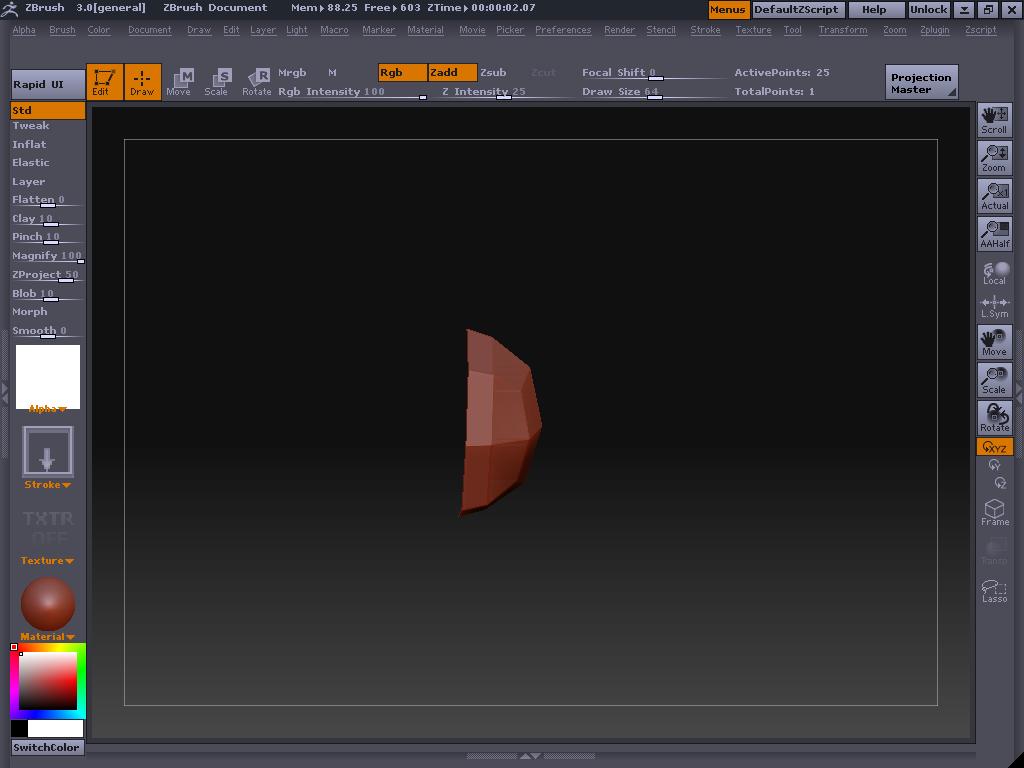
I have selected ZSphere as my starting object so I can create new shapes and such, but unfortunately when I hit A to preview the mesh, only Half of it shows!

I’ve included an image file showing you what the ZSphere preview looks from the side. I think I pressed a hotkey that did this, or something!
PLEASE HELP!

Attachments
zbrush.JPG

The root ZSphere does not have geometry of its own. It’s simply a placeholder. All geometry for your ZSphere figures builds out from that root. To close the hole on the other end (which isn’t always necessary, depending on what you’re creating), simply add another ZSphere on the opposite side of the root to cap it off.