ZBrushCentral

One dragon, too many questions!

Hello to everyone!

I just got my hands in Zbrush and after checking some things on the web, forums and tutorials, I decided to get my hands dirty and do some modeling.

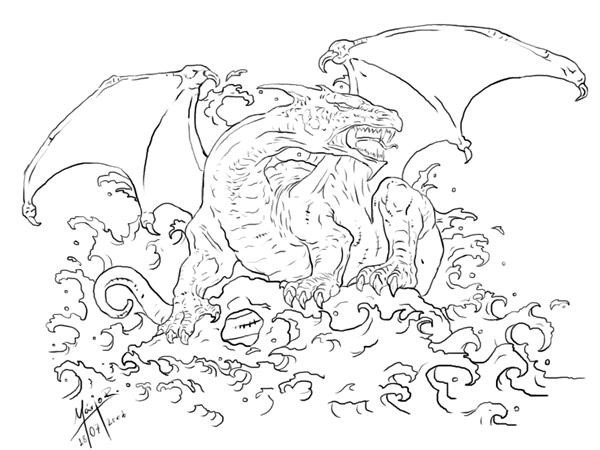
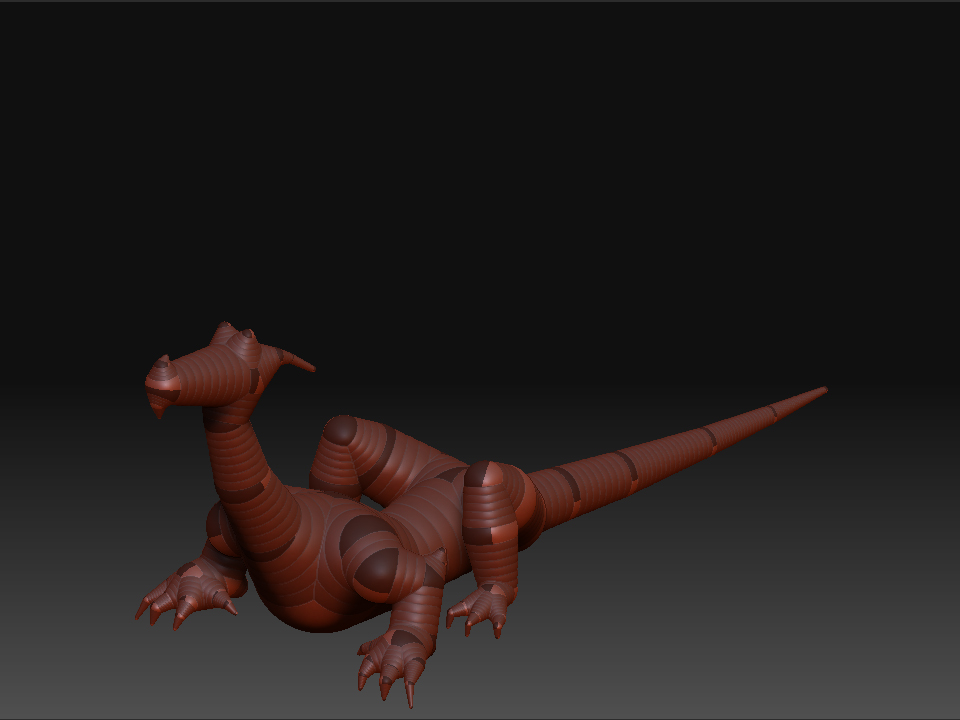
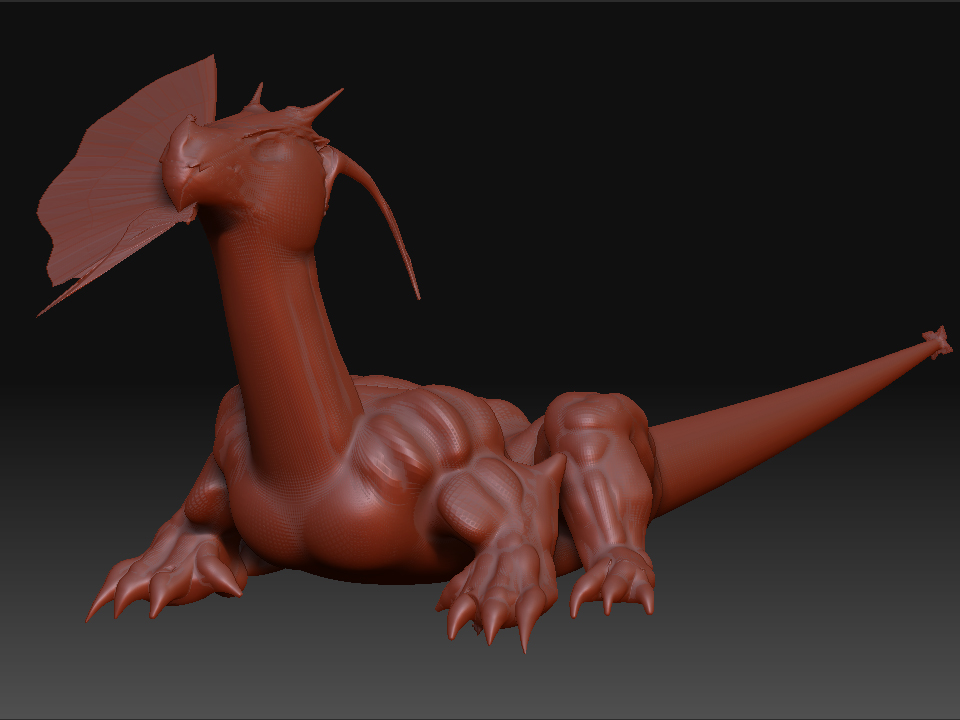
To make a long story short, I tried to model a dragon I drew a while back (based on the great Boris Vallejo). I drew some Zspheres (which for me was the simplest way), and when I was happy with what Ive got, I made an adaptive skin and in with the detail. In mid-process, I decided I wanted more detail so when I increased the density to 5, my models face “exploded” and I got no clue on how to fix, avoid and find out what this problem is.

Another problem I found was that during my “play around” with it I decided to move the leg to add some detail to the inside. The problem is that I lost completely the “Simmetry” now. Its “out of tune” or something like that.

Anyway, these are my problems and the images that follow are what Ive done.

Was I too eager to start with something waaay out of my league? Any suggestions on what to do or what the hell happened to my little dragon? I know google is our best friend but I havent found the answers so if you guys could help me out I would deeply apreciate it! :smiley:

Attachments

n595288411_151063_6752.jpg

ZBrush DragonZsphere.jpg

ZBrush dragon copy.jpg

Hi! “In mid-process, I decided I wanted more detail so when I increased the density to 5”- that isn’t very clear. Well what is mostly recommended for Zbrush modeling is the multi-res subdivision modeling method in which you basically finish all your work on one subdivision level before moving on to the next one. But that doesn’t solve your problem.

I am guessing it is a masking issue. Sometimes a mask is created unknowingly which then messes up a lot of things. you can check this by going into the masking menu,and clicking on clear mask.

Regarding your second issue, the most common way of restoring symmetry is Smart Resym, which works by masking half of the model you don’t want changed at the lowest level pressing SmartResym and slowly moving up the subdivison level repeating the same thing
( please do a search on this ) .

Also avoid placing the Zspheres for limbs too close to each other on your base mesh . The T pose works best, as it lets you model in those tight areas. You can pose your model later using rigging features within Zbrush.