Hi,
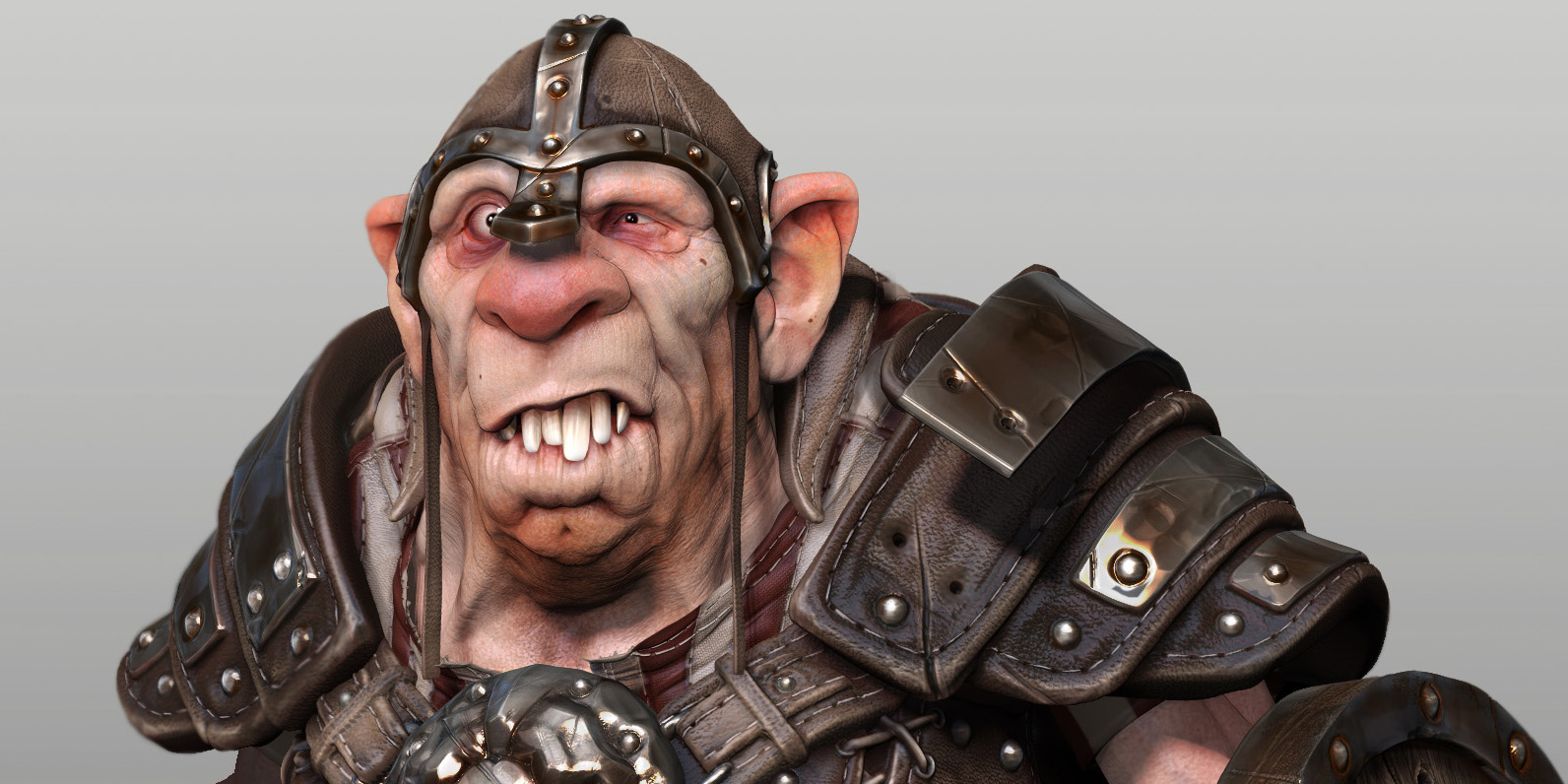
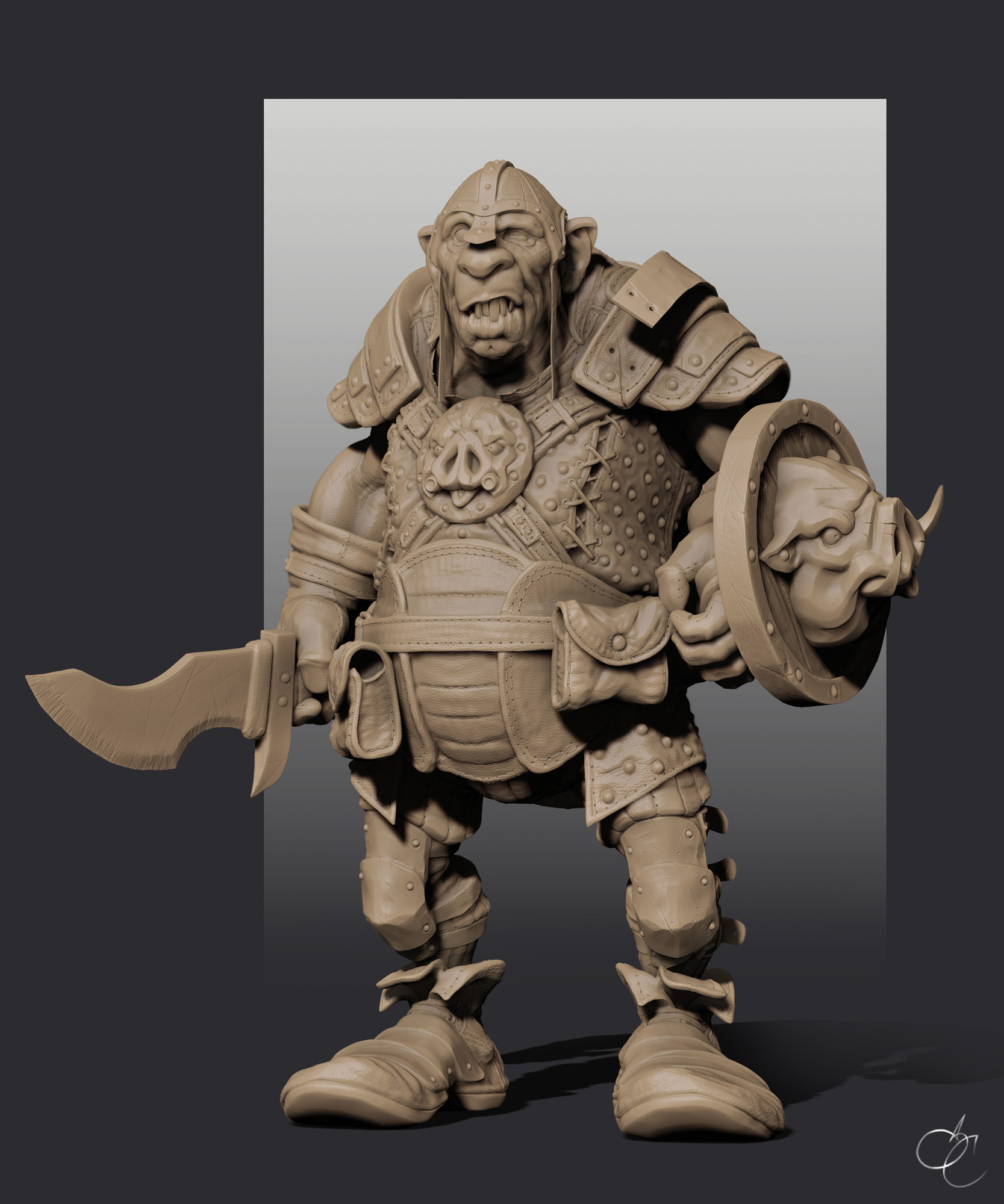
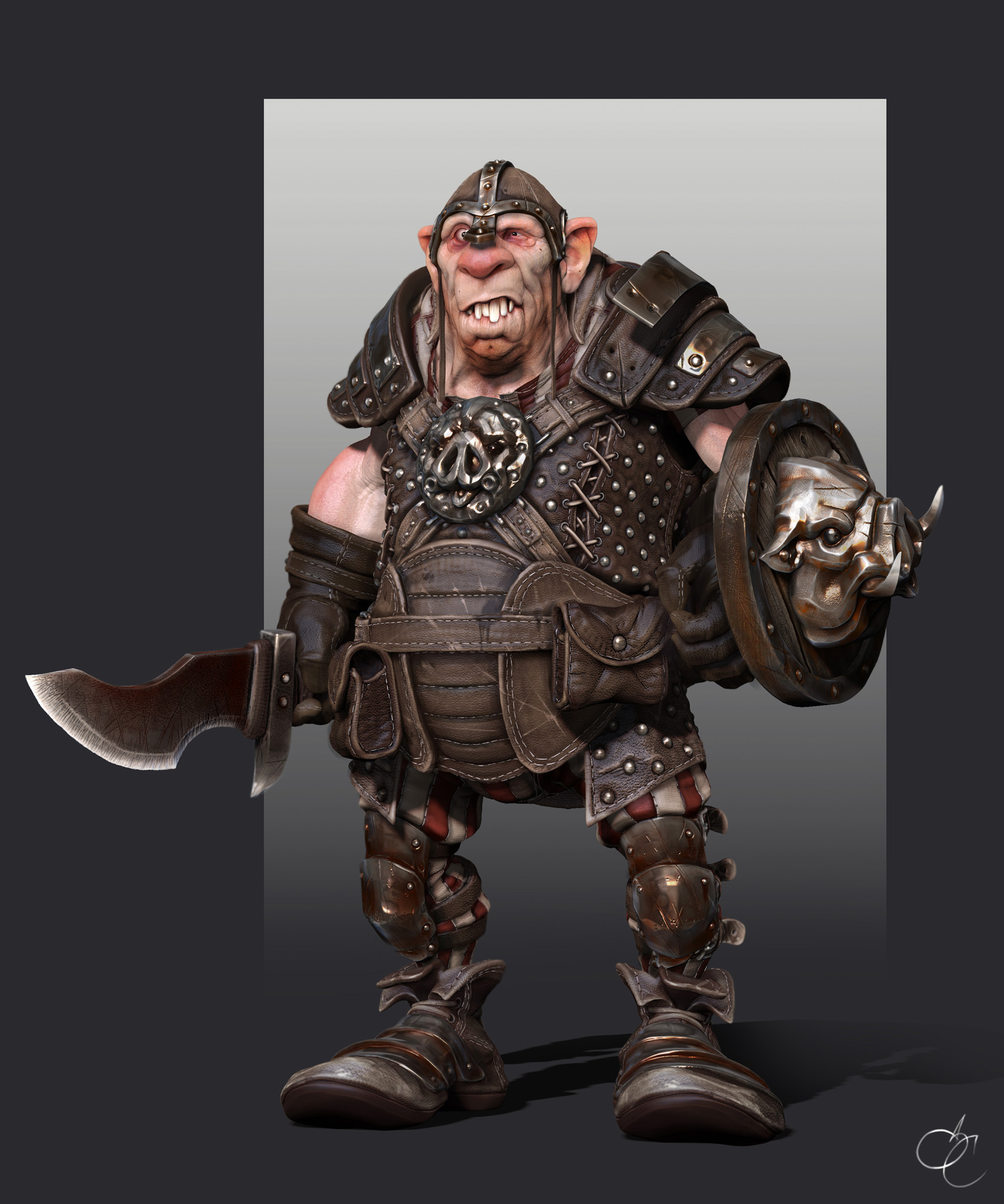
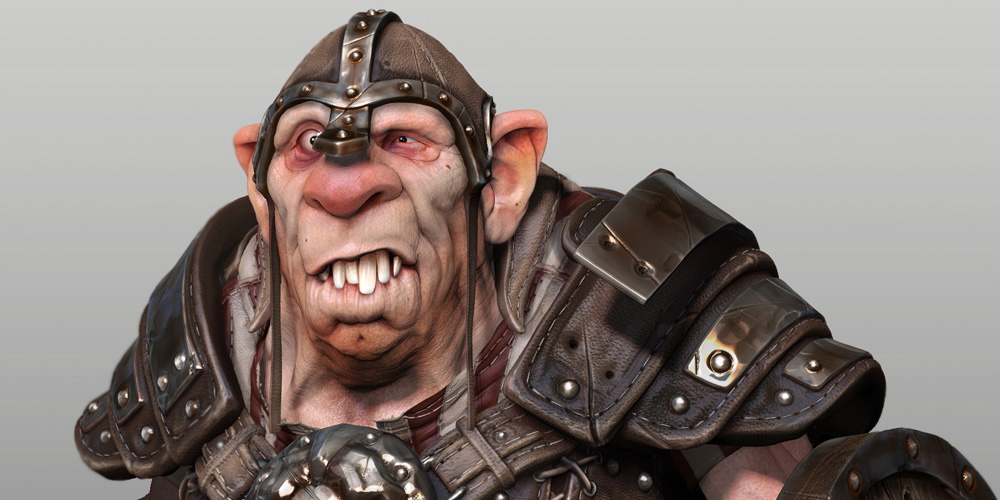
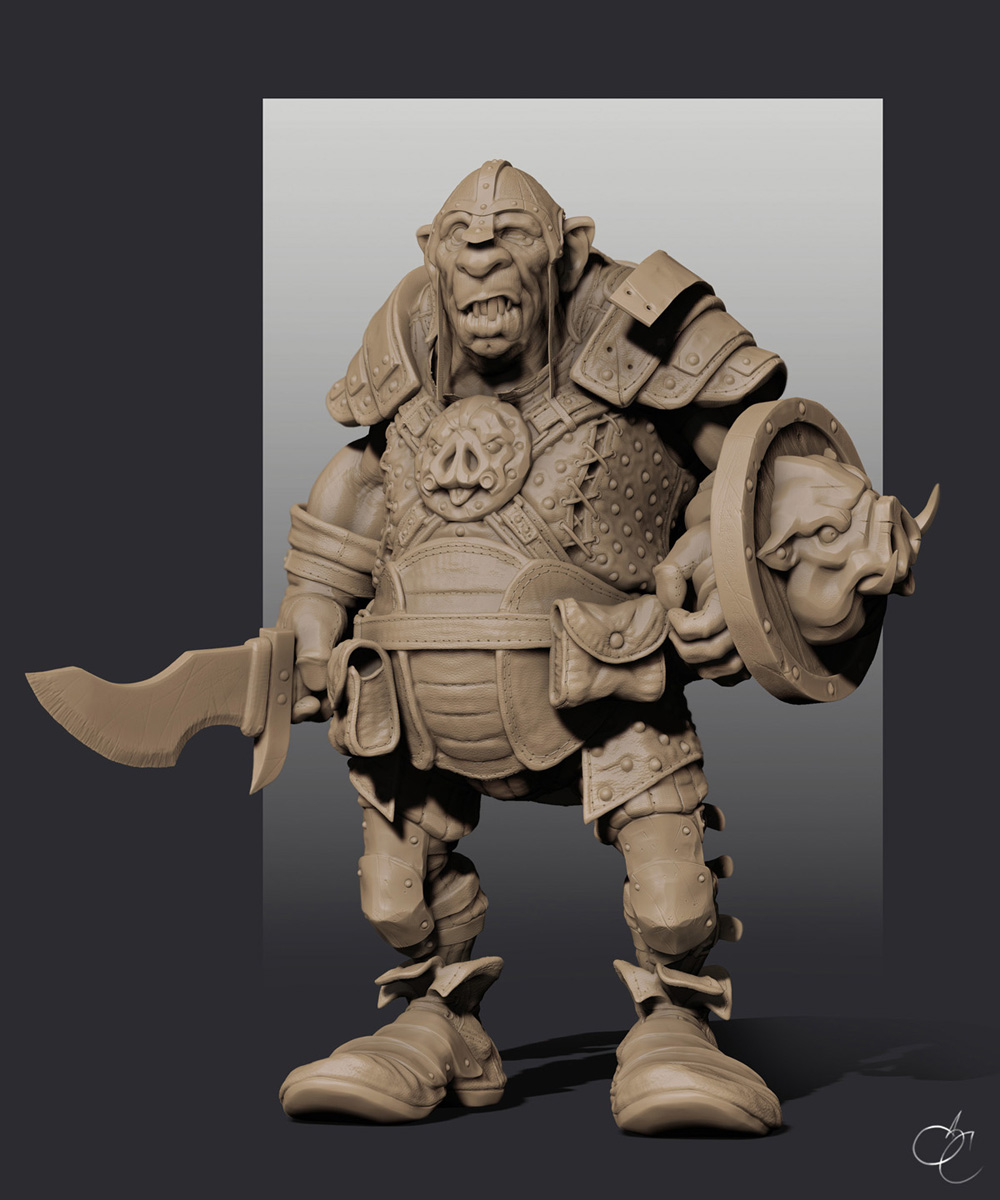
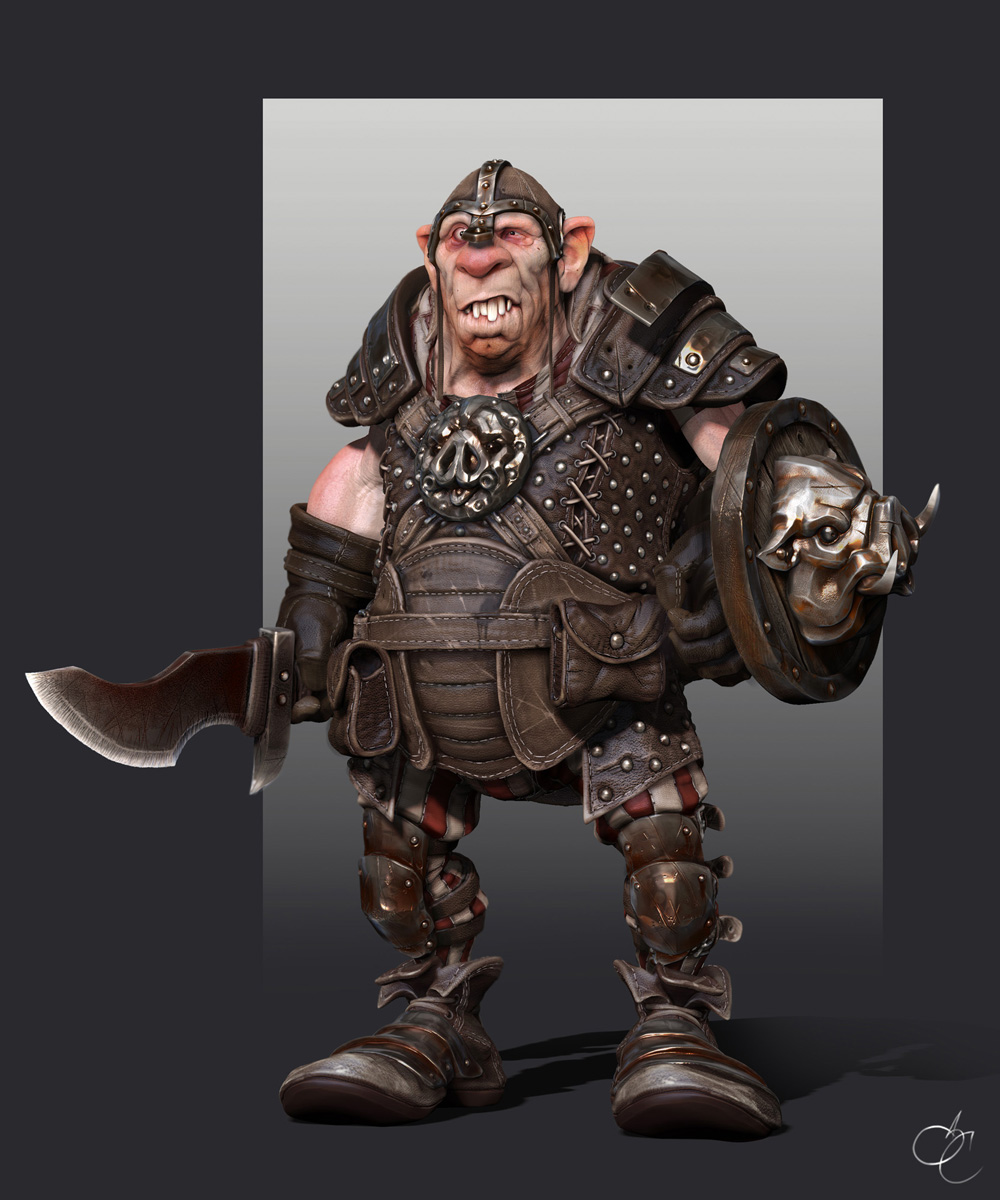
Personal work made with dynamesh.
Hope You like it.
Attachments
Hi,
Personal work made with dynamesh.
Hope You like it.
Cool
Now I’ve got a question & have been searching & searching for months now. I’ve got zbrush 4 r2. & I"ve even posted many times on other forums. How do you get your model cast its shadow. I’ve been playing around with different lightcaps, messed around with different render settings & so forth. But still can’t get the shadow to cast under the models feet, in front of him or behind the model its self. Can anyone please help me.
Enable the grid underneath and make sure it has the proper size in order to capture the entire size of the casted shadow.
NOTE: If you want to work on a material that has only the shadows that you enable through your lighting, than DO NOT work on MatCap materials… Work only on Standard Materials (recomandation: Basic Material 2). That’s because the Mat Caps have shadows built inside them so if your looking for 100% accuracy than go with the Basic Mat2. Mind you, this material will be more harsh and will require you to work more in order to obtain what you want… Is basically the type of situation where you get what it is done by you.
But yea, returning to your issue, enable the grid underneath (Y) and you will have shadows… Alternatively you could build a base for the model… that will do aswell I believe.
OT: Gratz for a very nice sculpt mate! Really diging it!
Thanks 
It’s what I have done, my model size was too high for the Floor shadow, so, I just created a plane for recevied it. It is more easy and works always ^^
Very nice man! small_orange_diamondsmall_orange_diamondsmall_orange_diamondsmall_orange_diamond