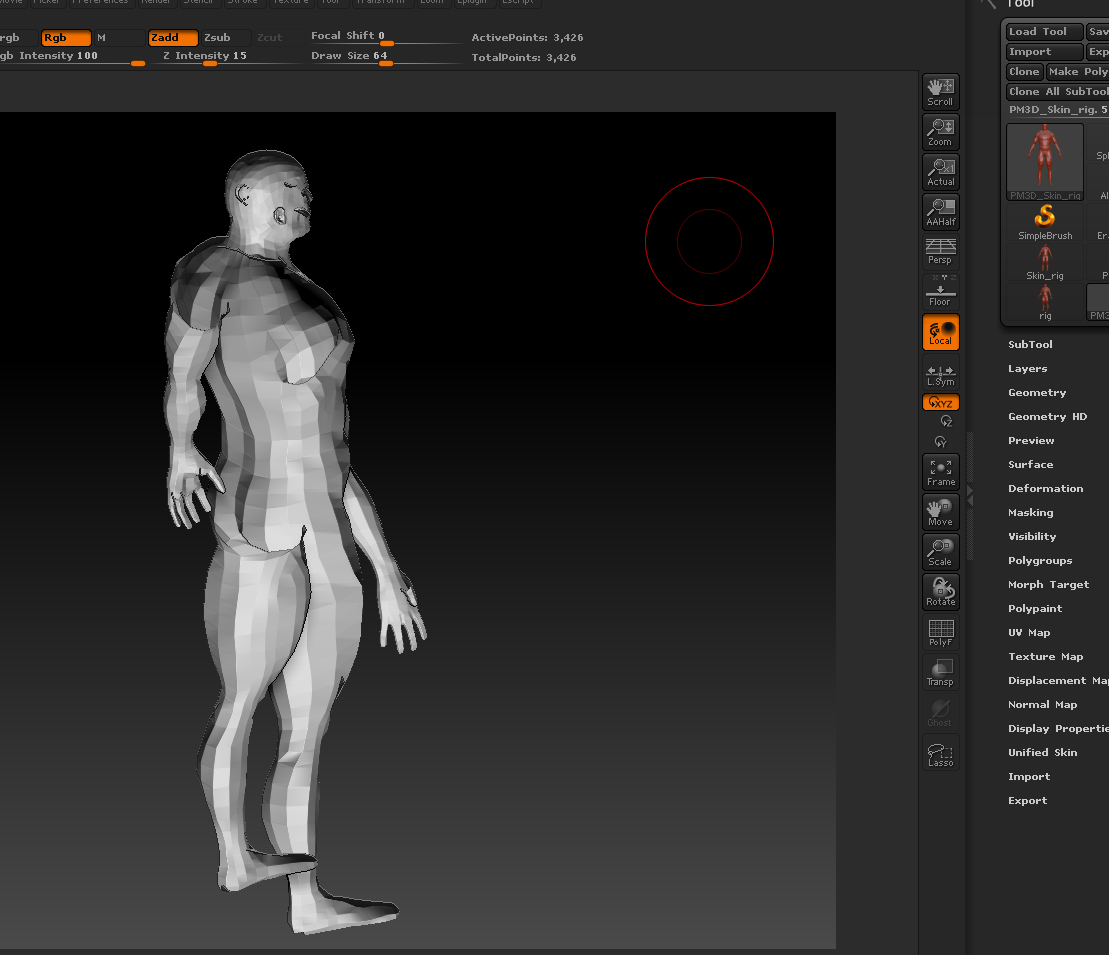
okay, now this is weird. I flipped my normals in maya because I didn’t realize it could be done in zbrush. So I originally exported my obj from zbrush, imported to maya, flipped normals, exported obj and then reimported back to zbrush and performed a project all from the original bad topology model. After doing all of this, I finished some cleanup of the model, added some more detail and painting. I then exported my base mesh back out of zbrush and created a normal map. Now when applying the normal map inside of maya, I have to reverse the normals again in order to have the map display correctly. Why? So basically when I view the normal direction, they are inside out, but this is the only way it looks correct in maya when rendering.
So now, I exported out my mesh with the normals inside out and imported back to zbrush and try to perform a flip and zbrush keeps crashing. It says I don’t have enough RAM. However zbrush is the only app running and I have 8gb of RAM.
Has anyone ever had this problem before?