ZBrushCentral

OBJ issues.

I used ZBrush’s obj exporter many times for many map bakings but today I got a really nasty bug on both 3.1 and 3.5r3. Actually my workflow is pretty smooth 30 mins ago while I still have no issues about exporting ZTools in OBJ, solving normal map’s seam issue.

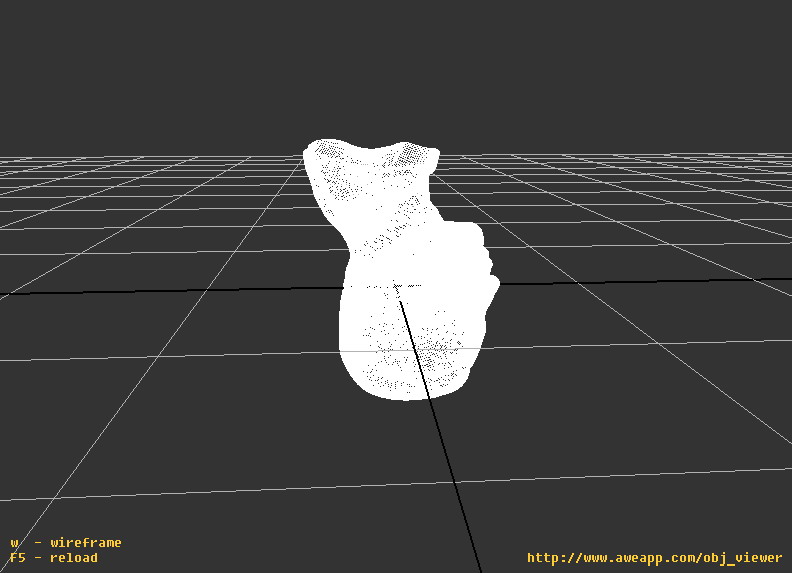
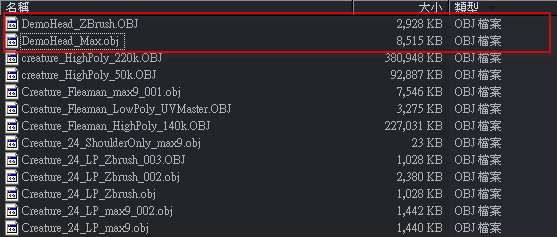
Now, no matter what Ztools if I export them in OBJ file, I can’t view them in OBJViewer and xNormal for unknown reason. I realized that the file size of the exported OBJ is halved.

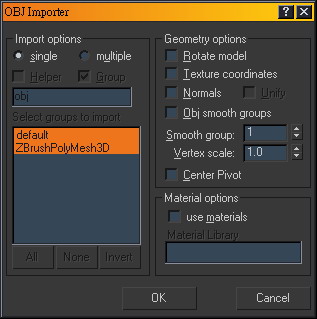
It can only be read by 3dsmax9 SP2 and only become readable again by exporting from 3dsMax.

I just wonder what the hell I did before so I go back to 3.1 for testing. Surpising, I get the same result.
ZBrush 3.5 and 3.1 are not related in any way. They’re distinct installations and totally unaware of each other. It is therefore impossible for a problem in one to create the same problem in the other.

Is every OBJ that you export from ZBrush affected? For example, if you use the polysphere object and export that, is the model unable to be opened in your other program? If it is, then the problem would likely be with the specific model that you’re trying to export.

If every OBJ is affected, then the next thing is to ask: has anything been changed in your ZBrush installations? For example, have you installed any new plugins or other startup content? Have you also tried running a virus scan and spyware can to ensure that nothing is corrupting ZBrush or your OS, or draining system resources? The only other thing I can think of would be if the drive where ZBrush is on has run really low on disk space. That means checking not just total disk space but also defragmenting the drive to ensure that the available space is in big enough chunks that ZBrush can make use of it.

To Aurick:

I uninstall both 3.5 and 3.1, deleted their directory so nothing left behind when I reinstall 3.1.
The result is still the same - I tried polySphere, DemoHead, and Gear3D which is all poly Ztools.
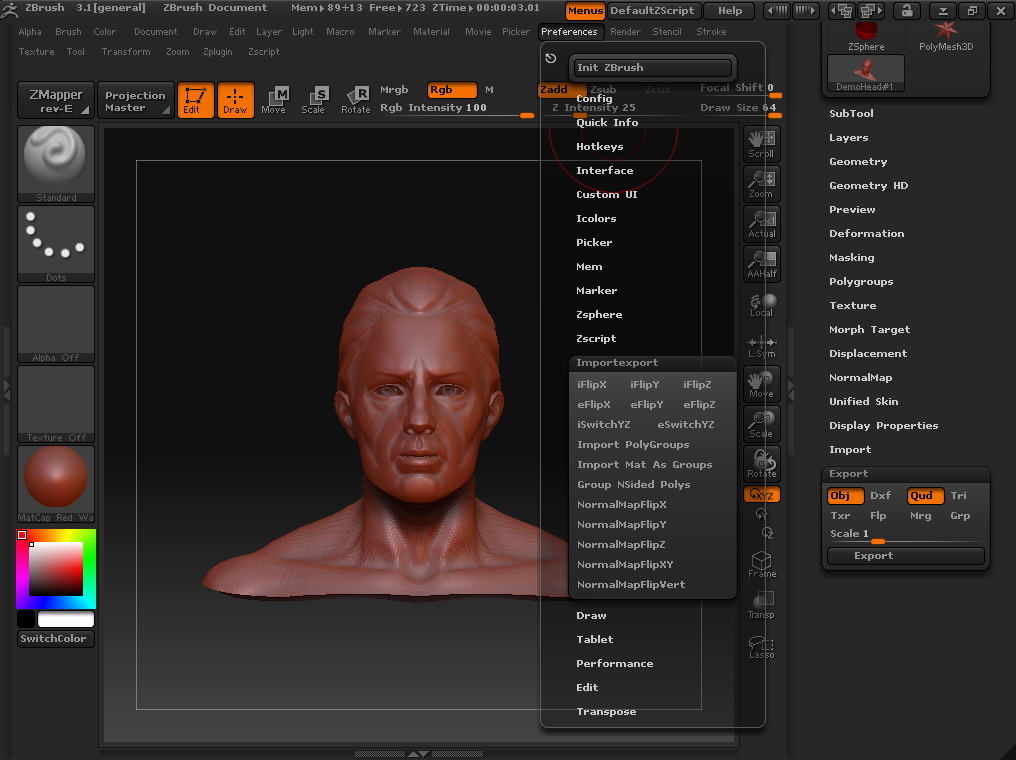
I left all of setting default, and tried exporting them in either Tri and Quad, but still no luck.
They can’t read by OBJviewer and xNormal but 3DSMax, and the OBJ file size is smaller, compared to the one that import and export from 3dsMax.
[filzsize.jpg](javascript:zb_insimg(‘203581’,‘filzsize.jpg’,1,0))

The disk that I installed Zbrush with it’s Ztool’s file still have 2.3 gb space left. My system disk have 1GB space left, and I have 2GB ram which have no problem dealing with 6 million Ztools and objs.
Also I ran a system check for the disk I installed Zbrush with Symantec Endpoint Protection. Nothing has been detected so far.

It is a big problem, it stop my workflow dramatically since 3dsMax can’t handle a huge polycount OBJ import, and xNormal can’t read the high-polycount OBJ because of this anomaly, so I can’t bake normal maps into a different mesh, thus made my detailing in Zbrush worthless.:frowning:

Attachments

3dsmaxExportSetting.jpg

3dsmaxImportSetting.jpg

objviewer.jpg

ZBrushExportSetting.jpg

I’ve had trouble with obj’s in XNormal when polypainting information is present during export. I suggest uou try disabling the ‘Colorize’ option before exporting and see if that helps.