Hello All,
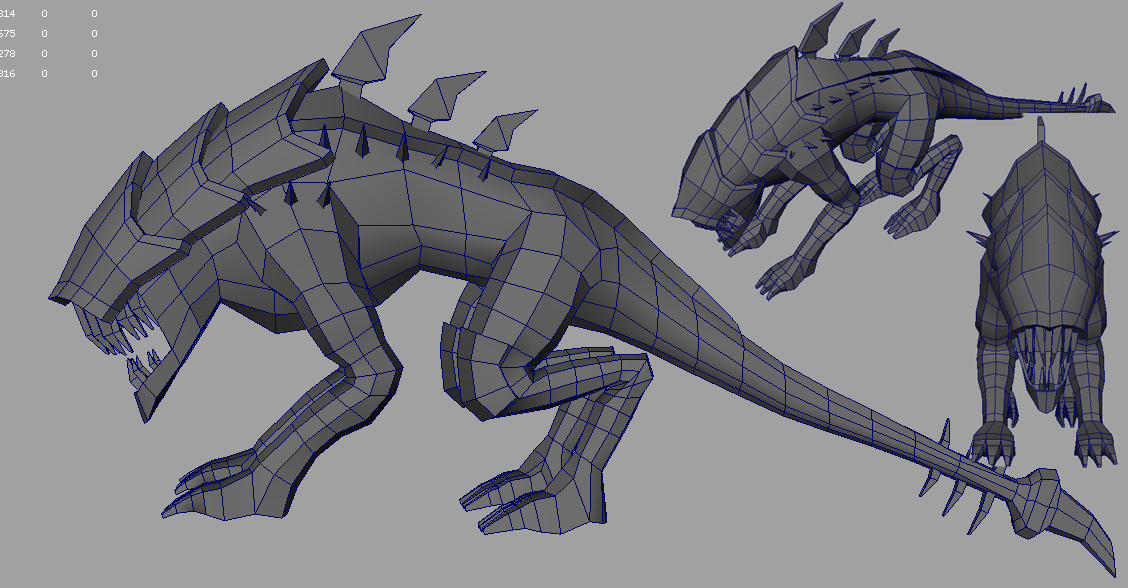
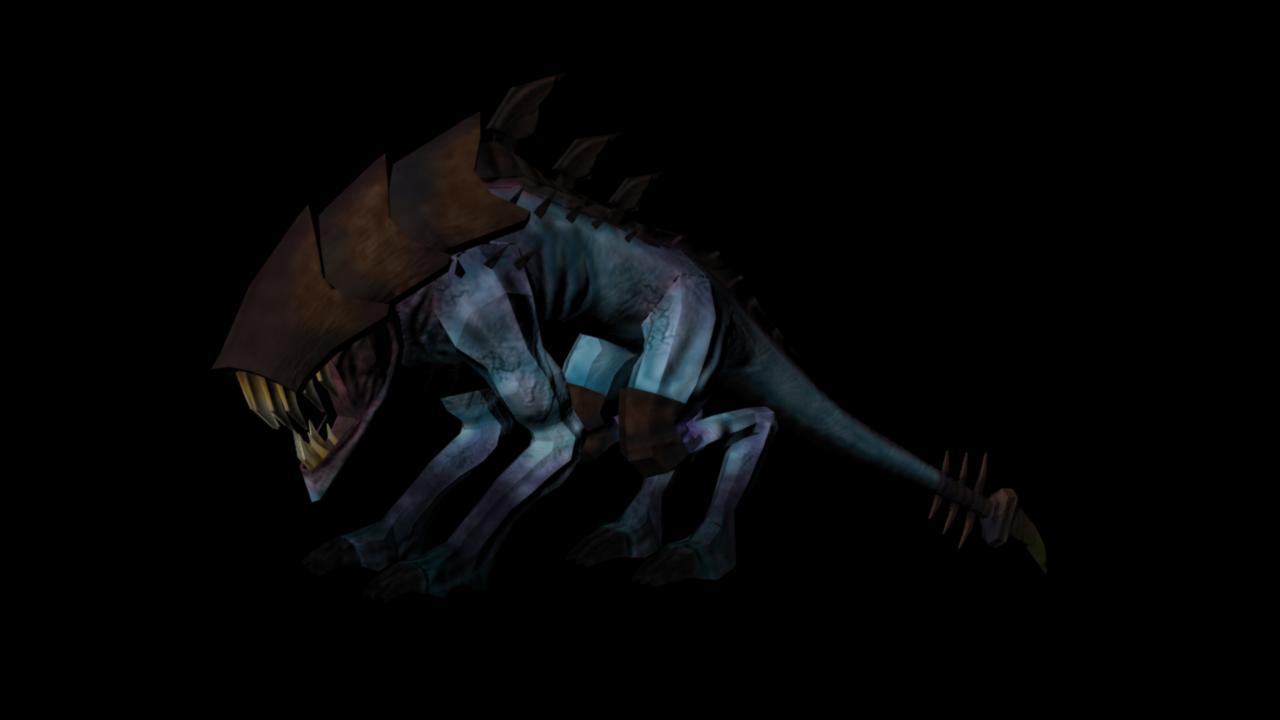
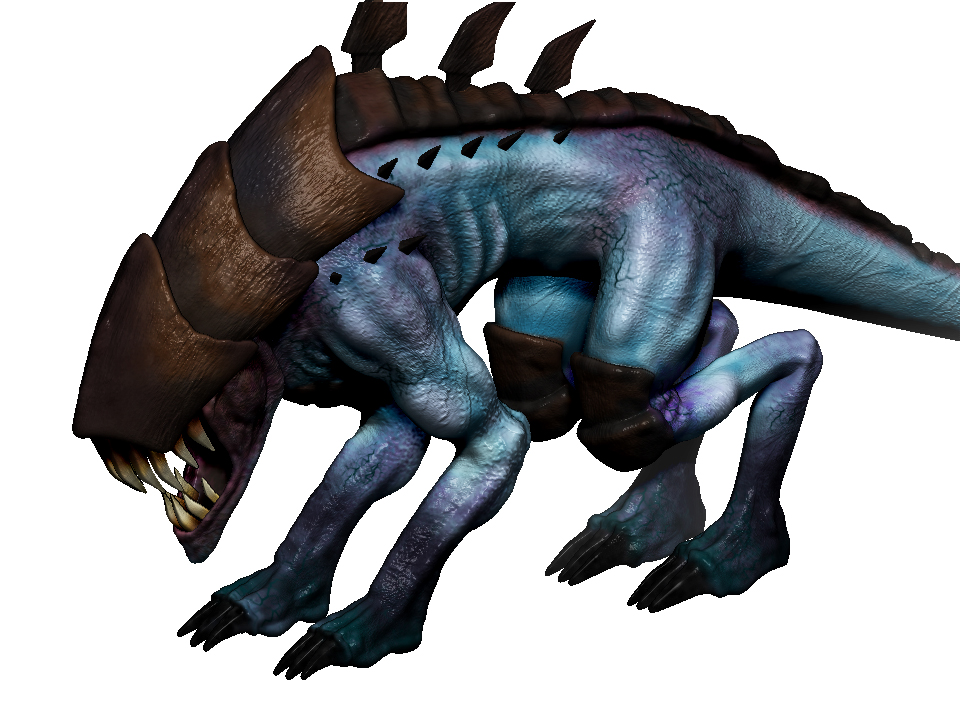
So i have spent hours looking over threads and vids on applying normals from zbrush into maya, but can not seem to get this to look good. If i am missing something, please let me know.
The steps I am taking:
Model built in maya
UV mapped in maya
export to Zbrush
sculpt detail/color
export color map
export normal map, model set to its base mesh for getting normal
back to maya, apply color map, no problem
apply normal map in the bump slot and set to tangent space
render in mental ray
looks like crap 
am i missing something here? I am attaching screens of the base mesh, the zbrush model, and the model rendered in mental ray with normals.
thanks,
Doug
Attachments