ZBrushCentral

normals advice

hi,

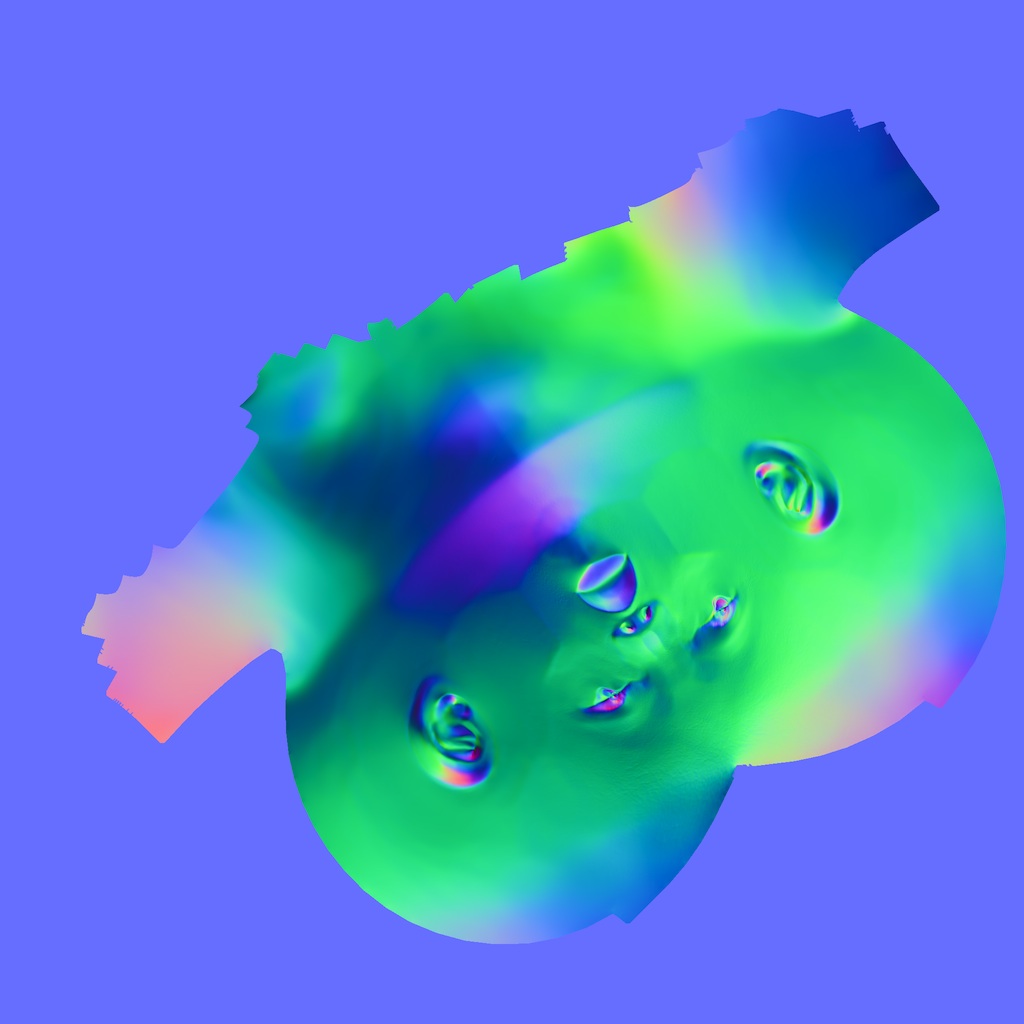
I’m generating a few normal maps and I’m having trouble with one subtool. Typically, it’s the most important one - the head. I’m getting these really wild colour shifts across the geometry, which is messing up the shading when I export to Maya.

I’m taking the maps from a figure that’s posed - could this be the problem. I’ve tried flipping the RGB’s, tangent, adaptive… I can’t get rid of the colour shift. =/

thanks

Attachments
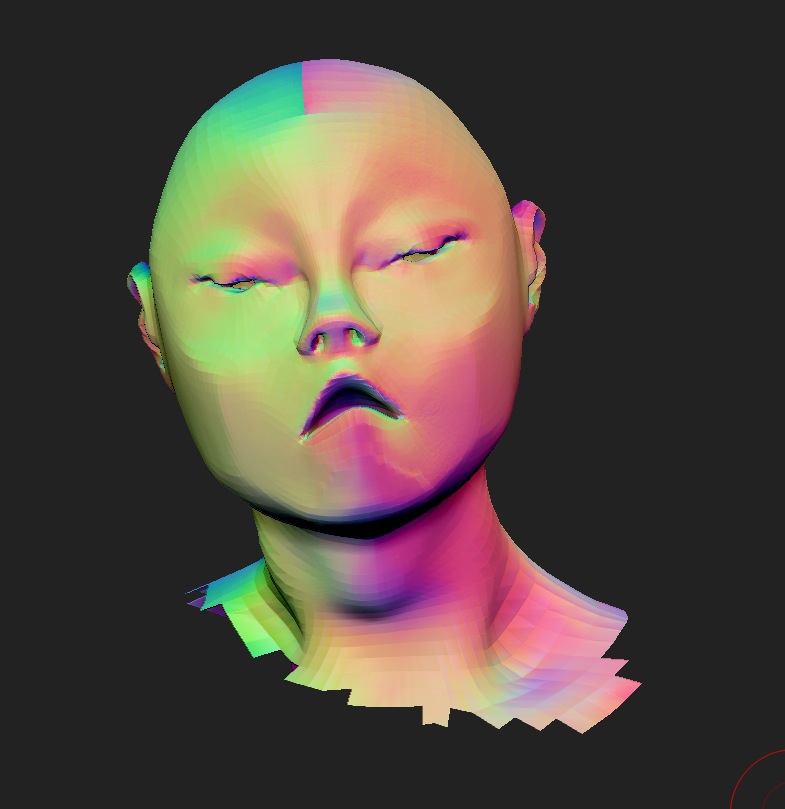
Screen shot 2012-06-13 at 12.57.56.jpg

forum normal.jpg

what does your LP mesh look like? are you using layers?

The mesh is ok. No layers. I’ve managed to get a map from the unposed version, so it was either that or something to do with the a displacement map: I generated a displacement awhile ago- I can’t remember if I applied it to the mesh or not, but the colour shift of the normals seems to follow the greyscale of it…