ZBrushCentral

Normalmap Spacing

hey there! so this is my first post in this forum, and i wonder if anybody of u had this before and could give me some tips.

heres the prob:
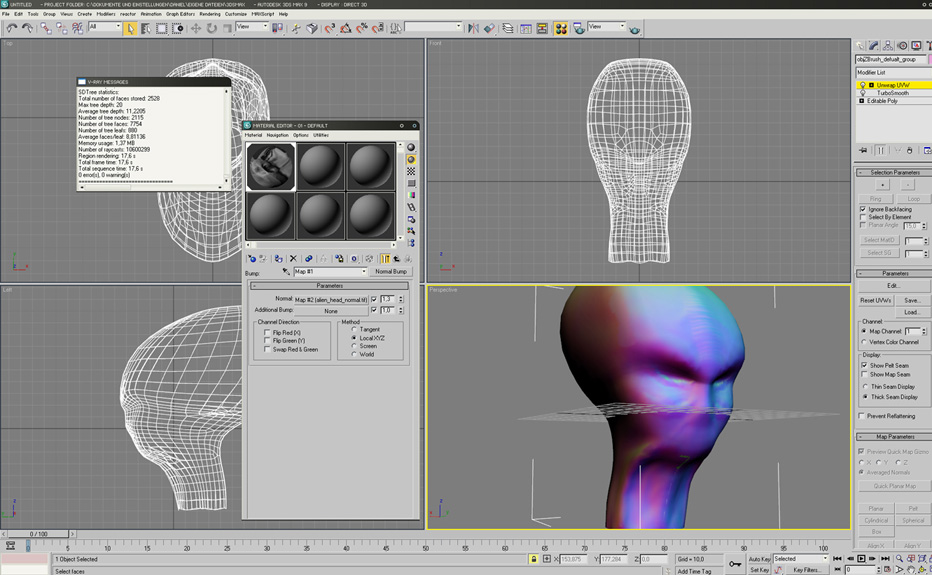
1.i modelled a head in max and uvmapped it
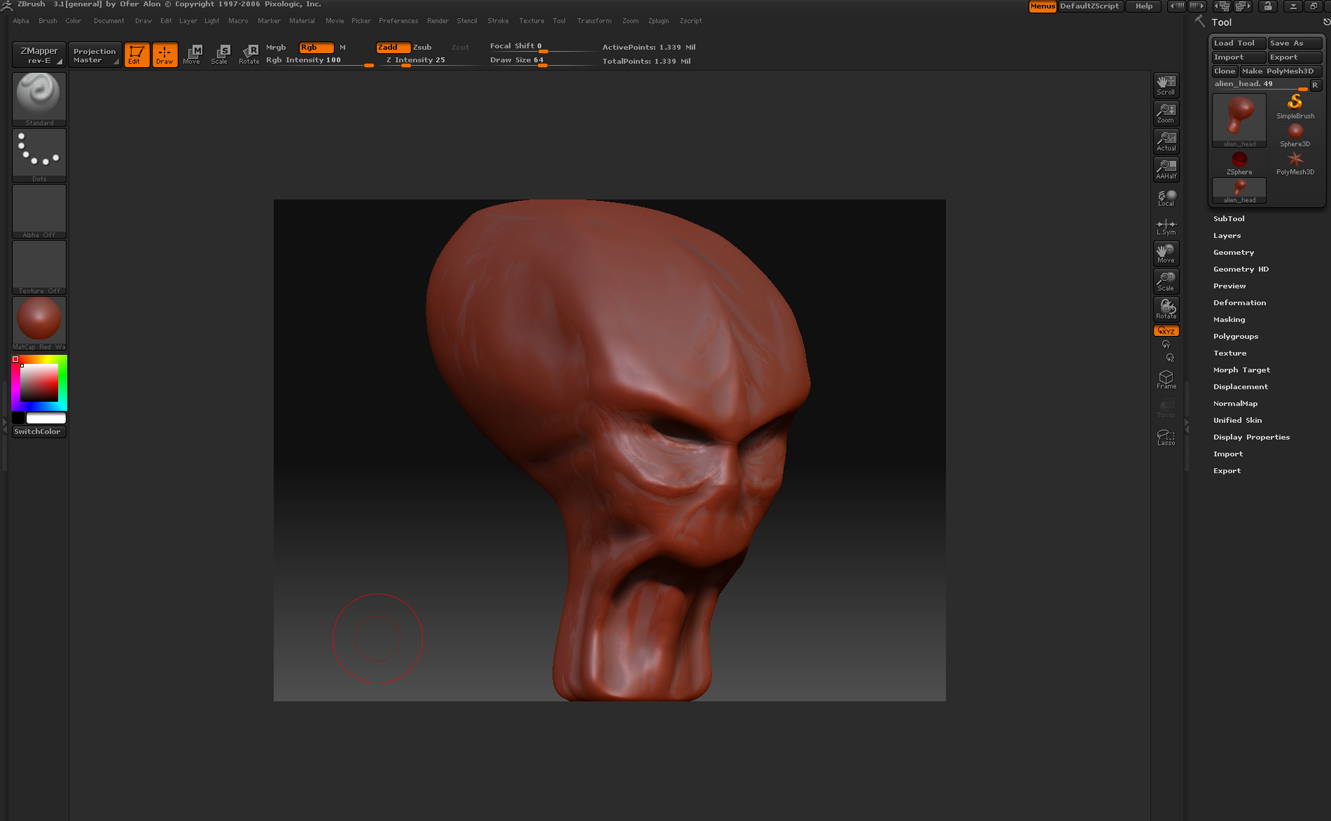
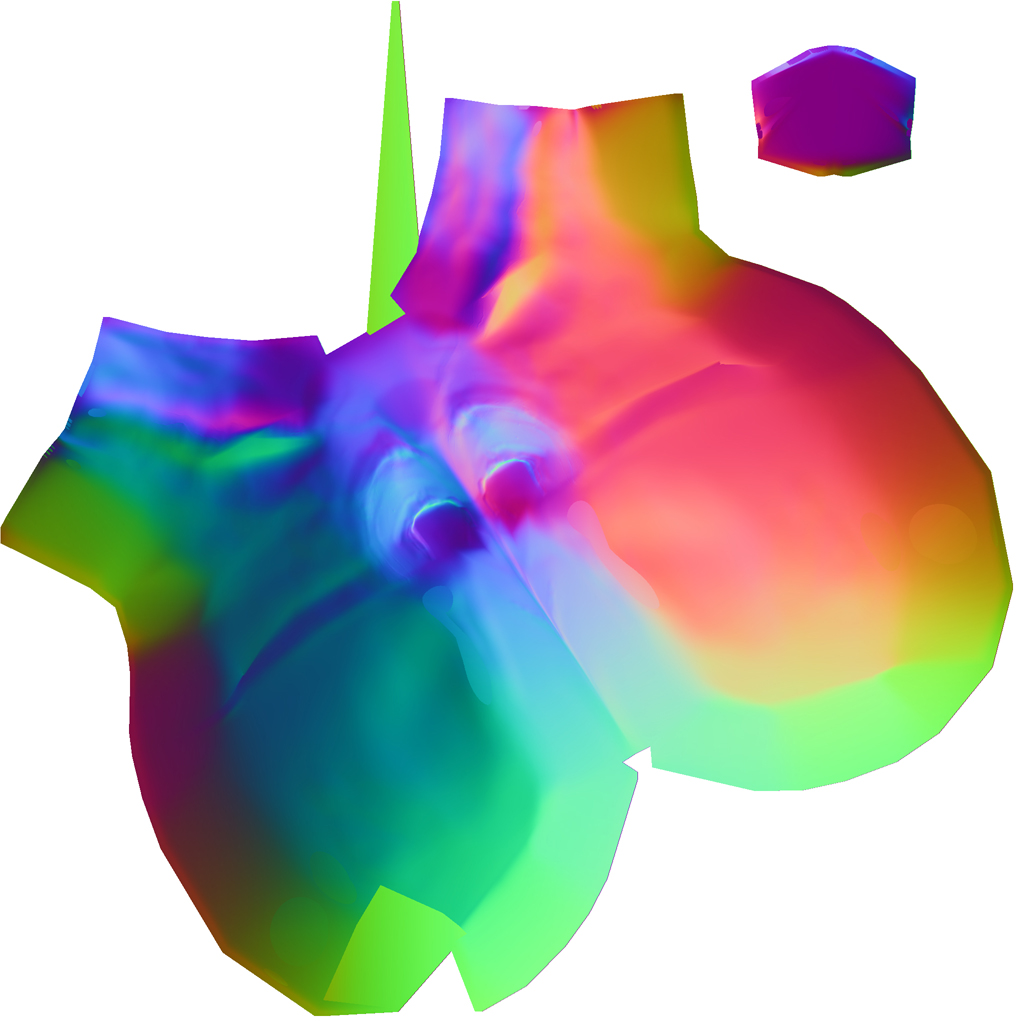
2.sculpted in zbrush and made my normal map using ZMapper (see pic below)
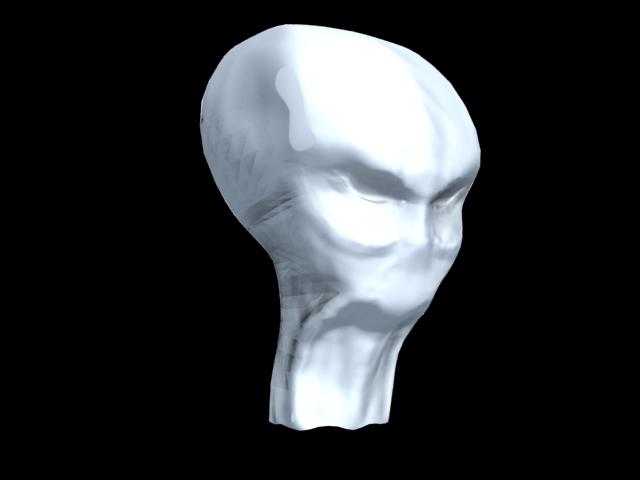
3. back in max when i apply my normal map to my model and render, it doesnt do the whole job, it renders parts of it and others are distorted as seen below…
i tried all the “tangent,m xyz, world , and screen modes” non helped… plzz someone need help urgently :frowning:

Attachments

brush4.jpg

brush1.jpg

brush2.jpg

brush3.jpg

Well, it looks like one of the points in the UV’s might have been at the very edge of the map, and wound up getting pulled across to the other side. You always want to have a little room around the edges of the UV map.

Also, the large flat patches mean that you need to increase the Raycasting Max Scan Distance setting, found in ZMapper under the Misc tab.

I checked my UV map again in max, and i saw that it overlapped “the box” a little bit… is there a way of importing the “fixed uv map” into zbrush?

At level 1 of your ZBrush mesh, store a morph target. Then import the newly mapped version of your model. The UV’s will update.

This works so long as no other changes have been made to the model in your other map. For example, the point order must remain the same. Otherwise your model will blow up when you return to the higher levels.

Before returning to higher levels, you’ll need to switch to the stored morph target. That’s because the new import of your model will be slightly larger than the level 1 mesh due to the nature of subdivision smoothing and multi-resolution editing. You don’t want that size change to modify the higher levels when you return to them, so you switch back to the stored state of the model first. The UV’s will remain updated, though.