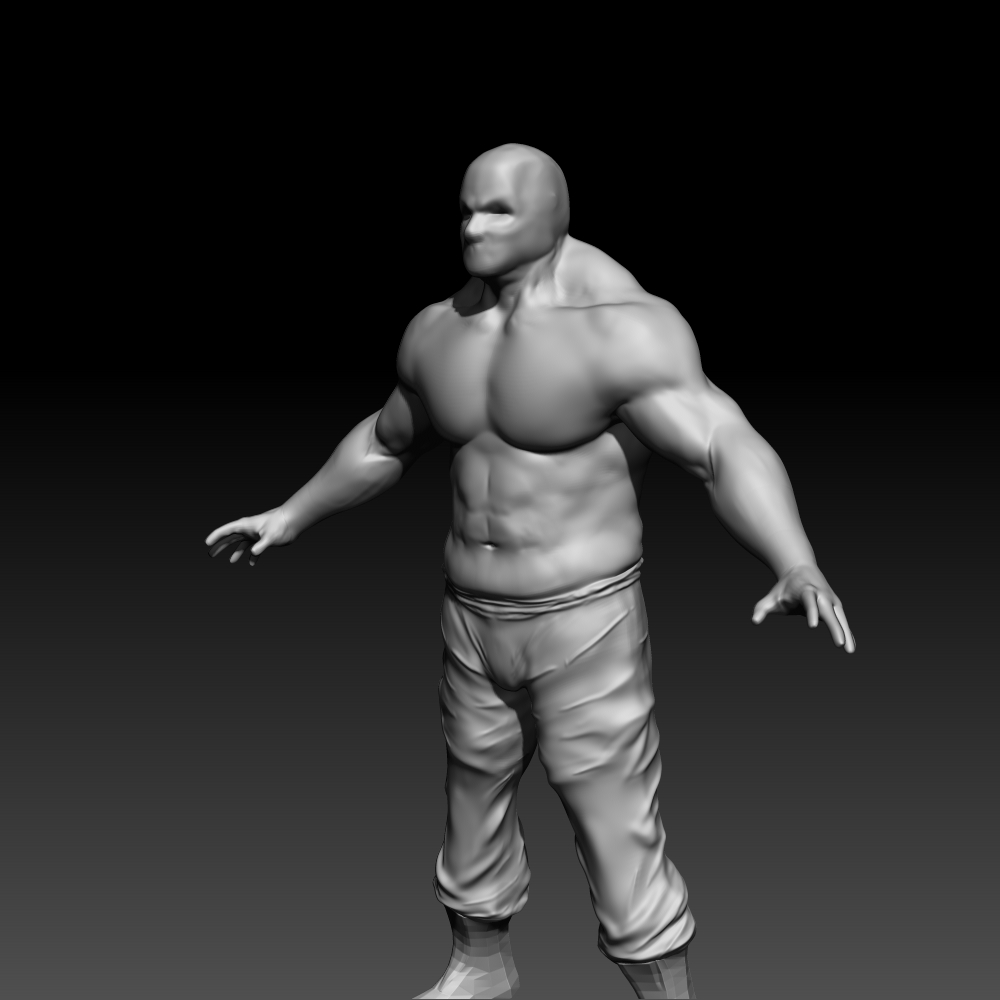
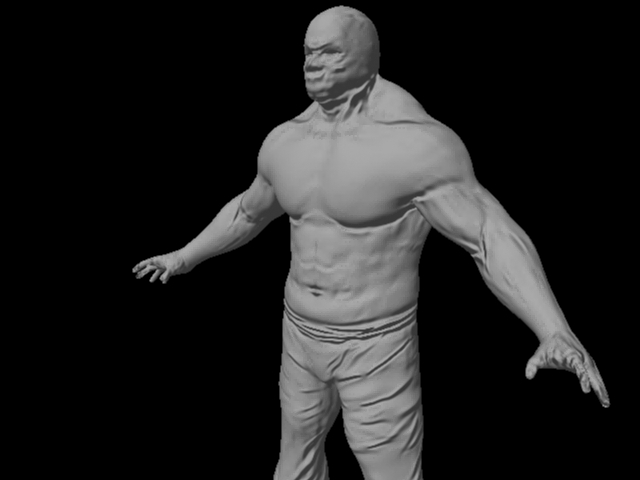
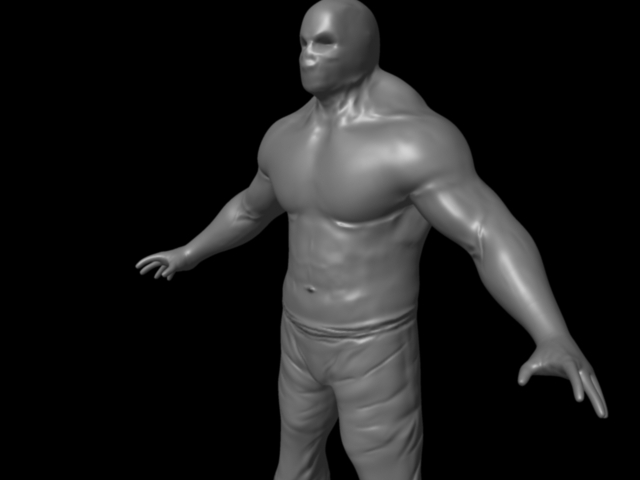
I’ve been struggling with Maya (or any external program) renders. I can’t seem to get them to look right and I’m not sure why. I made a character to experiment. The first image is my character in ZBrush at only 5 mil points. The second image is 5k points with smoothed surfaces and normal maps in Maya 2012. Is it possible from these pictures to tell what is wrong with what I’m doing? The normal maps don’t end up working the way they should. I want fine detail that I see in current gen games but all I get is something that looks like those pasted on textures from video game cartridge days.
Also, as a side question, does anyone know if a game engine like UDK or CE3 will automatically smooth surfaces like Maya or if my models will look like block-people?
Thank you!
Attachments