Hello,
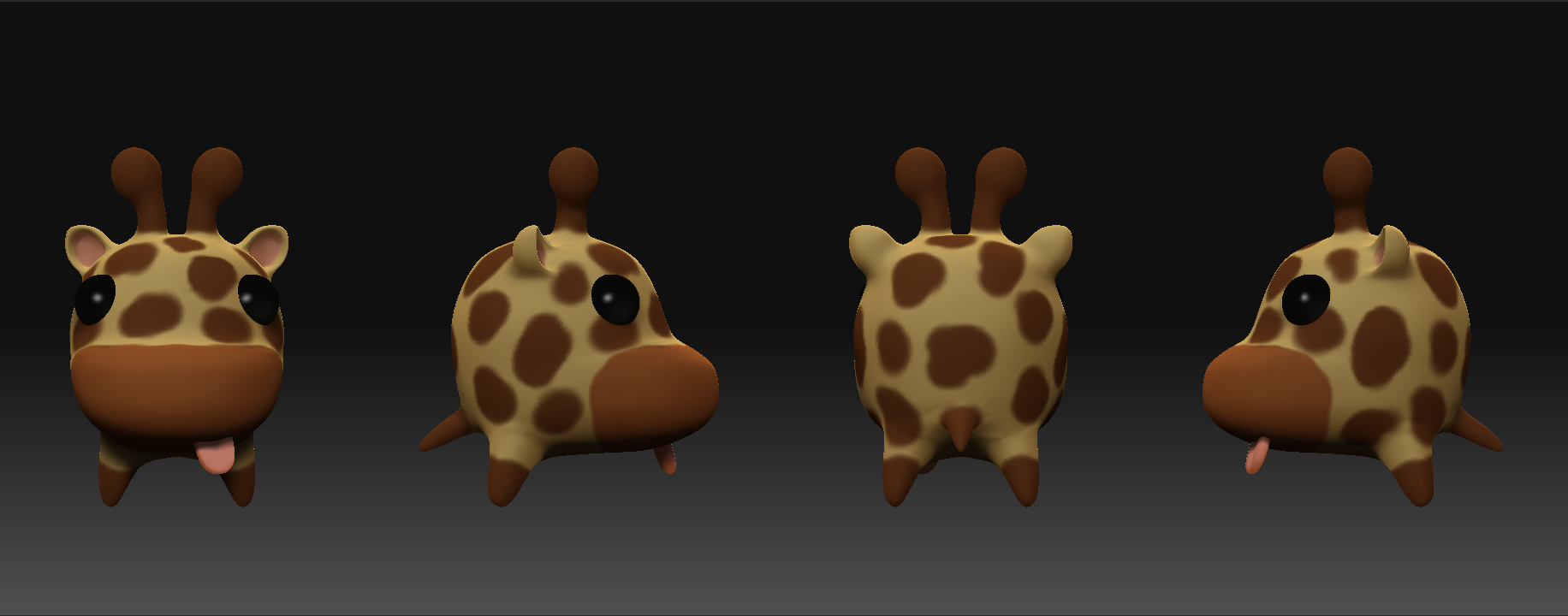
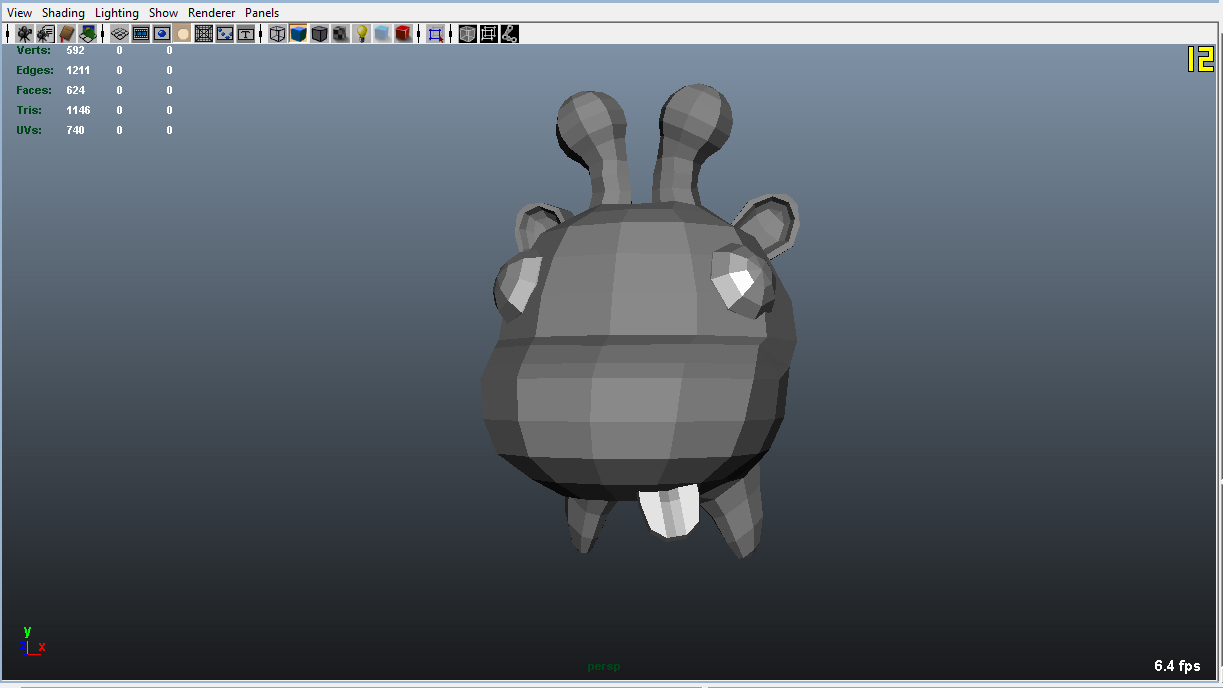
I am still new to zbrush but have run in to a pretty significant problem. I created this simple low poly model (see simple model.jpg) in maya 2009 and imported it as .obj files in to zbrush. I proceed to save the morph targets and then began to subdivide, up to level 6. The model appears in Zbrush as nice and smooth. (See Character strip.jpg)
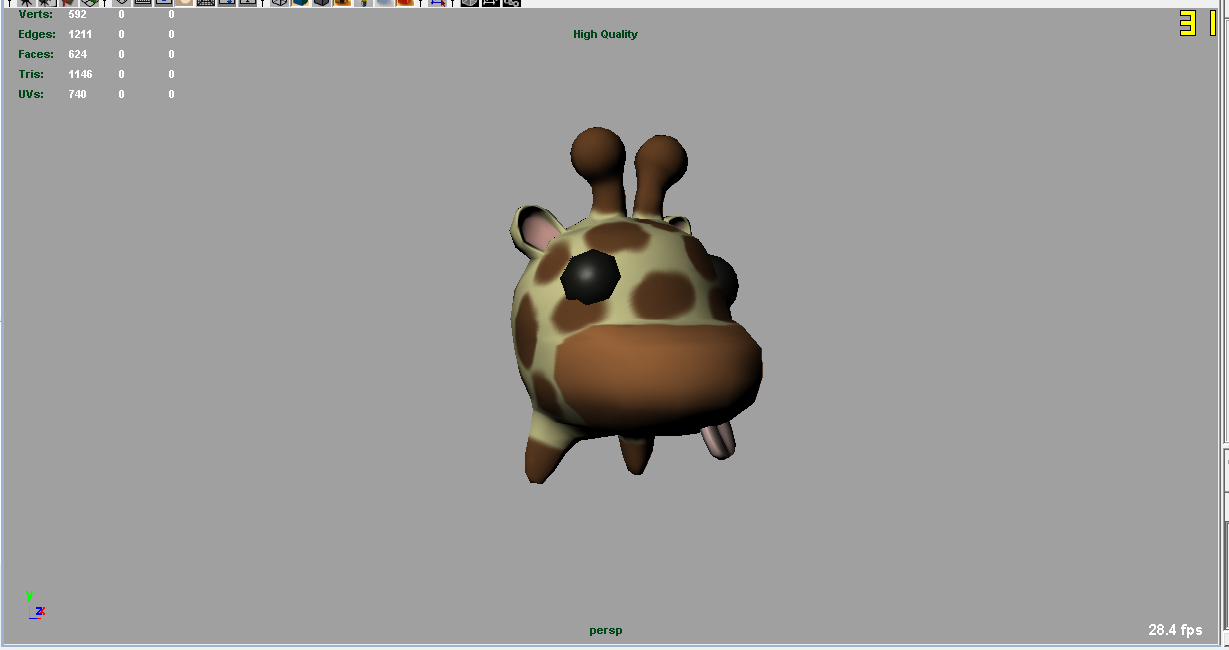
However the normal maps created using Zmapper (with original morph targets and the maya tanget space normals.Zmp) appear to do close to nothing in when rendering the viewport in high quality mode with softened edges (see High Quality mode.jpg). Mental ray renders identically to The High Quality image.
Am I expecting to much from this normal map? Is this more smoothing than a normal map can handle?
Attachments