ZBrushCentral

normal maps HELL!!!

When I’m using uv master and have polygrups on and create normal maps for my model and then bringing it to max and render normal maps are fliped at the seams where polygroups are. Is there any tutorial how to fix it? I tried mirroring uvs in max but still same problem.

Attachments

dog.jpg

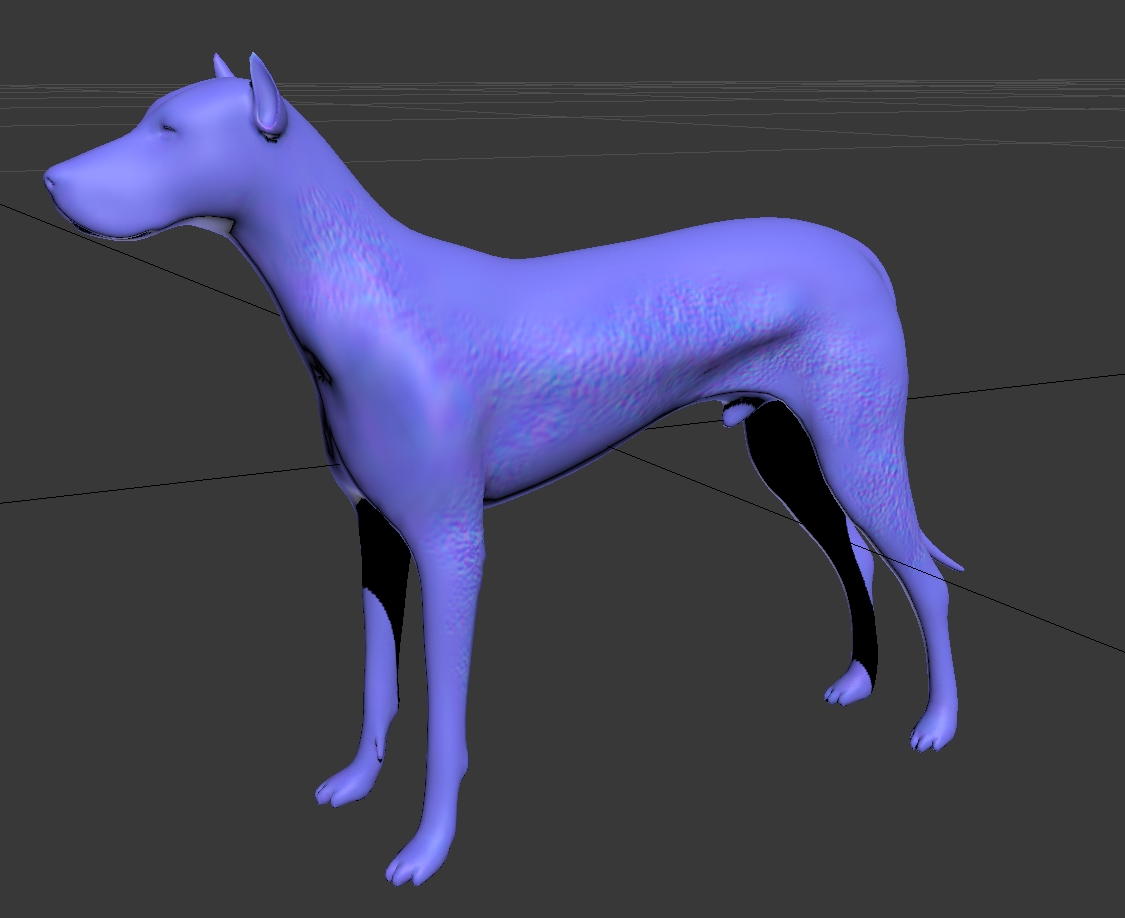
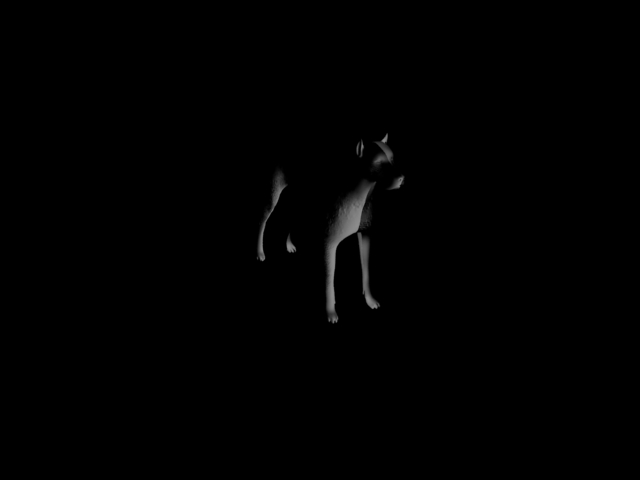
you can;t see any seams when checking normalmap as texture:
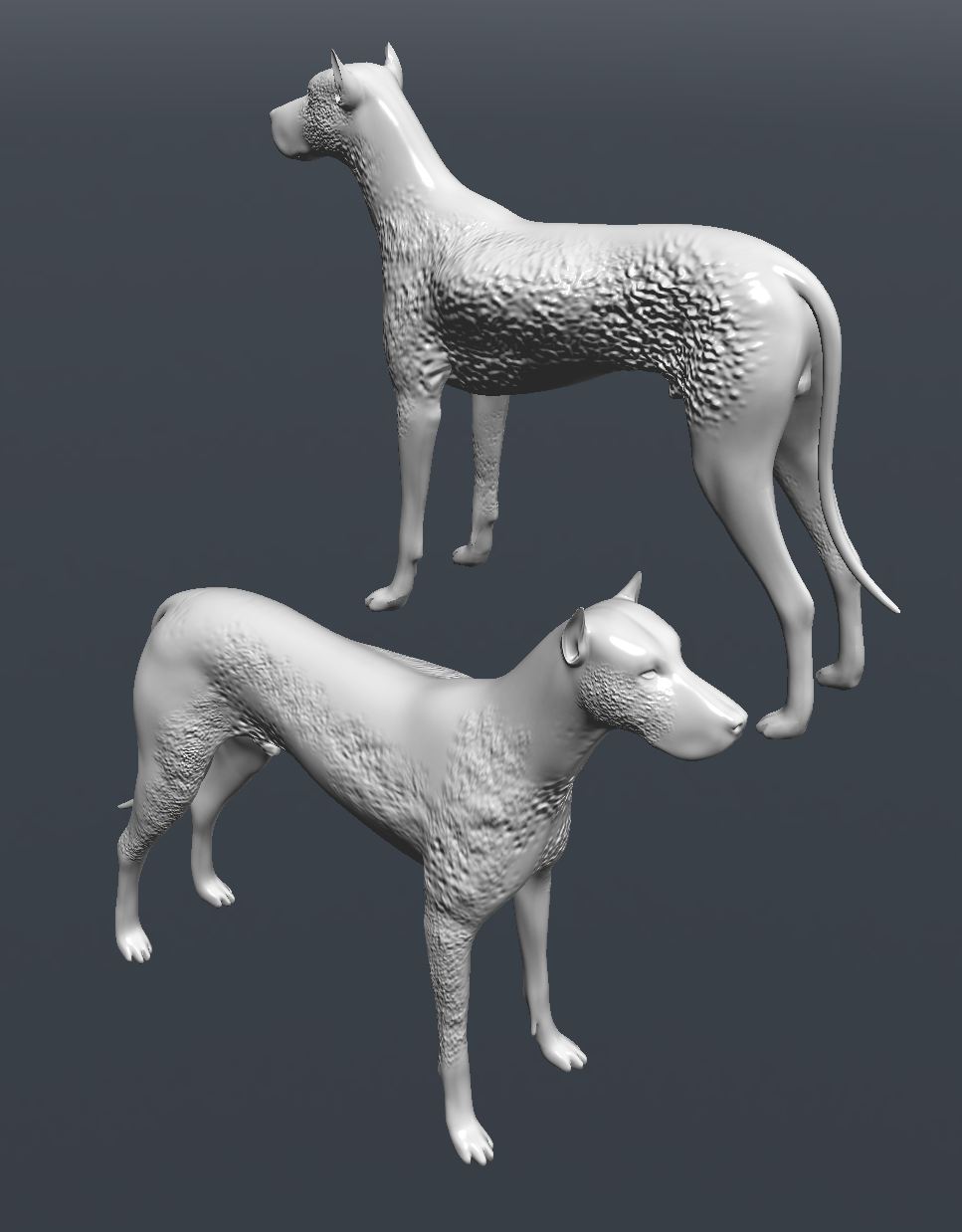
but after redner there is.

Attachments

dog2.jpg

Invert green channel.

its a realy pain in the ass, because uses uv match proces to create the map, this give you a bad problem with the seams of the texture, this is because uses the poligon normal to calculate the values, and when you flip the map or the uv’s, the values dot match, because the normals in the map are diferents to the normals in the model, to avoid this try to bake your normal max in 3d max, this uses a raytrace mode and gives you a better map, use the decimation master to create a hi poly to uses in the proyection.

Try to search a tutorial, this will give you a real normal map, with a realy good look.
yes but with decimation master I don’t get the HD details

didn’t help

Can you upload your lowpoly mesh and normal map?

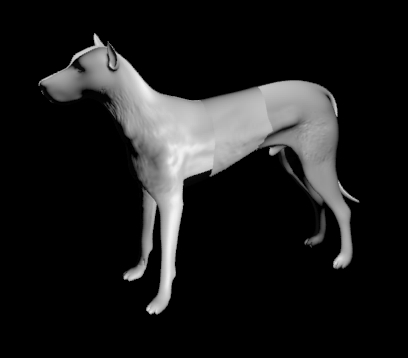
just simple dog with normalmap… you can see the seam in the middle when rendered.

http://www.filesonic.com/file/1537827234/dog.rar

Looks fine to me.
What materials are you using? DX9/10/11? Mental Ray? Scanline, etc?

Realtime Modo
dog.jpg

Attachments

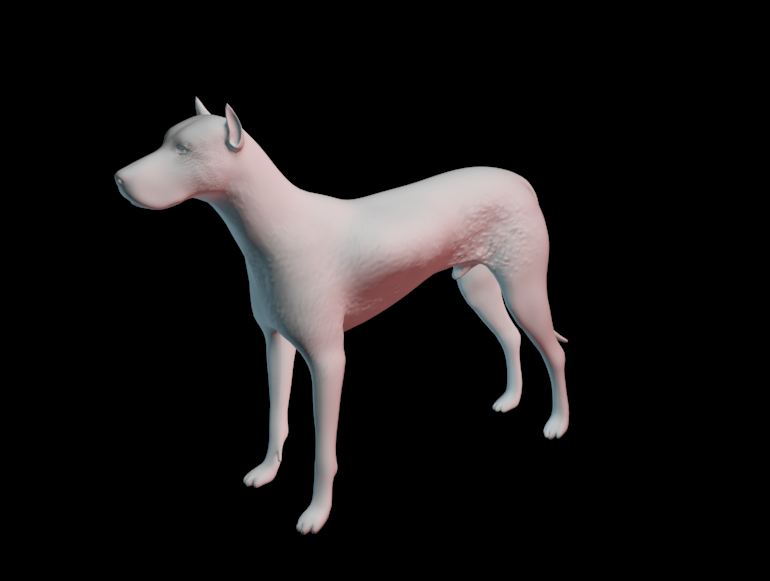
dog_max.jpg

3dsmax, vray:

Attachments

dog.jpg

Don’t know what to tell ya.
Seems to me like a vray issue.

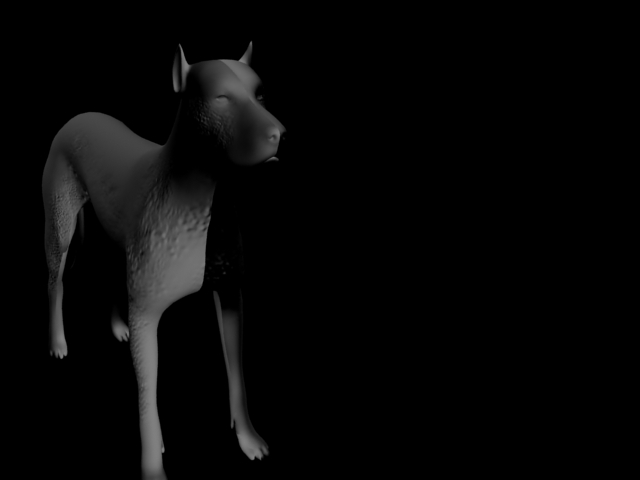
standard max scanline:

Attachments

z.jpg

Try flipping the map vertically.

after flipping channels, flipping map and uvs… still same problem.

How beta_channel made it look right I have no idea.

All I did was import your dog.obj
Then apply your normal map to the object as a normal bump inside of a standard Max material.

Modo was the same thing.
Have you tried applying the map to the object in another model viewer? Xnormal, Marmoset, etc?

Have you tried GoZ? That should automatically set up the shaders in Max which will at least give you a starting point. See here:
http://www.pixologic.com/docs/index.php/GoZ#GoZ_for_the_rendering