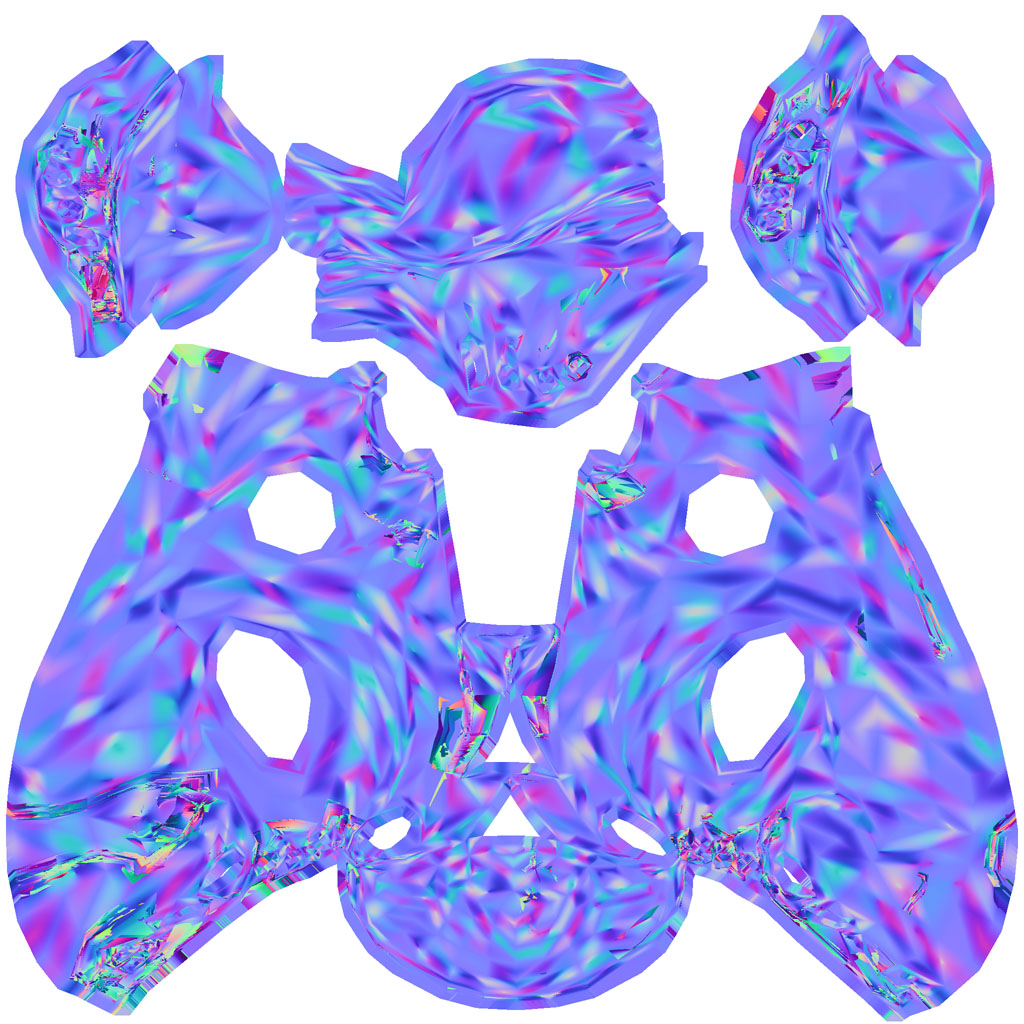
Alright, so I have this dinosaur that has 5 seperate uv sheets, nothing is overlapping at any given point. I have done all my detailing in zbrush and am ready to create normals and displacements. I turn on uv groups ctrl+shift click on my dino body so only that is visible so I can go into zmapper. I go into zmapper just fine. I then choose the maya tangent space best quality, and for simplicity (because i get artifacts no matter what I do) Ill leave it at that. I hit create normal map. Now this is where the funkiness occurs. From every tutorial video, article, forum etc… when you do this all the little sampling dots are only supposed to form on the geometry that is visible, however when I create the normal map the little dots show up on the visible geometry AND the not visible geometry (so you can now see the form of the entire dinosaur in purple dots).
So my thought is that I’m getting an incomprehensible normal map mess because it is calculating all of the normals for the entire character and putting it into one map thus layering the body over the legs over the spikes over the tail etc…
I’ve watched every gnomon tutorial on this and theyre not having a problem like this and I can’t find it in this forum. If someone could please answer back or point me to a thread that discusses this that would be amazing, this is for a final due wed. This image s my normal mess:
Attachments