Hi.
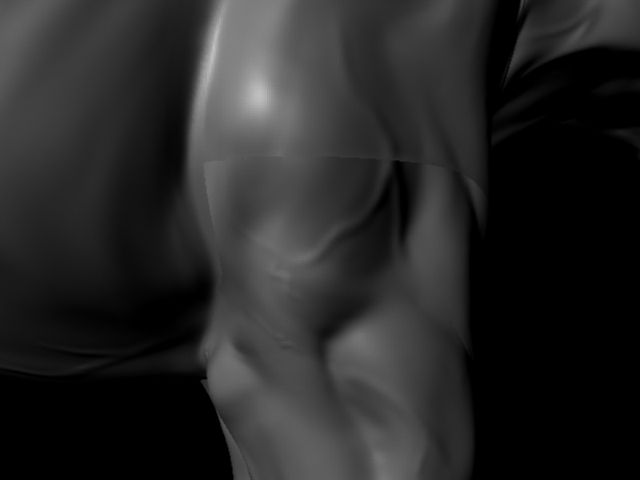
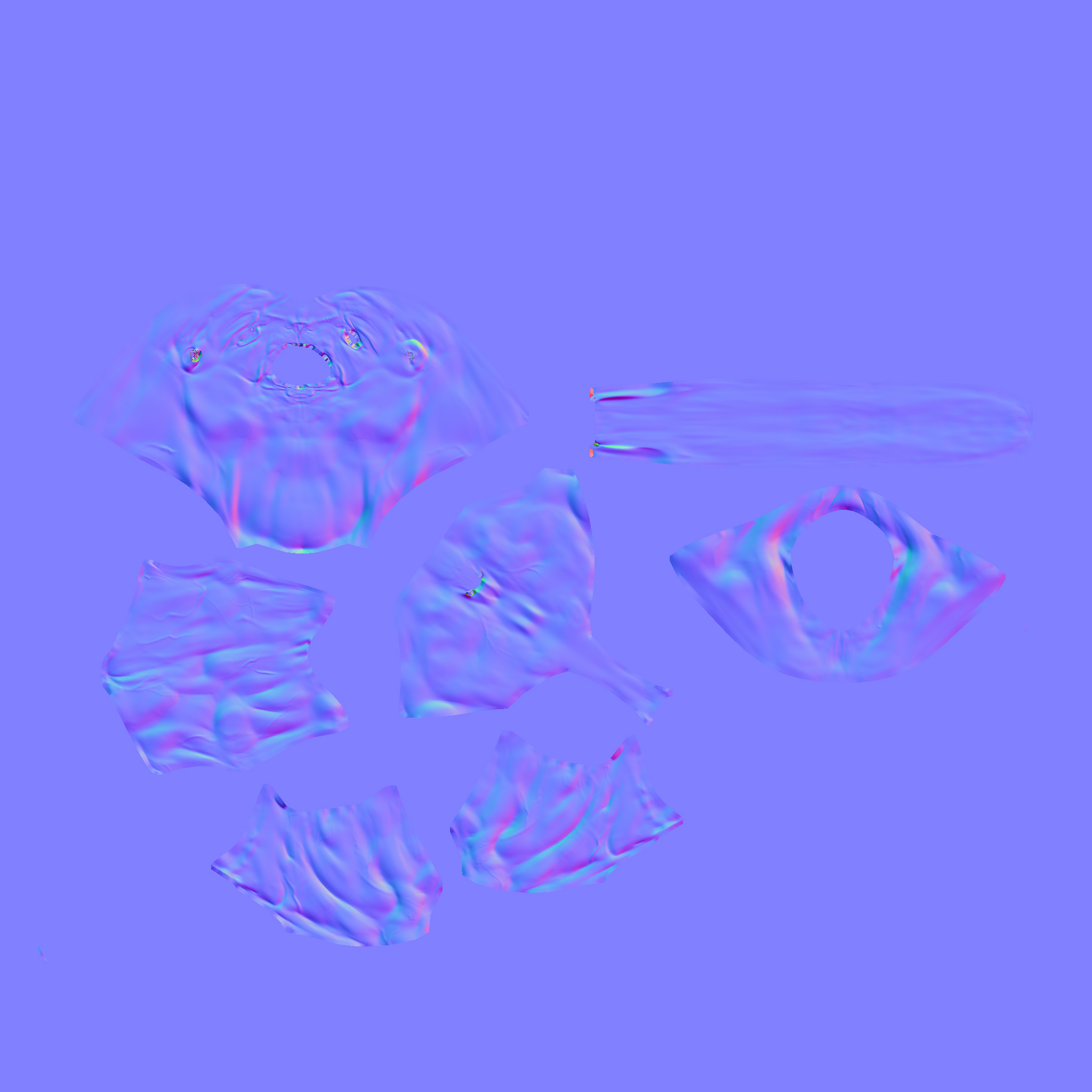
I’ve been trying my hands on an animal creature. I’ve completed the whole character in ZBRUSH 3.5 and generated the normal map, exported it to MAYA , all the details are coming fine but I can’t get rid of the normal map seams. I tried my hands on Photoshop but the seams still don’t go away.
I’m attaching few JPG images for the reference.
Any kind of help will be highly appreciated.
Video or pictorial tutorial links would be great.
Thanks.
Attachments