ZBrushCentral

normal map problem

hi!

i´m an zbrush newbie and i got aproblem with my normal map under maya 2010.

here is my workflow:

  • i created an head-mesh in zbrush and made my uv´s withuv-master.
  • after that i created an normal-map with these settings:

i chosed the lowest “sdiv-level” (1),
clicked under the menue “normal map” the buttons “tangent” and “smooth uv”
and at least i pushed the “create normal map” button.

but my result is very strange: (please look at my attachement).

what i´m doing wrong??

thank you very much for an answer!

greetings from germany
loopon

Attachments
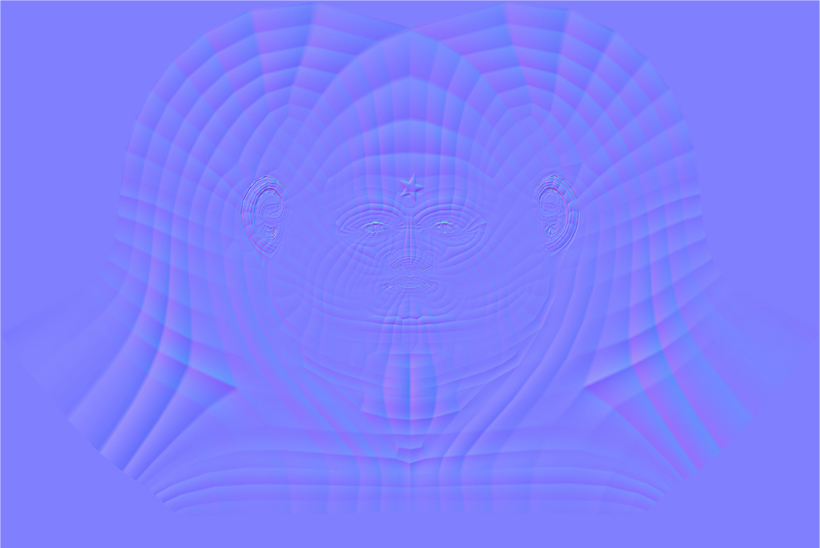
normal-problem.jpg

Try enabling ‘SNormals’ also. So, in Tool>Normal Map, ‘Tangent’, ‘SmoothUV’ and ‘SNormals’ should all be enabled.

hi zber2!

that´s it… thanks a lot!!

greetings from

loopon

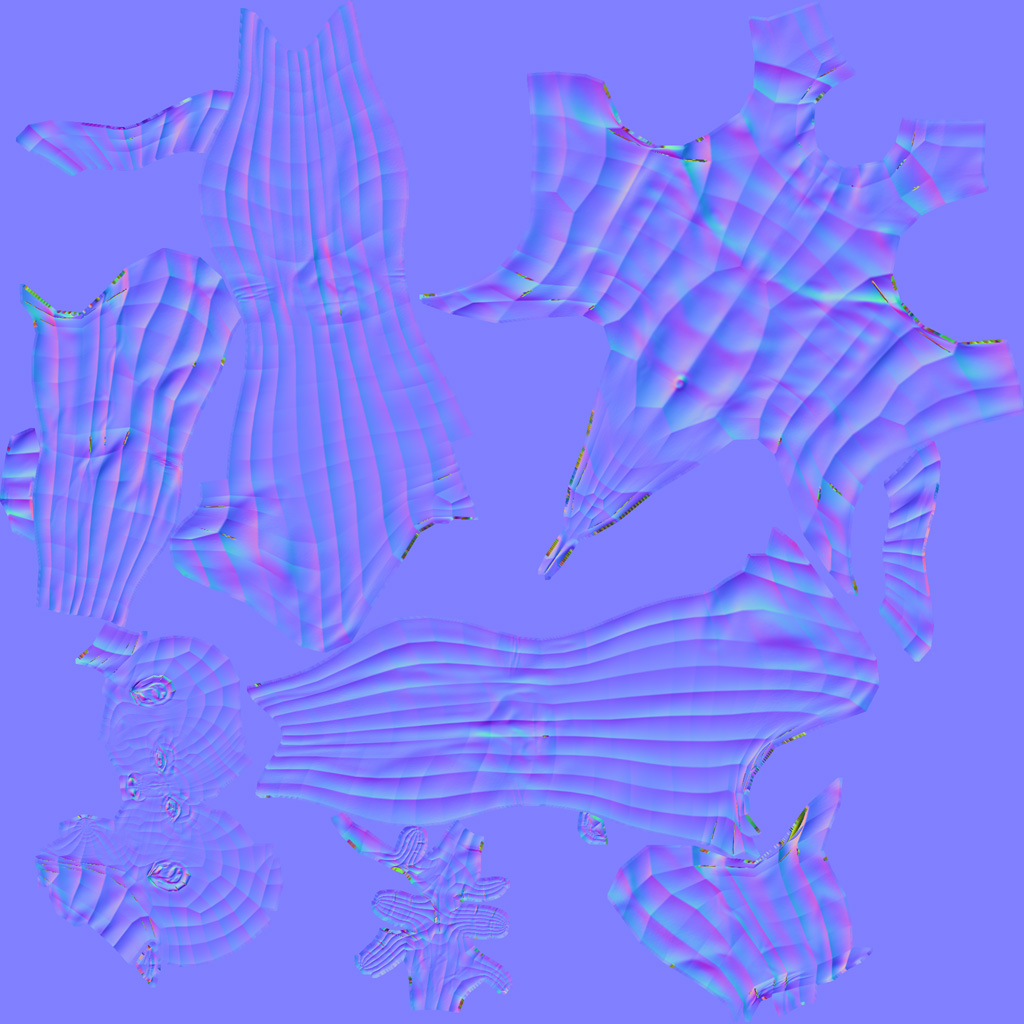
I have exactly the same problem. According to the last tute vids you dont need to enable anything other than tangent and adaptive. I tried enabling all those you suggested and only got a blurry version of the first crap result. This is the first time using zbrush for normals and they are not good. I think it is an obvious setting I have missed as very few people on the web have the same problem. As per usual I am unique!!!

It is as if the high res mesh is not being read properly as you see the flat spots are on every poly. No hijack here as the prob is the same as the op’s. No biggie will use xnormal like always but a shame I cant fix this.

Any help appreciated.
zbrush rox
Chris

Edit: this is a real quick uv from uvmaster (might be the problem). It is a second mesh from zbrush 4r3 as a test.

Attachments

alienpose26_01.jpg