Hey everyone.
I have this problem and I need your help. So if you have answer that could help me please reply 
I’m trying to add normal map to Maya from zbrush.
I just did this rough edit in zbrush from my model to check if it would look ok in maya and I had this problem.
Well the map looks fine on zbrush http://i189.photobucket.com/albums/z…crofzbrush.jpg after creating the normal map.
but this is what I get when I render it to maya
http://i189.photobucket.com/albums/z…ayarender2.jpg
So anyone? Thank you
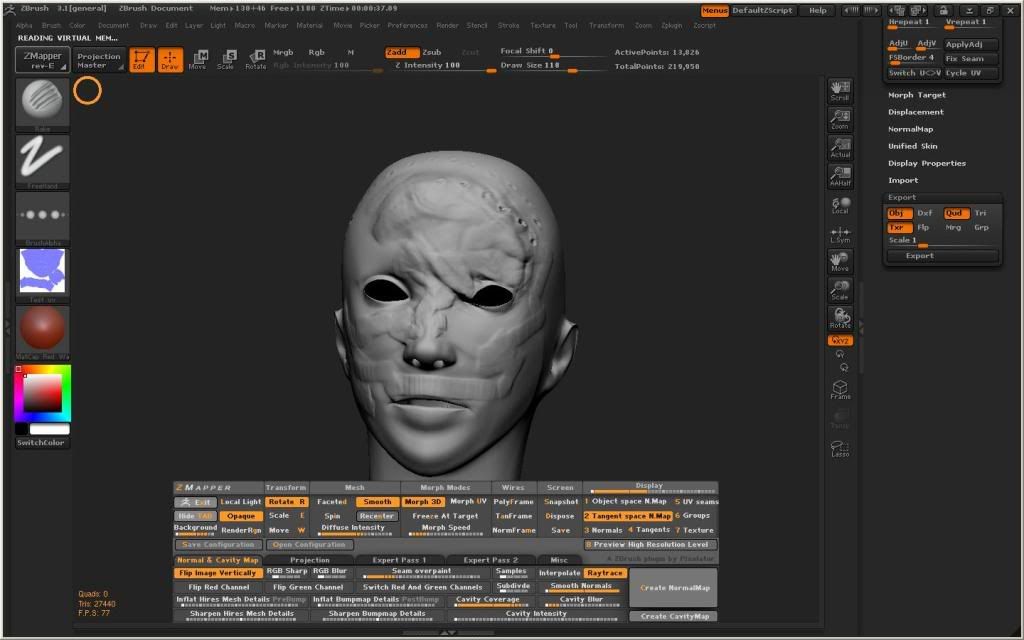
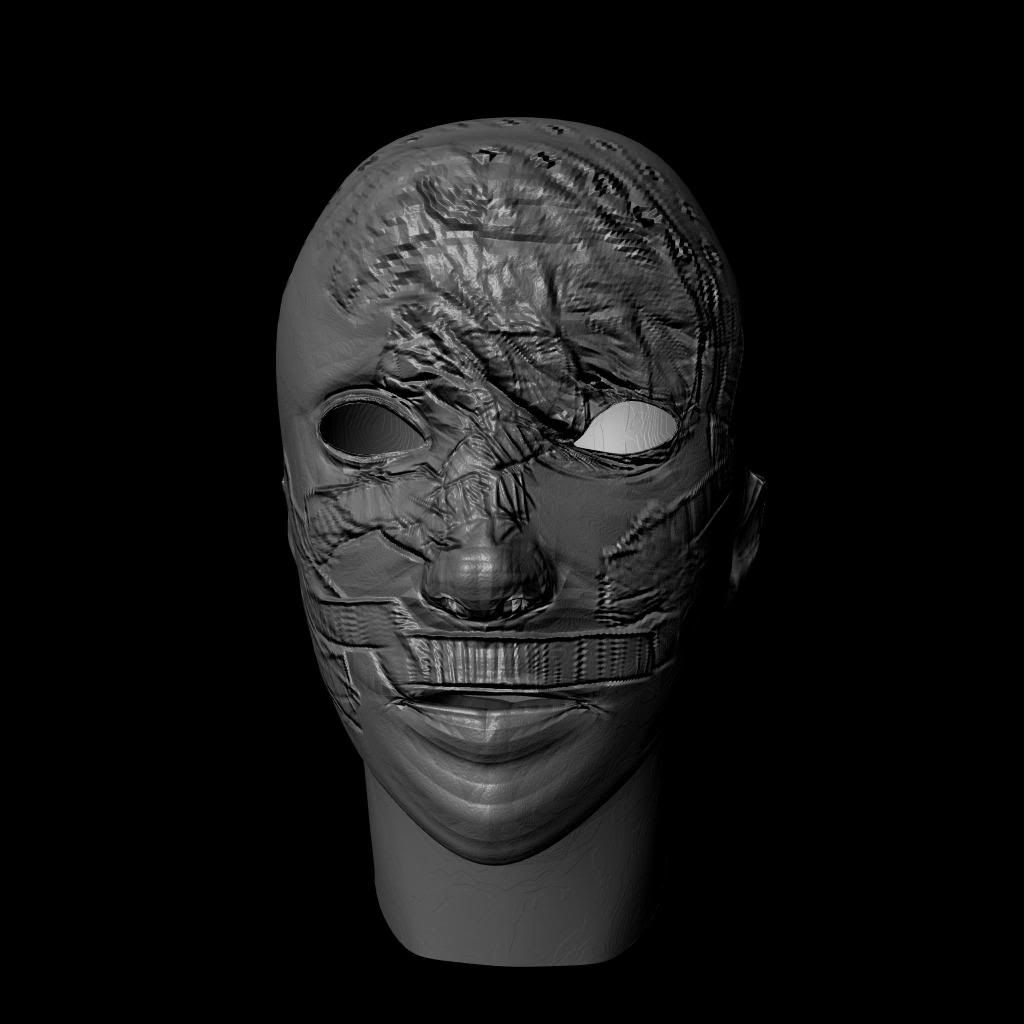
Your map is inverted right now. You gotta flip UV’s in zbrush to fix this. Right now it’s projecting from the otherside of your map, that’s why its like that.
Another think that I think you might be doing is that might not have selected tangent space in maya(where bump map option is) If you have it still set as bump map, it looks really wierd.
You need to do 1 of 2 possible things…
- Soften edges in Maya
- Render with Mental Ray