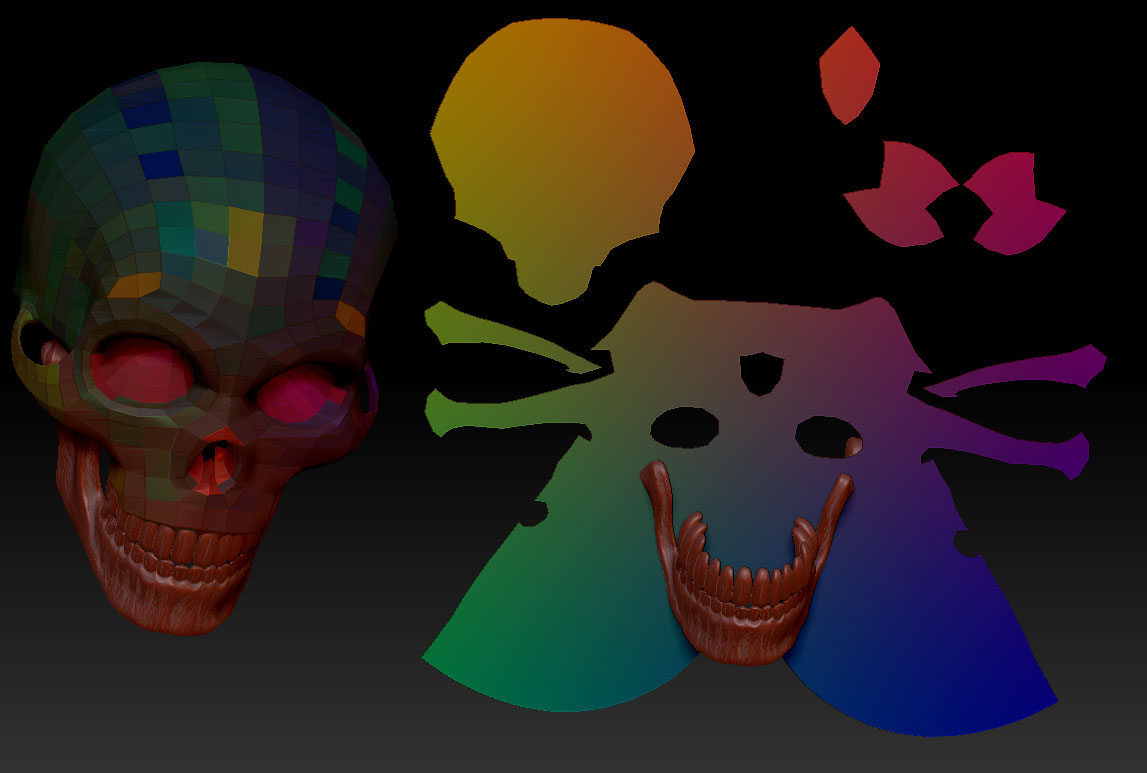
hey
here is an image of the problem at hand. as you can see the low polygons are showing on it aswell as the highpoly. can you help guys?
thx
Attachments
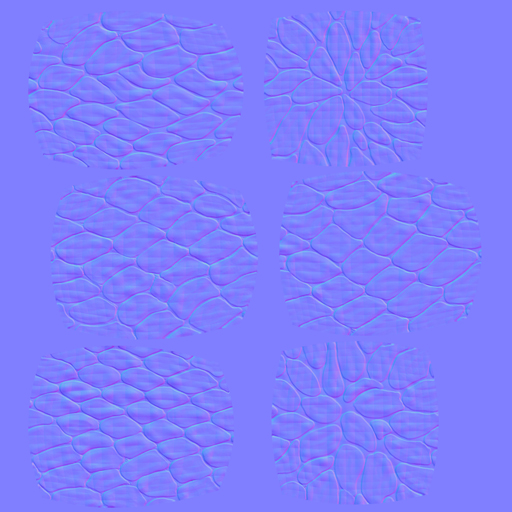
hey
here is an image of the problem at hand. as you can see the low polygons are showing on it aswell as the highpoly. can you help guys?
thx
Are you working with 3DSMax by any chance?
You know he is 
yes i am working with 3dsmax and zbrush. is that why? if so tell me what im doing wrong in it
It seems to happen often enough with Max users. Try this:
The reason the polys are unwelded is because in ZBrush they’ve been flipped (at a per-poly level, not in UV space). This happens really regularly for some reason, and can happen on import from another app and you won’t notice until you either bake a texture of some sort and spot the faceted result or else take your model back out of ZB. You can actually spot it in ZB if you put a gradient texture on your model - if the UVs are borked the texture will appear stepped even on a smoothed model.
To fix it you can re-import your original UVed base object (using a morph target to get it back to the new shape), or by using the Tool/ UV Map/ Cycle UV button to fix it inside ZB (though knowing whether to cycle 1, 2, or 3 times to fix it is down to trial and error.)
If you use GoZ to transfer models between ZB and Max you’re much less likely to run into this than if you use .obj
I have the same problem with an obj imported from modo. But cycle UV does not solve it. Any other suggestions?