ZBrushCentral

NORMAL MAP extraction Problem

Hi guys!! Awesome community here!!
Being knowing it for about ten years and this is going to be my first post…
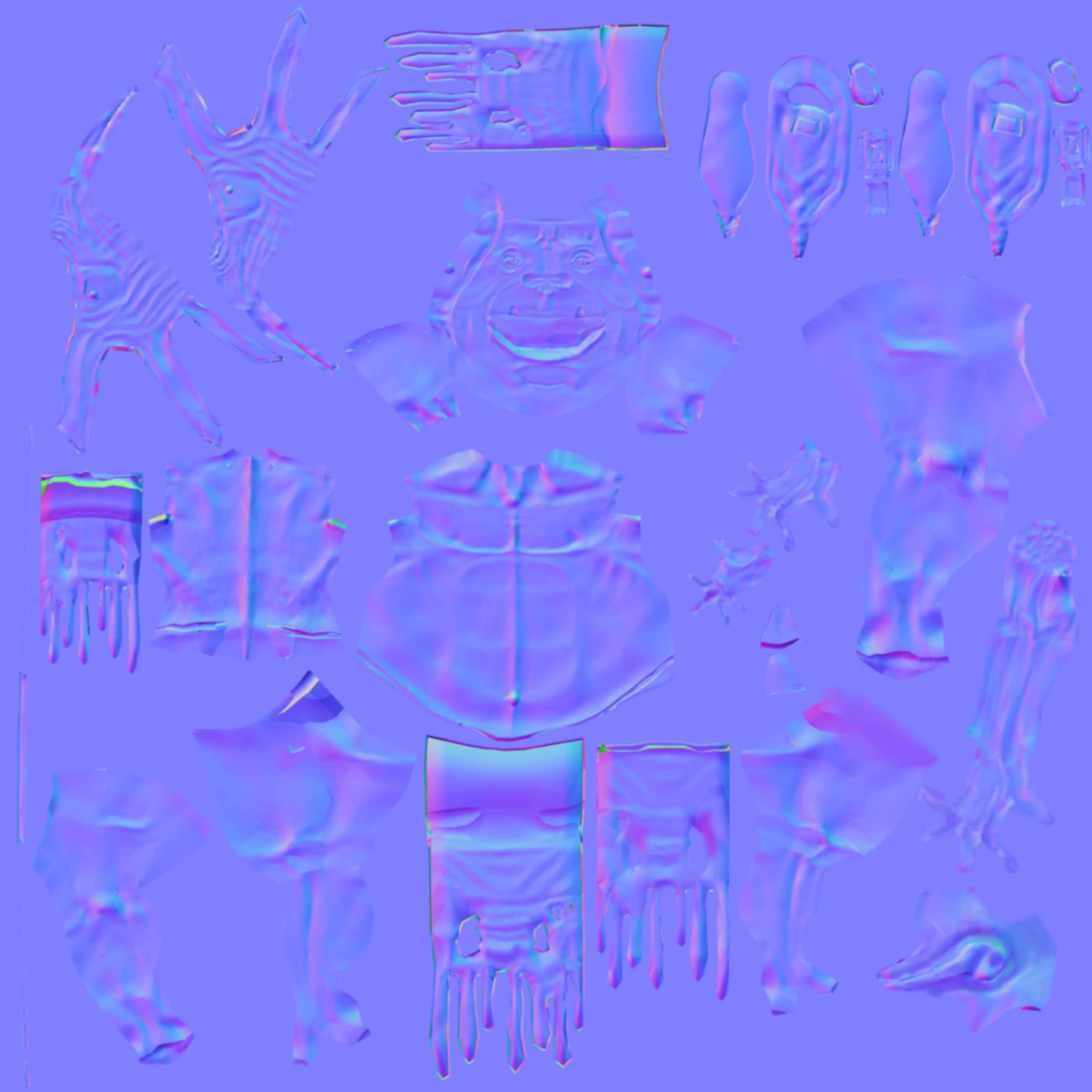
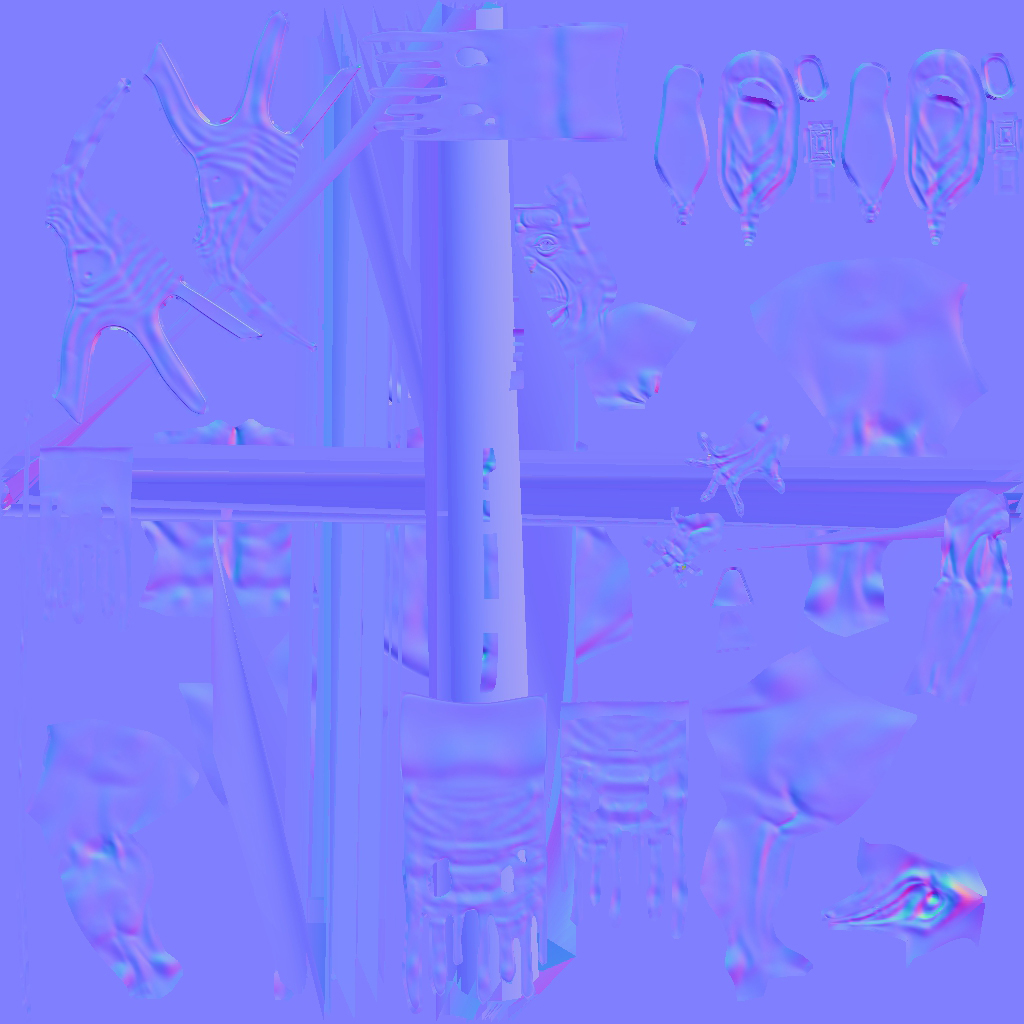
Well, Im creating this little dude in Max and zbrush and got a problem when extracting the normal map right in Zbrush, in the image you see those strange horizontal and vertical lines, ones thicker ones thiner but that mess up completely the map.
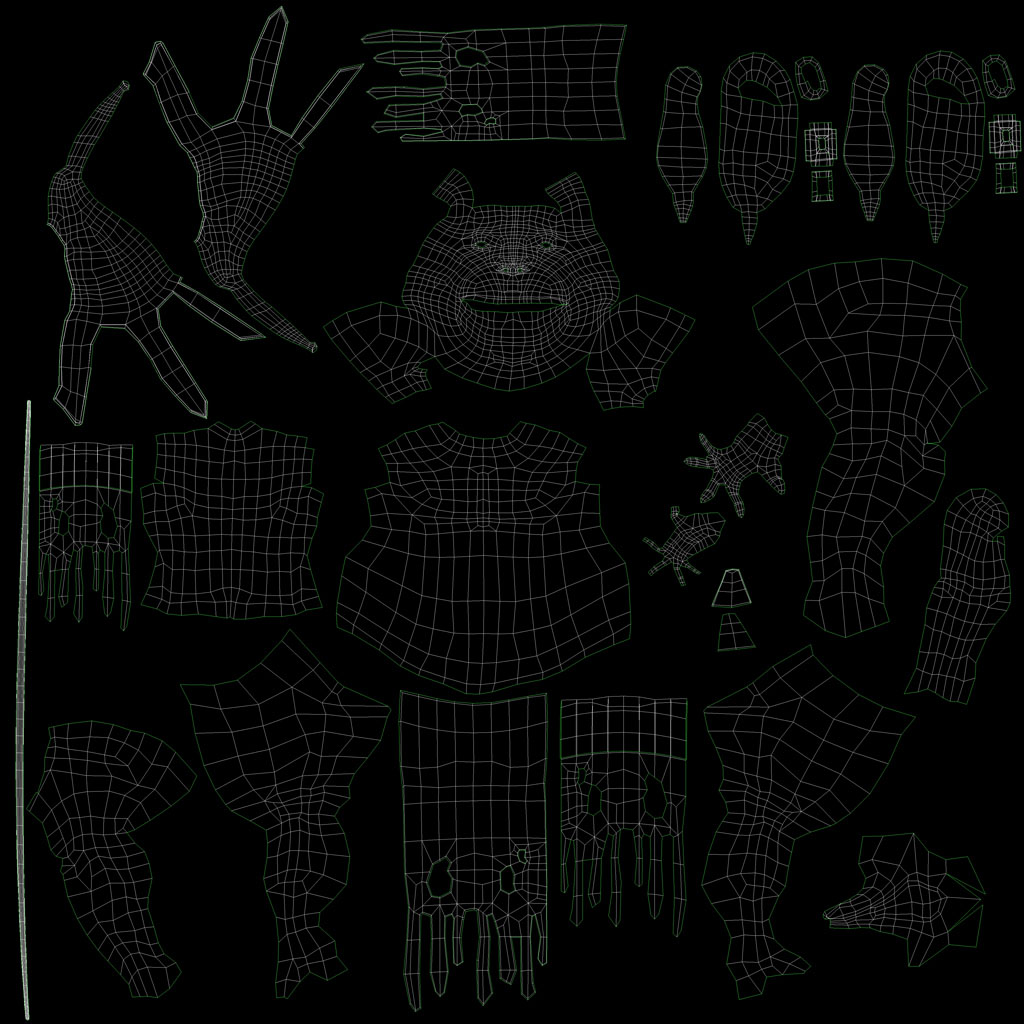
This got nothing to do with my uvws as you can see, and the normal map extracted in Max doesnt show those artifacts, thats why im doing it in Max via Decimation master, but i loose some crucial detail on my elf.
Surely it is an error that can be solved very easily but im tired of browsing for a solution or videos that show me how to do it!!

Maybe you can redirect me to a post in this forum.

Thanks for your time guys, and keep up the good work!!

Nacho.

Attachments
normal_zbrush.jpg

handscomp.jpg

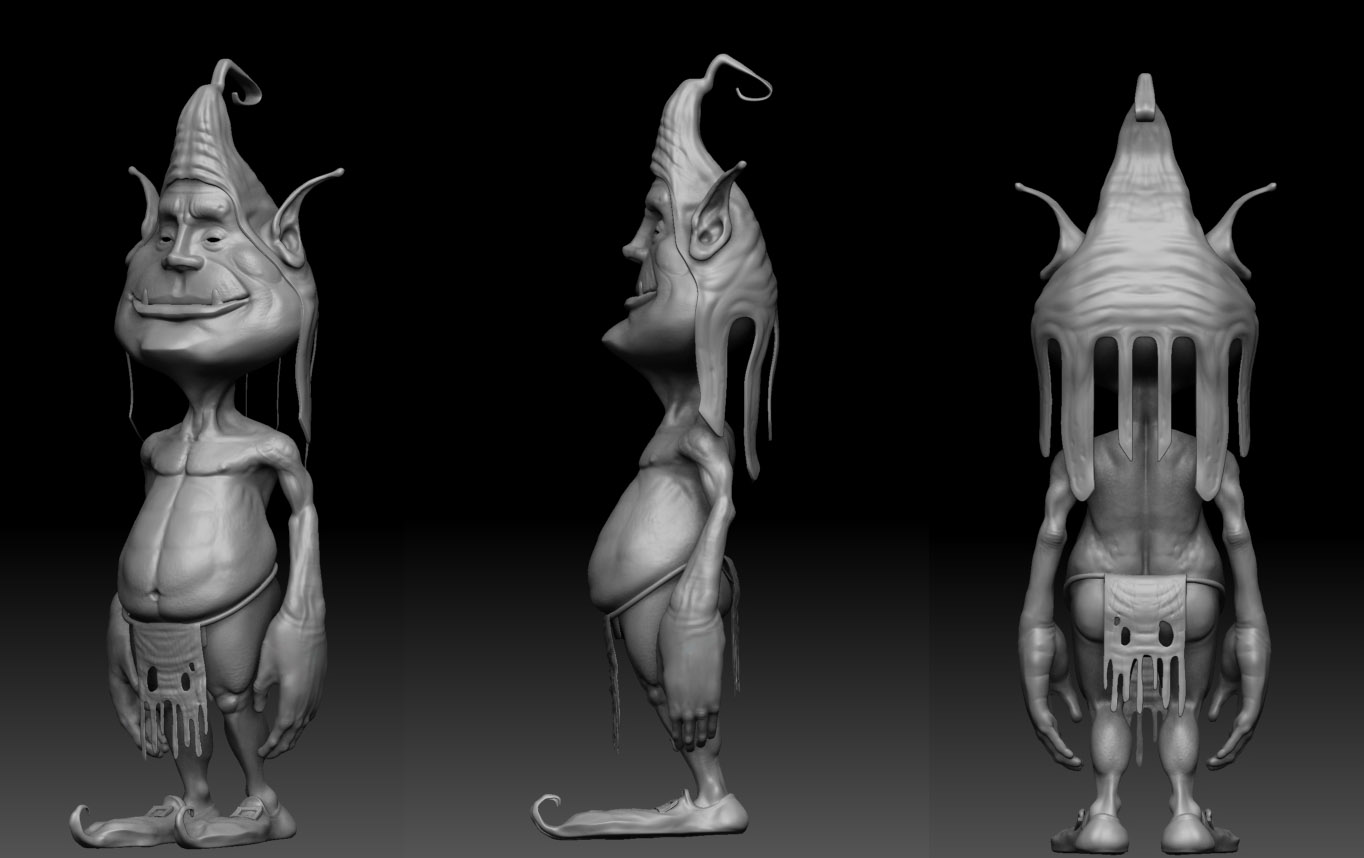
duende.jpg

N_Ok .jpg

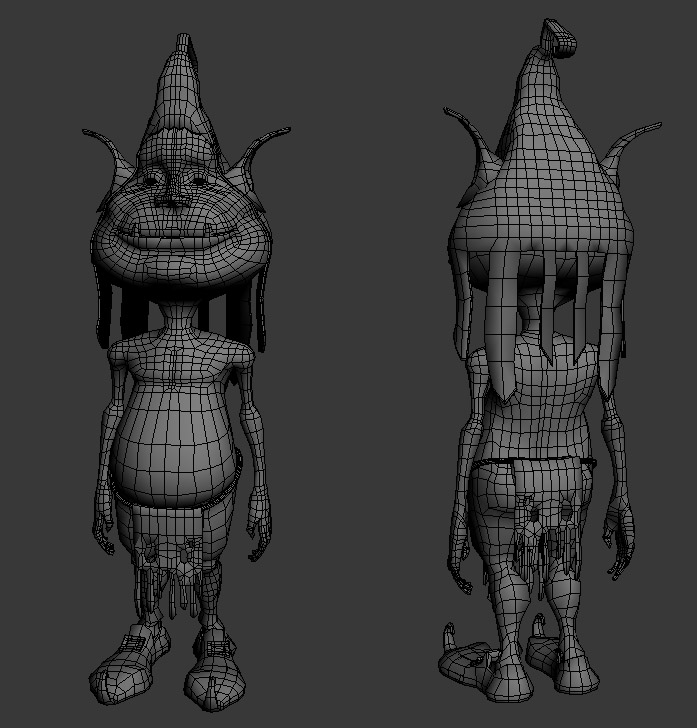
wire1.jpg

This got nothing to do with my uvws as you can see, and the normal map extracted in Max doesnt show those artifacts

Looking at the normal map that was baked in max, it looks like there’s at least one UV sample (bottom left) that is really close to touching the bottom edge of the 0:1 UV range. If it is touching then this will cause artifacts in zbrush bakes that you wont necessarily see in other baking programs, due to how they treat the data different (most programs ignore baking on any uv shells that are beyond the 0:1 range, while zbrush wraps them back around)

I think Cryrid is right. It’s better in ZBrush to keep a little bit away from the edges, and not at all hard to pull things in on the UV Map in UV Master.