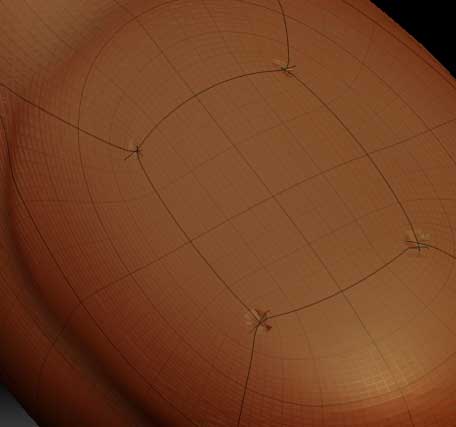
I’m using Zbrush 3.1 with Maya 2009.
Base Mesh created in Maya.
Imported to Zbrush and applied GUVtiles and sculpted.
I then went to lvl1 Stored a Morph and exported the new lvl1 Base Mesh.
Created the Normal and Displacement Maps,Flipped V and exported those.
Imported the new Base Mesh into Maya and applied the Normal Map as a bump.
It’s showing it’s seams as shown in this image.
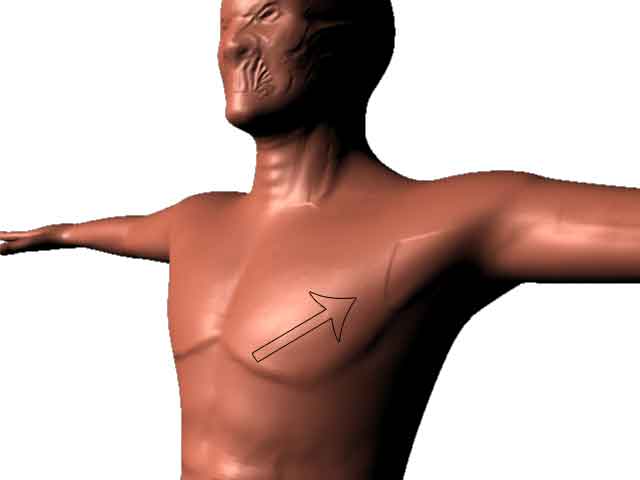
I tried to get rid of them but they cause a pinching effect.
I made sure they are indeed merged vertices and the normals are
flipped correctly.
Not sure if this might have something to do with it or not.
Any help on fixing this is greatly appreciated.
Attachments