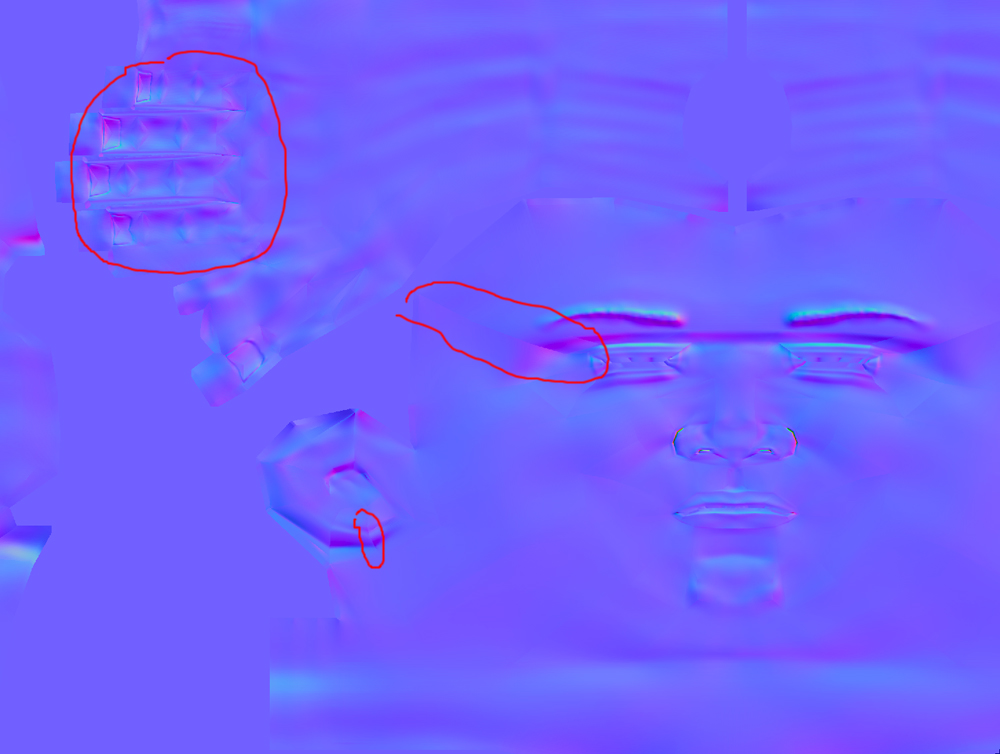
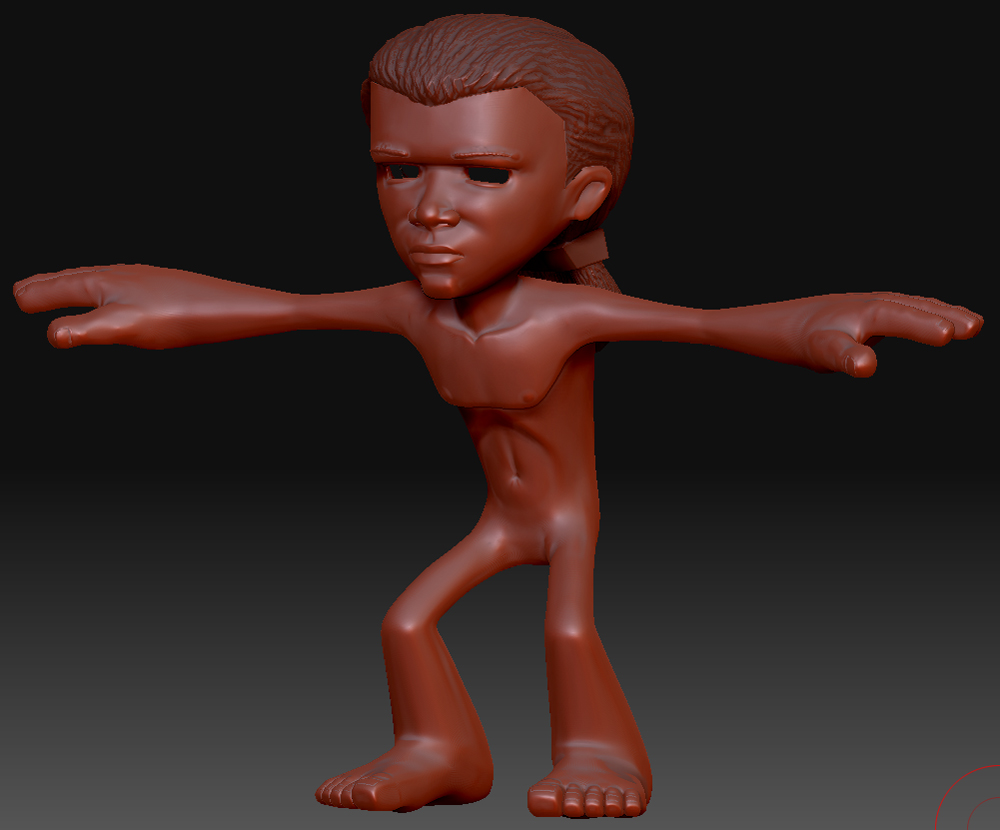
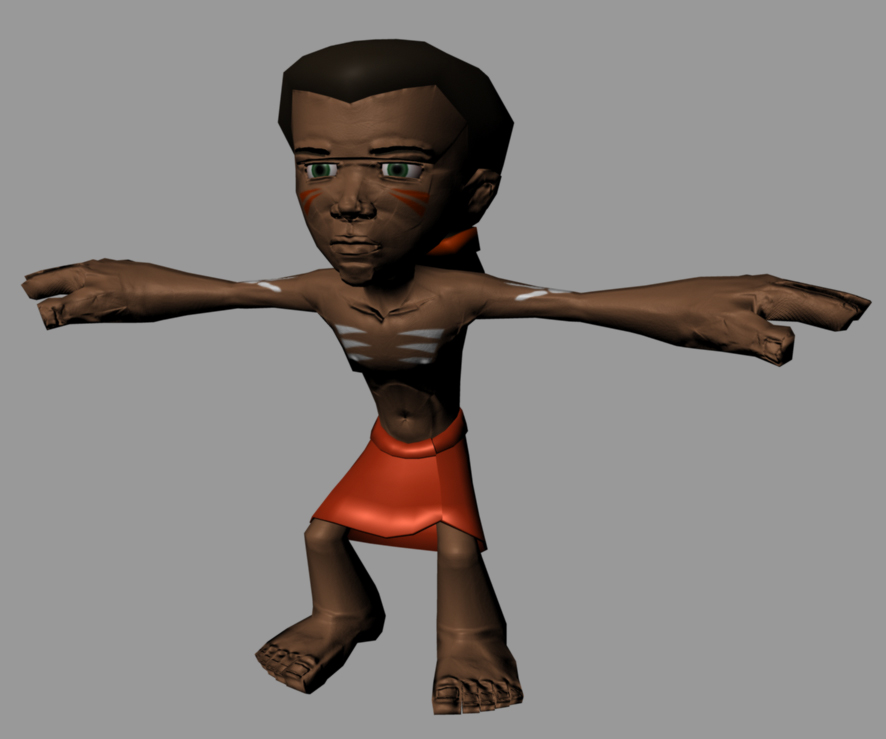
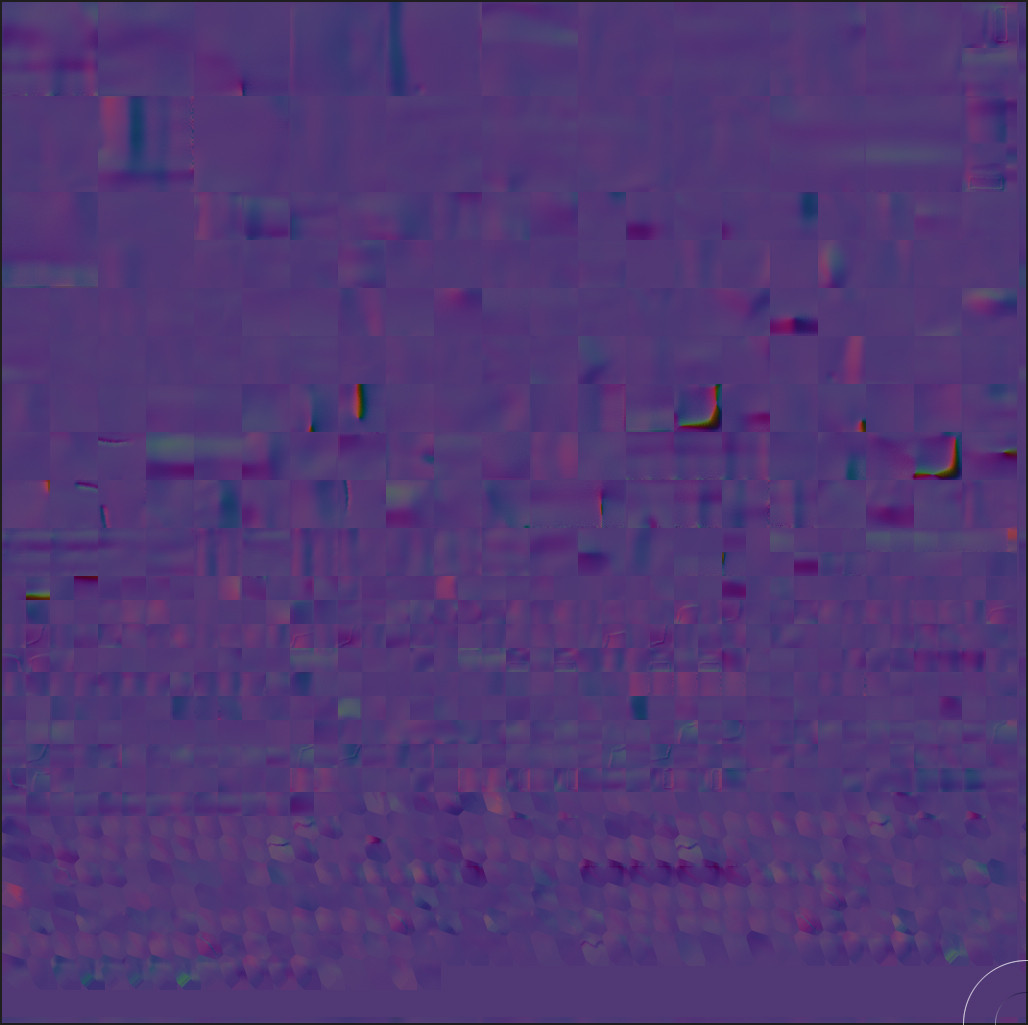
I’m fairly new to ZBrush and I have currently been sculpting a model I brought in from Maya 8.5. All of my UV’s were manually laid out in Maya and then I exported the OBJ to ZBrush. From there, I subdivided my model a few times to subd level 6, and added my detail. The issue came in when I went to create the normal map in the Normal Map tab. I set both the Tangent and Adaptive buttons to on (leaving the Smooth UV off since it rounds the edges of the UV map and I lose coverage on the edges of my model). The map generated from this gives me creases on some of my UV lines and on the face, fingers, toes, etc. Then when I apply the normal map in Maya 8.5 in the bump node (as the tutorial in the ZClassroom suggests), I get this really terrible looking bump instead of it affecting the normals on the character. If someone has some tips for me, I’d really appreciate it. Thanks.
Attachments