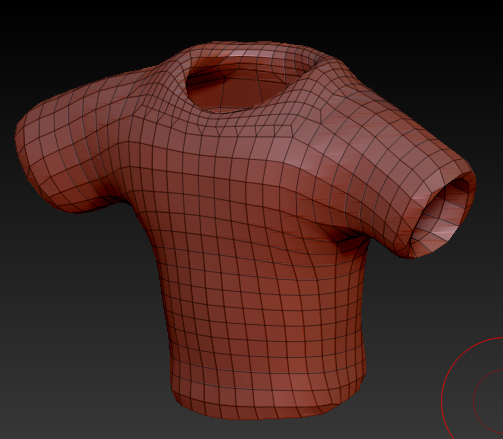
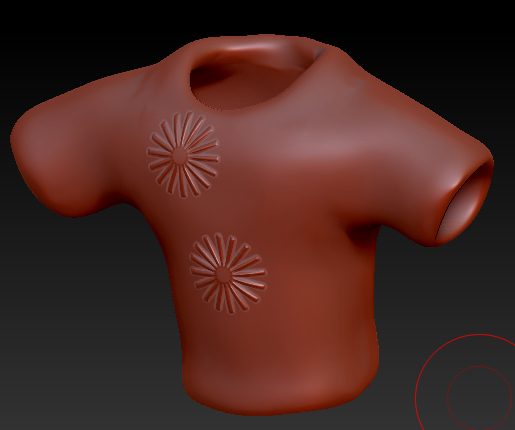
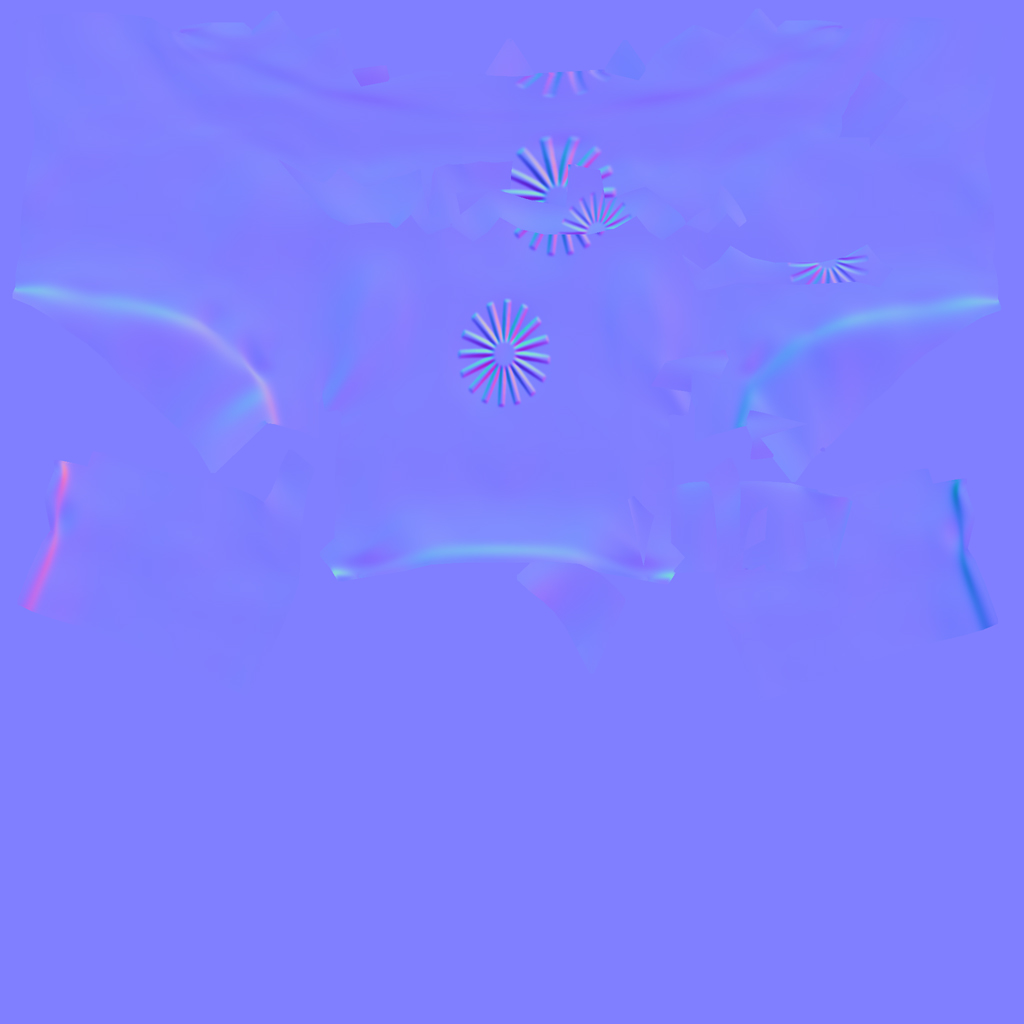
Hey, i’m trying to make a clothing for my character (for the first time  ) - i’ve done this from mask+extract and retopologized. So i have a low poly mesh with good UVs (sure they’re clean) but when i create a normal map from high poly sculpt, it creates strange artifacts in some places. On the attached image you can see a random wrinkles and other strange stuff - it destroys one of the star-thingys - but on the mesh, the surface in this place is clean. Any ideas what’s wrong? Screens:
LowPoly:
HighPoly:
Normal map with artifacts:
Attachments