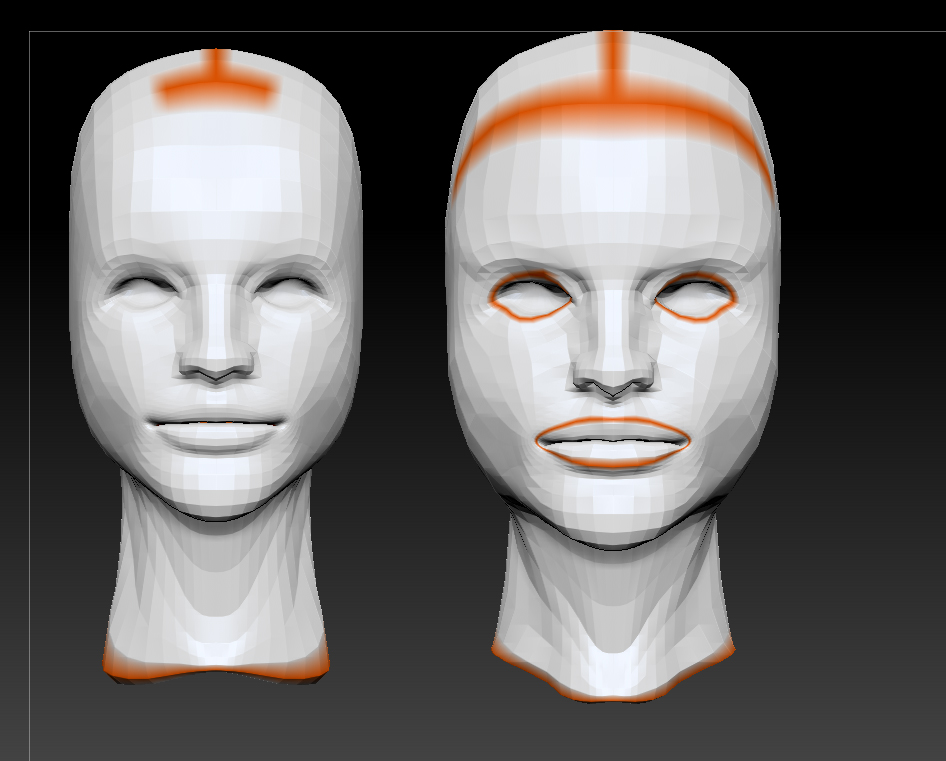
Problem: I want to take uv’s of a base model and apply them to a high res version of the same model in Zbrush. I read this is possible?
Progression:
- Sculpted Mesh in ZBrush (Divisions 1-6)
- Exported a Div 3 Mesh From ZBrush to Max (Deleted higher all higher then 3 before export)
- UV’d Div 3 Mesh in Max
- Re-imported into Zbrush
5 (This is where I’m stuck)…
I thought i read somewhere that as long as the base geometry is the same Zbrush will automatically apply uv’s/details of on model to another… but I’m not certain if i read it right or not.
I do get a message saying:
“the topology of the mesh has changed”
“Press YES to transfer high-resolution details to the modified mesh.”
“Press NO to delete high resolution details.”
but when I push yes nothing happens.
any suggestions?
NOTE
- I just tried loading the two models and using uv master to copy uv’s from one model and paste on to the other, didnt work either ;___;
The Uv’s on the Left are the ones I’m trying to transfer to the Model on the right
Attachments