Hi there,
Just joined and I now have about 1 day of using zbrush. What I intent to do with this program is detail my non organic models ( I am awful at organic models ).
So these days I sketched a tiny little drone I want to use for a web project http://www.flickr.com/photos/12670059@N06/5842029013/in/photostream
Now I try to somehow make it real. I tried modeling it in Maya but the seams are a pain in the behind to detail poly by poly.
So I grabbed a wacom bamboo(love it) and zbrush(nice tool, very hard to pick up learning on it, especially because of the weird workflow and interface).
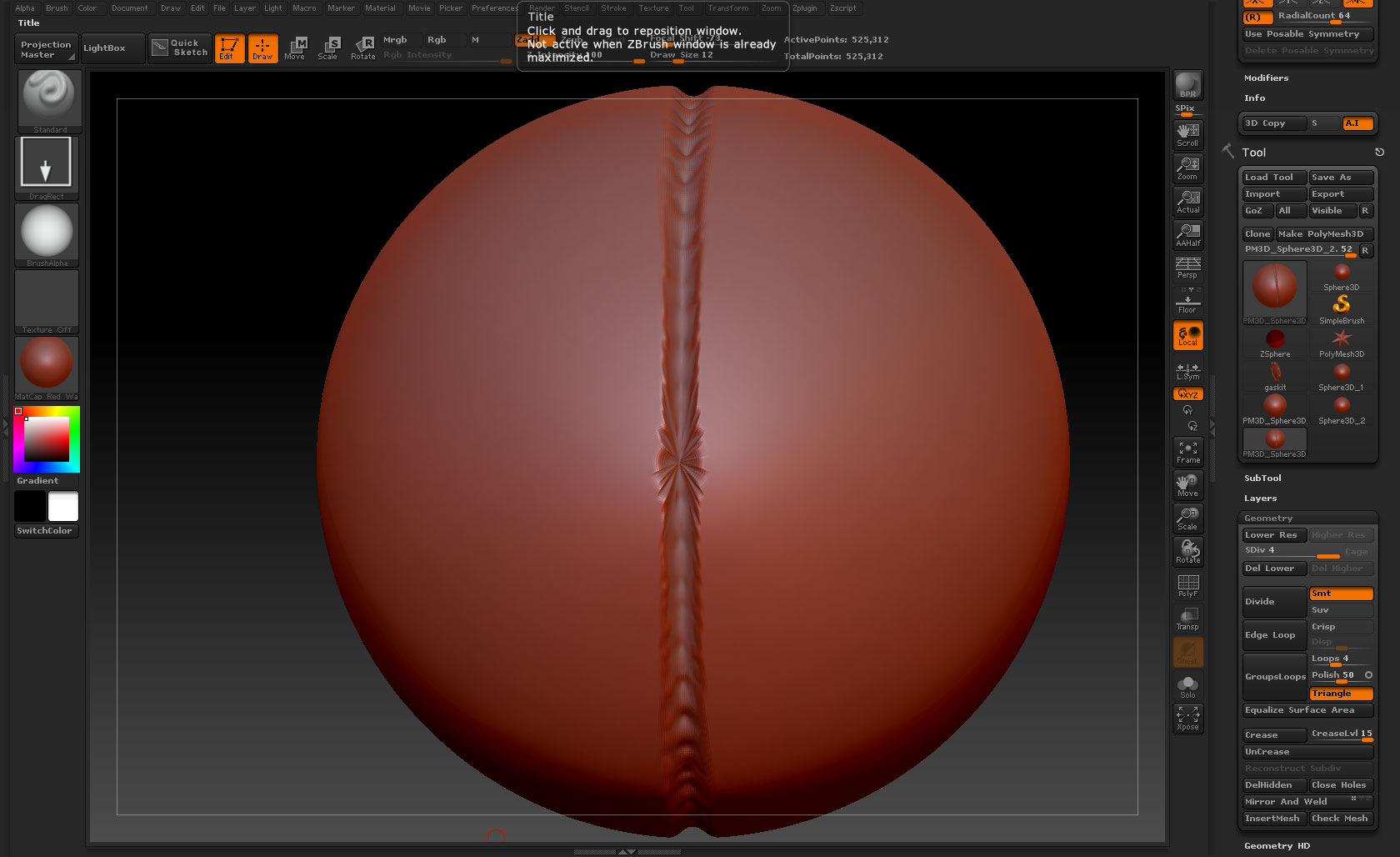
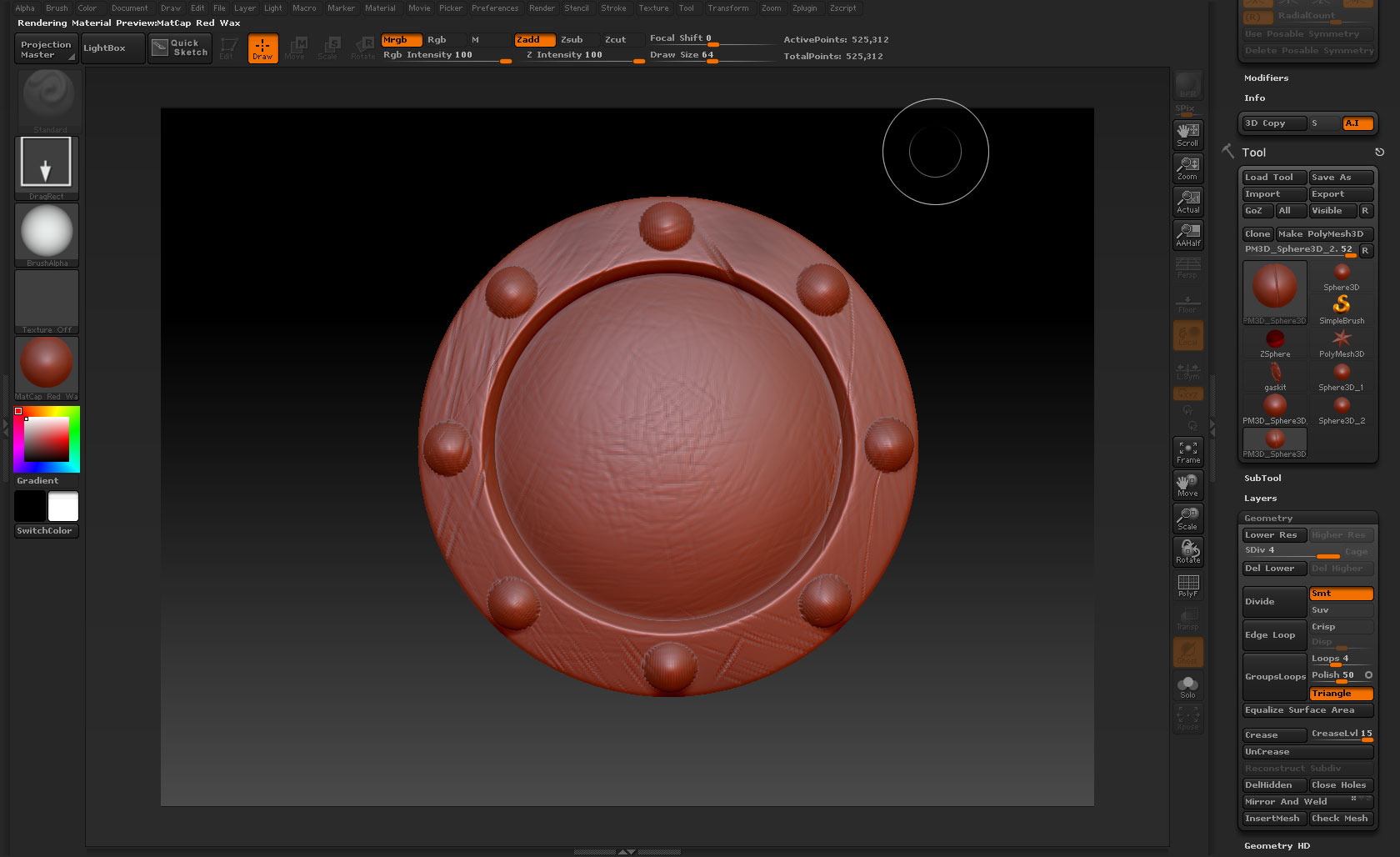
- The first attachment is what I got after one hour of trial and error. I started from an obj exported from maya where I beveled the details I needed and gave the base shape.
Please, if you decide to reply, take into consideration I am new to this program and I would need you to go into detail when explaining.
Thank you in advance!
Attachments