ZBrushCentral

NoiseMaker not giving desired results [Answered]

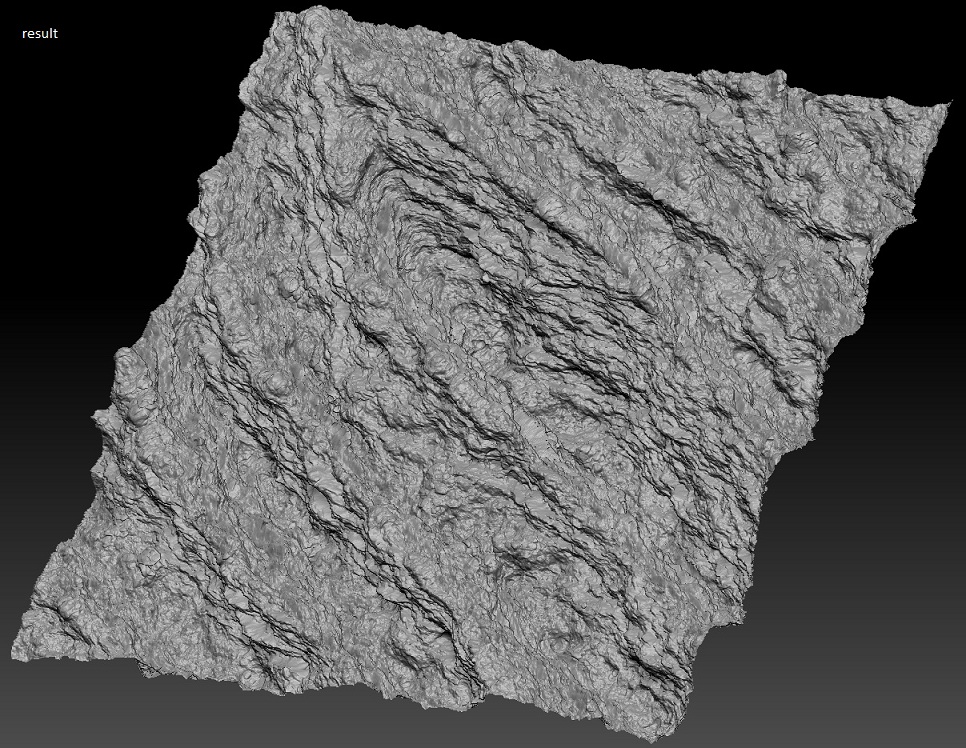
Is it impossible to get 1:1 results out of Noisemaker? I like what I’ve generated in the preview window, however, applying the settings to the mesh always gives me something different. Subdividing isn’t solving the issue. What am I doing wrong?

Attachments
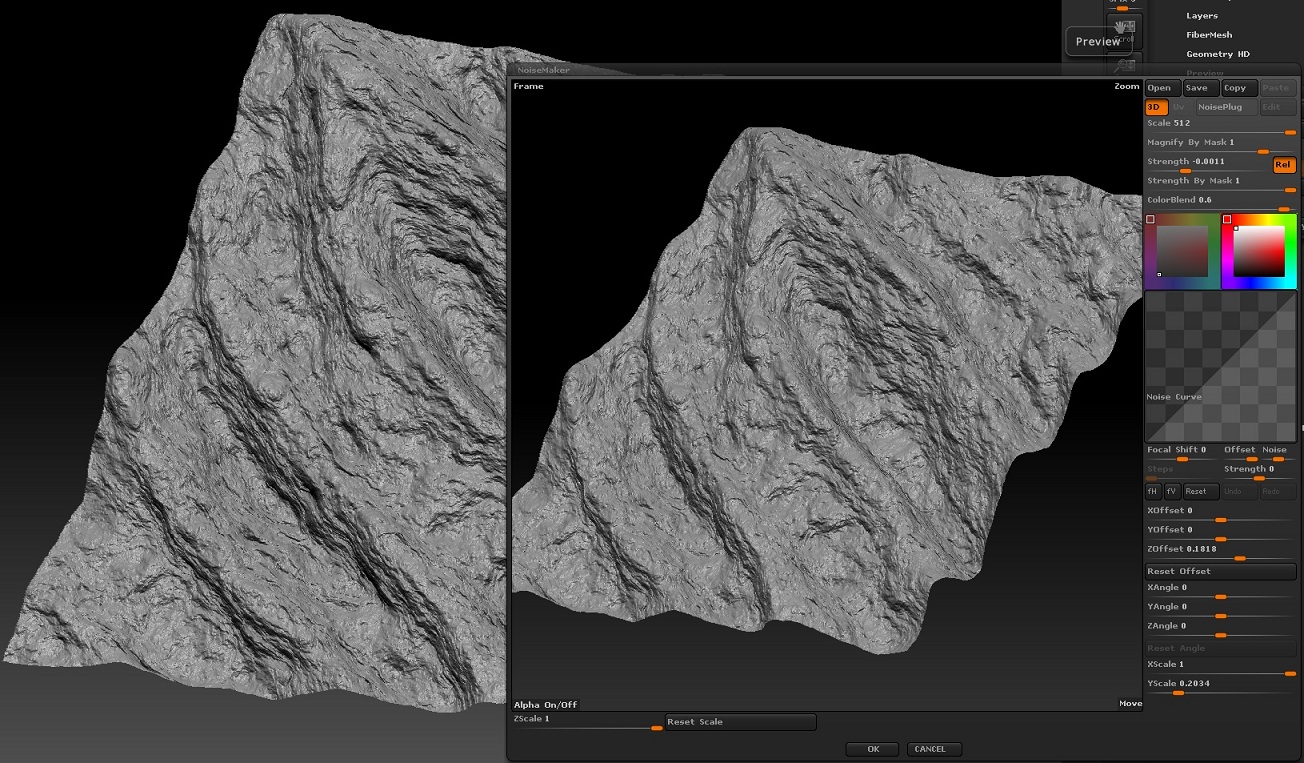
terrain_1.jpg

terrain_2.jpg

The preview is just that, a preview.

Instead of apply to mesh, use mask by noise.
Then tool.deformations.inflate

This will give you an interactive displacement version so you can directly see what it is you’re trying to achieve.

You should realize that when the noise is shown on the mesh it is a render effect very much like a bump map. It’s not dependent on the geometry and it doesn’t deform the geometry. When you use the Apply To Mesh function the vertices are actually displaced (in the same way as with a displacement map). You will always see a difference, especially at the edges of your mesh. The result will also depend on the number of polygons your mesh has.