Hi guys,
I know this maybe stupid but I really out of idea what to do. Thanks!
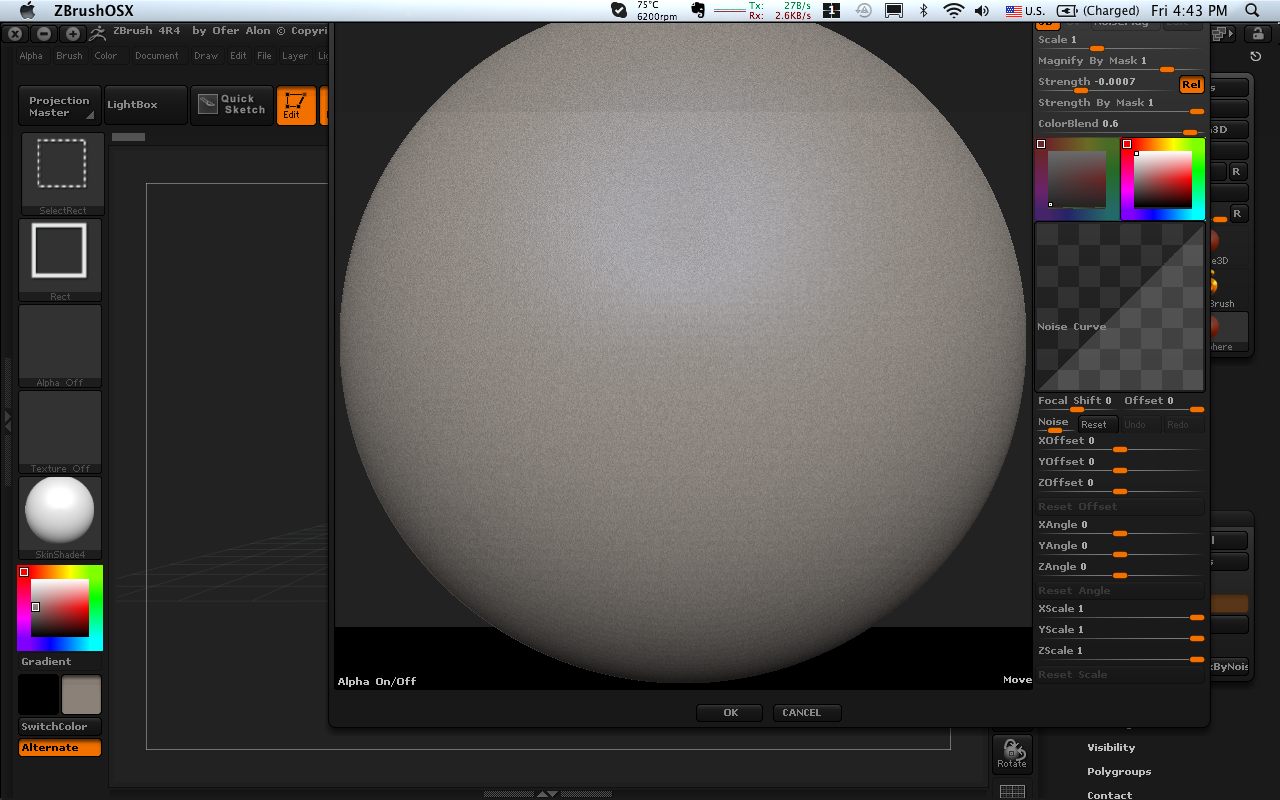
I am using zBrush 4r4 and every time when I launch surface/noise. the top roll of buttons all off the screen limits and I cannot do anything decent with Noisemaker. I tried many ways and yet to find a way to move down the interface.
I am using Macbook Pro 13" and I understand my screen size is lower than the advised screen size from Pixologic. But I believe there is a way to reset the interface so that I can use all the buttons that is now off limit.
Thanks!
Attachments