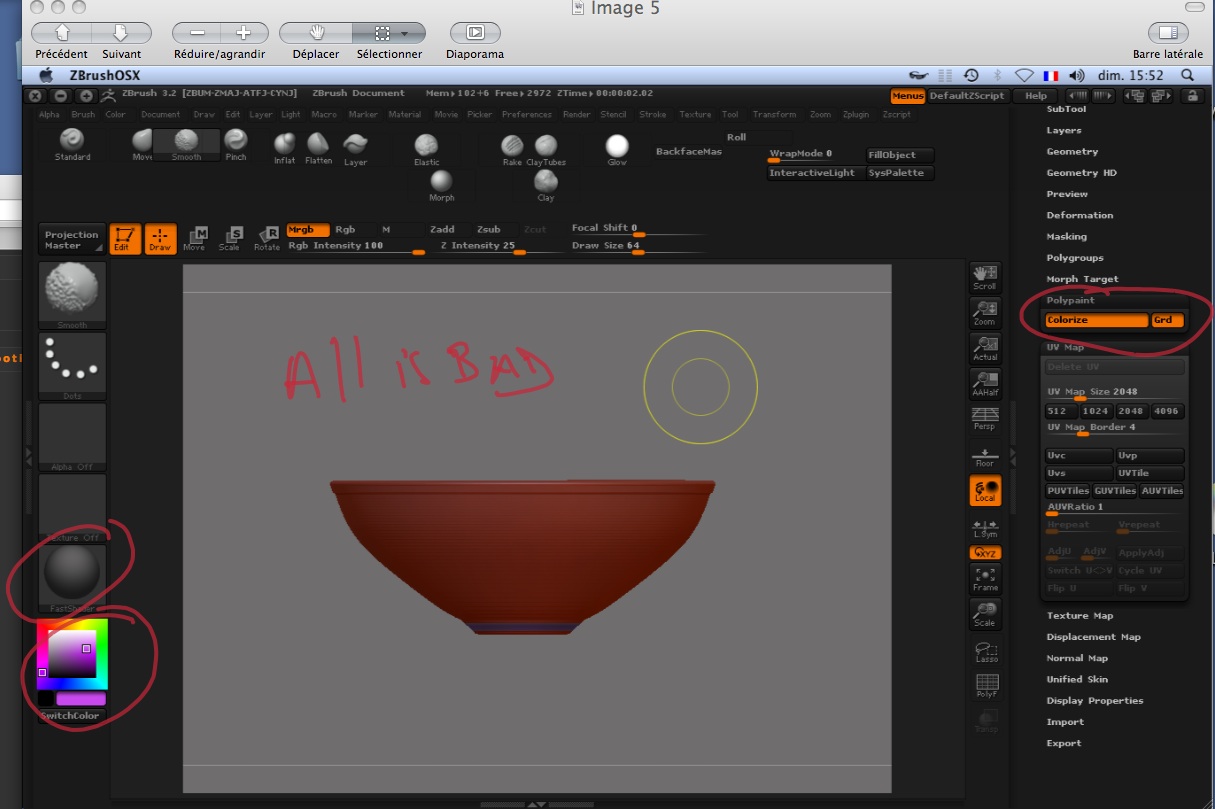
When you fill an object, ZBrush looks at your Draw settings.
Rgb means that polypaint is activated for color, only. Changing materials will affect the whole model.
Mrgb means that polypaint is activated for color and material. When you change materials nothing will change on the model until you paint the area where you want the new new material to be.
M means that only material is embedded. Selecting a new material won’t have any effect until you paint with it, but changing colors will immediately update the whole model.
So when you use Color>Fill Object you need to be aware of exactly what you’re going to want to polypaint: Color, Material or Both. Then select the correct Draw mode before you click the Fill Object button.
(Of course, you can always fix a bad choice. For example, if you initially only had Rgb active when you used Fill Object and now decide that you want embedded material as well you can simply activate Draw>M and use Fill Object again. This will embed the current material, but won’t affect any color you’ve already painted.)