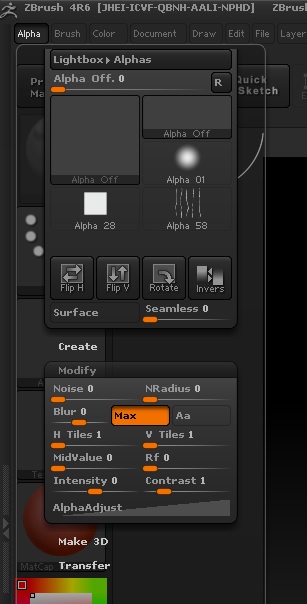
For example I’m working away and when in Alpha (or anything else) I click on modify and it opens then transfer and modify closes.
How can I click on the alpha or anything under the standard menu list and have everything open?
As I’ve seen others people with videos doing it, and is easier to find what I’m looking for. I prefer to scroll down the list than click and each one for another to close.
Attachments