Hello everyone
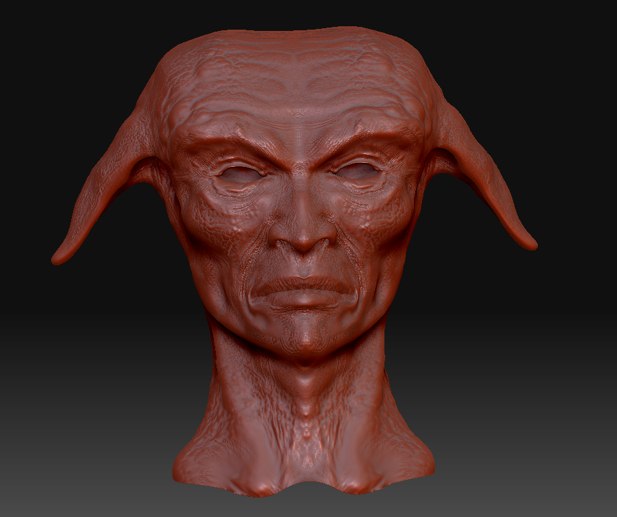
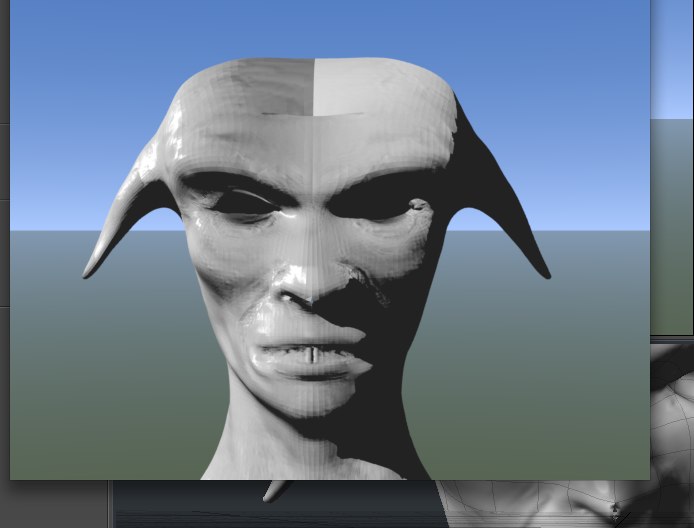
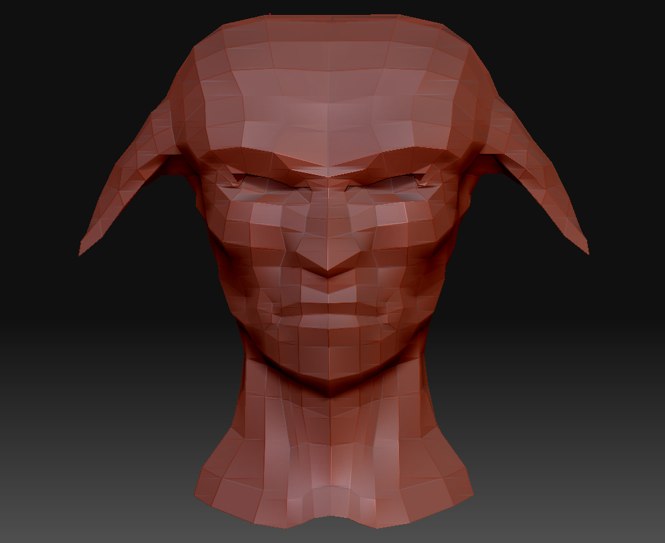
I’m just starting with ZBrush, coming from modo. I just made my first sculpting, which I wanted to export in modo for texturing and rendering, but I’m having trouble with the displacment and normal maps. I’ve watched quite a few tutorials, but those xports wer handled with plug-ins before, and now there in the menus, so I don’t really know what to change. Maybe there’s a problem with the original mesh. So here’s what I get :
1 - there’s a seam in the normal map (UVs created in modo), not in the displacement, and the result is weird…
2 - the displacement map is stangely wrong. I did change the low value to -100%, but the deformations are not accurate at all.
Here are a few snapshots, if anyone can help me, that would be great.
Thanks
Attachments