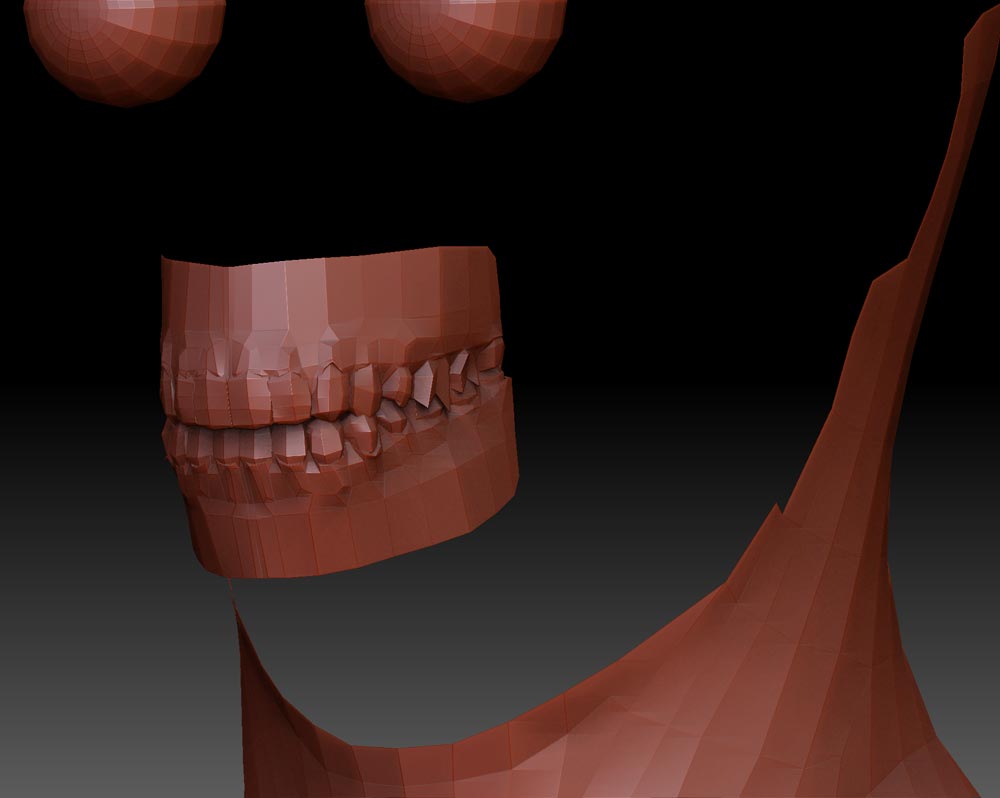
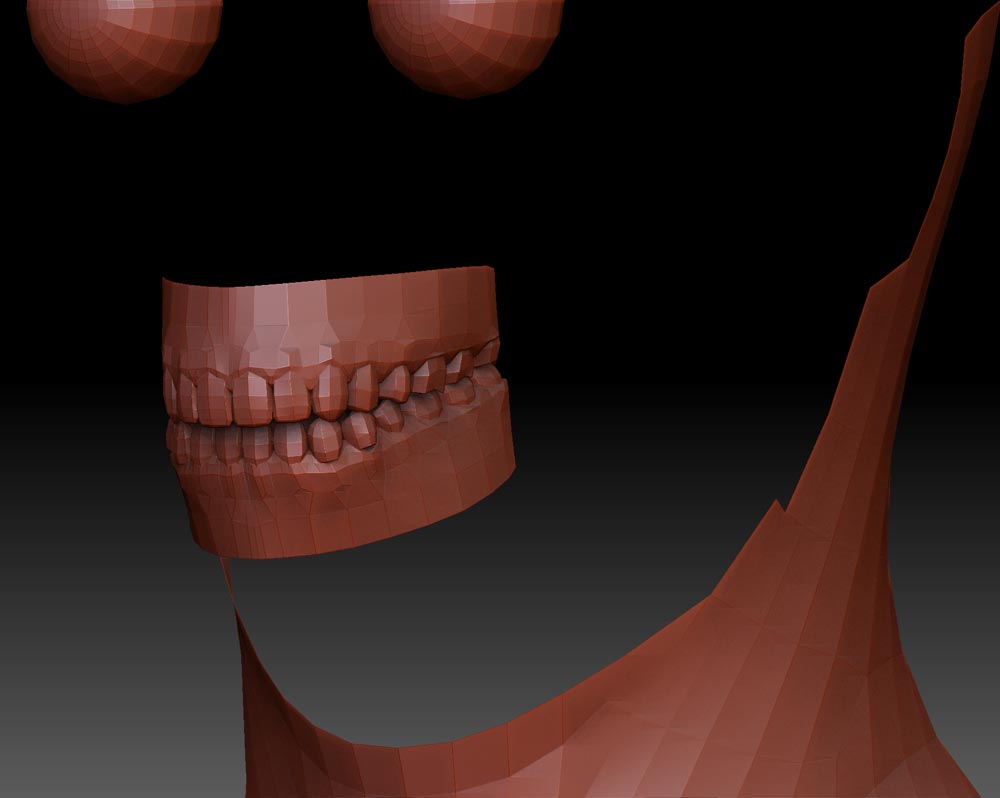
OK, I am new to Zbrush 4 and I am morphing on a new model but I noticed polygon drift when working in Zbrush 4. What I have done is imported a mesh into ZBrush, divided the tool a couple of time, worked on it and then removed the division and it was causing some issues with the teeth (and other parts).
The example below was the mesh that was brought into ZBrush, divided and then taken back the original division level. As you can see there is a lot of shifting going on there. I can try to avoid messing with them in the future but I want to know if I am the only one that it is happening to (and I want to know if I can fix the morphs that are broken but that is another story).
I posted this someplace else and someone responded that they did the same thing in the past and didn’t have the same results. I am wondering if it is a Mac only bug or if the other person didn’t notice it. Thanks.
Attachments