Hey everyone, a Zbrush central noob here with a quick question about navigation in Zbrush. I prefer to use the right click button to rotate/zoom and generally navigate around zbrush with. However I have a couple of annoying niggles with the fact that right clicking by itself brings up the rightclick menu which is very irritating if im rotating around quickly and the menu pops up and I accidentally change something in the settings, then it disappears again with me trying to figure out what i’ve changed. Is there a way to disable this menu? Possible a way to just clear the hotkey that is associated with the right click without disabling right click navigation? Similarly is it possible to disable the function of left clicking on the canvas empty space to navigate? I sometimes try and sculpt on the very edge of a model and end up rotating a wild amount. Again just a little annoyance.
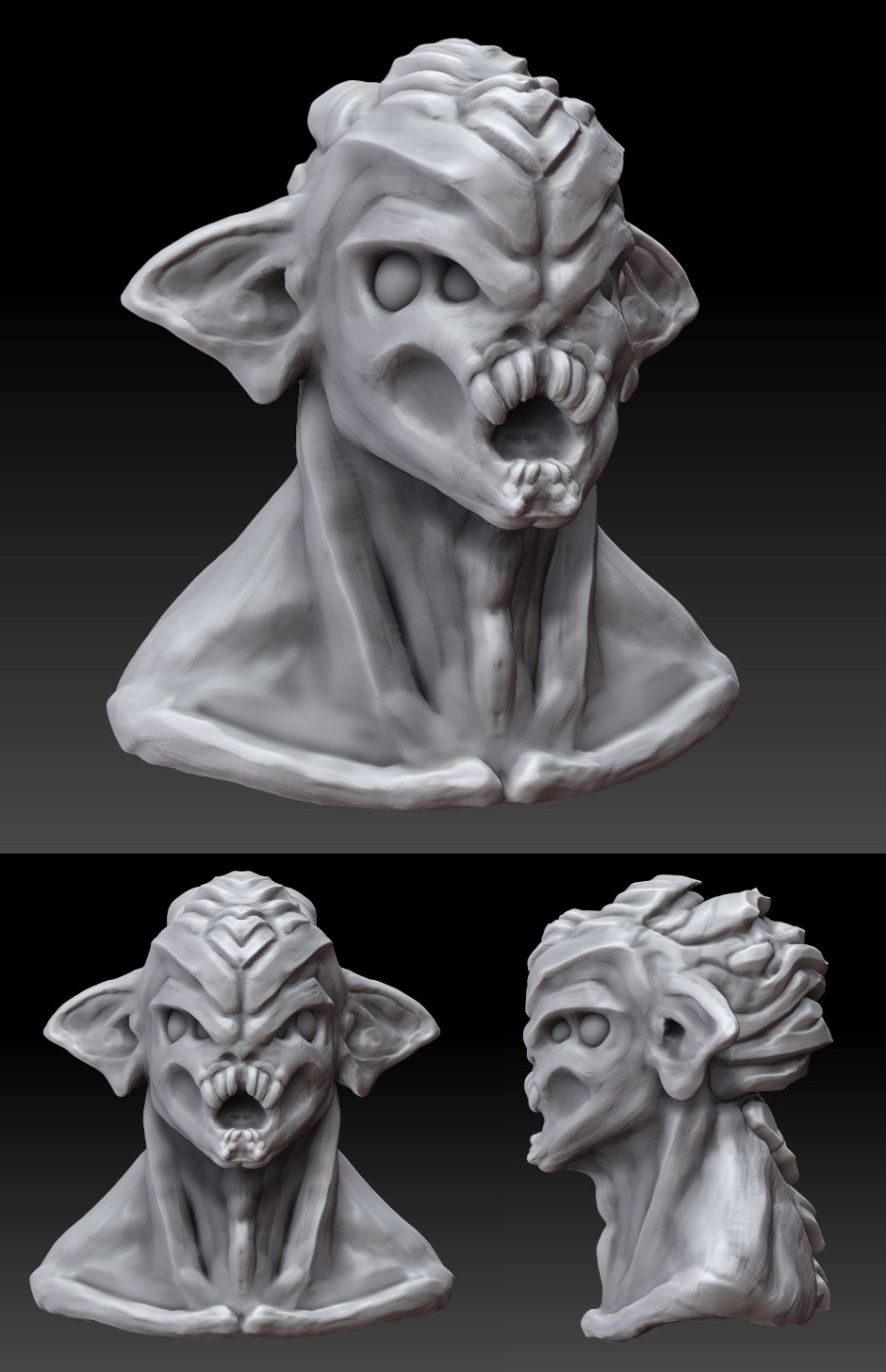
And to avert the possibility that I’m abusing your vast knowledge with my first post for personal gain! Here’s a quick sketch I did the other night as my first contribution to the forums!
Attachments