ZBrushCentral

New Decimation Master problem

I just switched Graphic cards and re-installed windows and re-installed Zbrush as well. The drivers have been updated - Vcredist installed - and i have tried re-installing zbrush and everything more then twice.

The software’s running fine as well as every other plugin, but whenever i try to ‘pre-process’ any model, another session of zbrush launches automatically and i get this error.
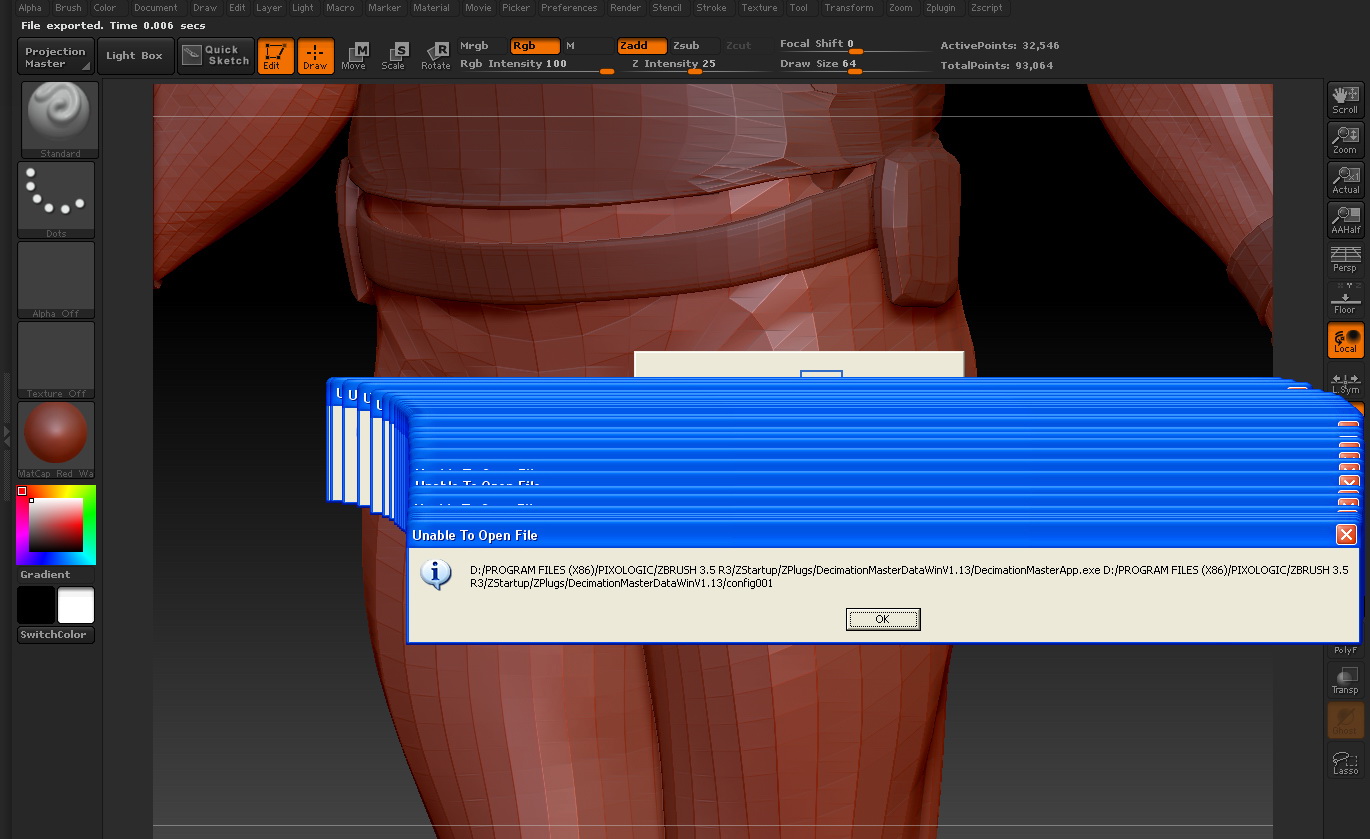
When you reinstalled ZBrush, did you first uninstall AND delete the 3.5 R3 folder? If not, please give that a try. Otherwise you can have corruption in the files that are left over after the uninstall.

Also, have you installed the updated Decimation Master (and 3D Print Exporter)? They can be gotten from the Download Center. See my signature.

Alternatively, what OS are you running? Your errors could be caused by a permissions issue.

Well i formatted that drive for windows re-install and made a new clean install, also i am using Windows XP 64bit SP2. Using the latest Decimation master and 3d Print exporter as well. I have full admin access on the PC, also i did a check turning the studio’s firewall off. But the problem persists. + I have run Registry Mechanic to clean up the registry. The problem is still persisting. Its just a very a strange bug.

hello, plz can any1 help here :qu:

Ever pissed anyone off pointing a paintbrush at 'em? Plato would be proud.:smiley:
Good luck…nice reel, btw.

I took the zbrush4 rhino as an experiment and put a lot of bumps on him and did a decimation following the instructions. It got it down to 732,097 polygons. I exported it as an .obj and imported it into Vue 8.5. The new scene started out only with 2 polygons, when I brought the decimated rhino into Vue the polygon count went up to 1,463,948 polygons.

What gives??

Thanks for any help, Kminto