absolutely amazing! i’m also quite interested in how you went about creating such a perfect skin shader. 
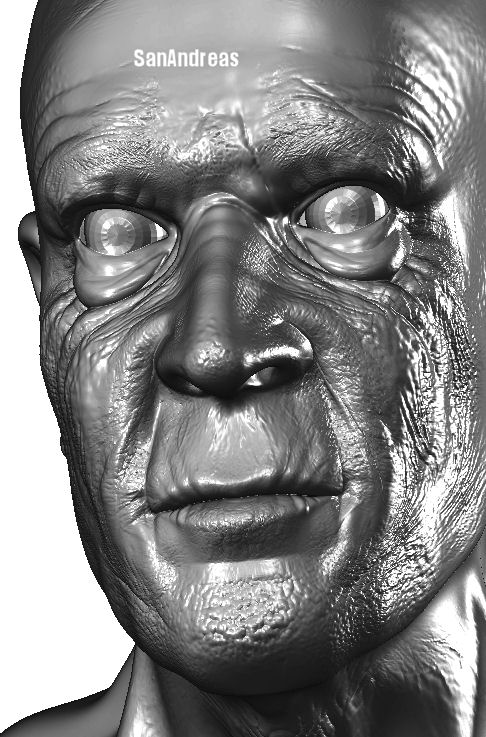
Is this a Zbrush render&
Exceptional … the model is top drawer, but it’s the texture work that truly impresses. 
Where can I find information about how you make these wrinkles?
:eek:… no words
Very Gooooooooooooooooooooooood !!! Top!!
Yainderidoo
This is just exceptional work. It deserves to be on the top row. 10 out of 10, SanAndreas. I would critique the tiny width of his shoulders but I’m sure they’re only temporary! (if they’re not…they need to be about 3 times wider! At least as wide as the face)
Phil
Well done modeling and skin. I noticed all the little details like the small cut under his chin and the one bloodshot eye.
Where was it rendered?
Heres a quick update:
[ ]
]
yes this model was rendered in zbrush, I will be resizing the shoulders soon.
thanks for your comments.
SanAndreas
[email protected]
Thats a very, very impressive render ,SanAndreas
jantim
Good to hear you’re going to sort out the shoulders. Now would someone please move this to the Top Row where it belongs? 
Exceptional materials and lighting! The modeling ain’t too shabby either…
I’d love to get my grubby mitts on you material and lights…:lol: Wonderful detail on the wrinkles, too…Great stuff…
Top Row…
Dickie
Was re-examining this guy…Wonderful character in his face…I just dig that expression…
[ ]
]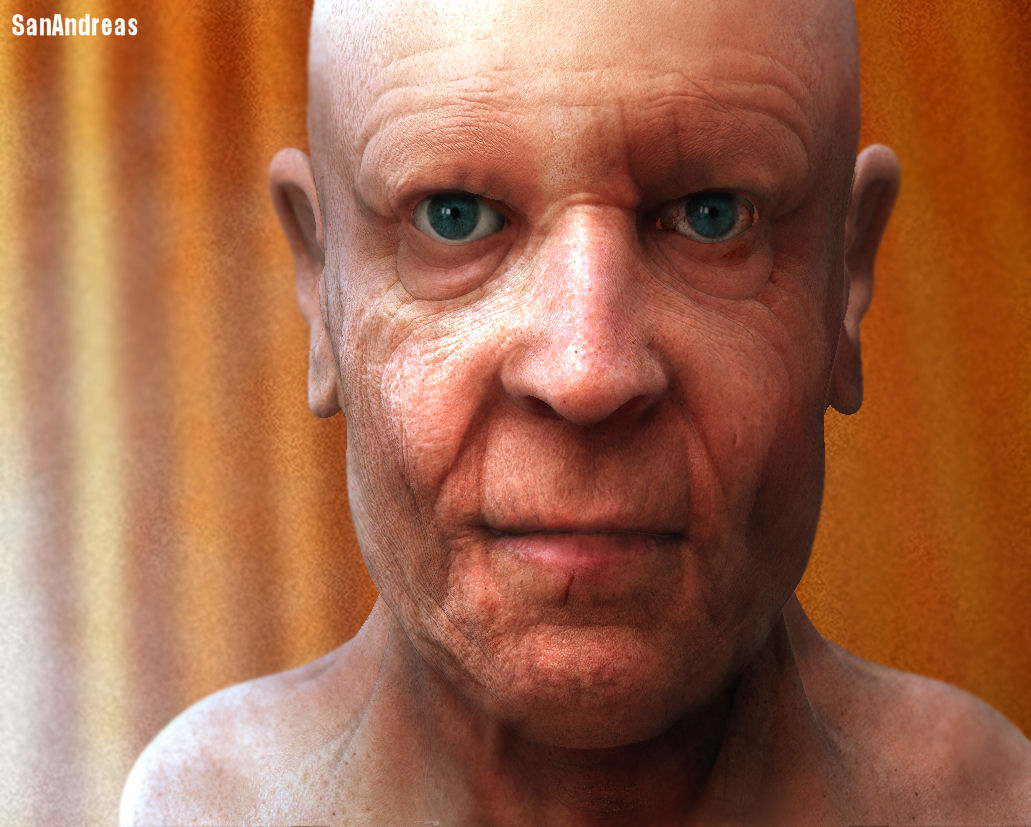
done some more color correction and stuff.
comments please.
I have decided to name this guy… Bruce :rolleyes:
Still wondering why this isn’t top row in light of recent additions?
so am I,  , o well…
SanAn,
Looks fantastic. I love the hyperRealism of the face, but was wondering what you did in the first few images you posted (the ones that appear toon-like). I understand you may be working under the guise of “trade-secret-til-I-finish”, but if you wouldn’t mind explaining that particular method I’d love to know.
Thanks,
Chaz
i would like see him more skinny
For the cartoon-look version, I rendered it as a shaded illutration in a program called deep exploration, this gave it the black outlines.
After I changed the contrast and used soft-focus effect in paintshoppro.
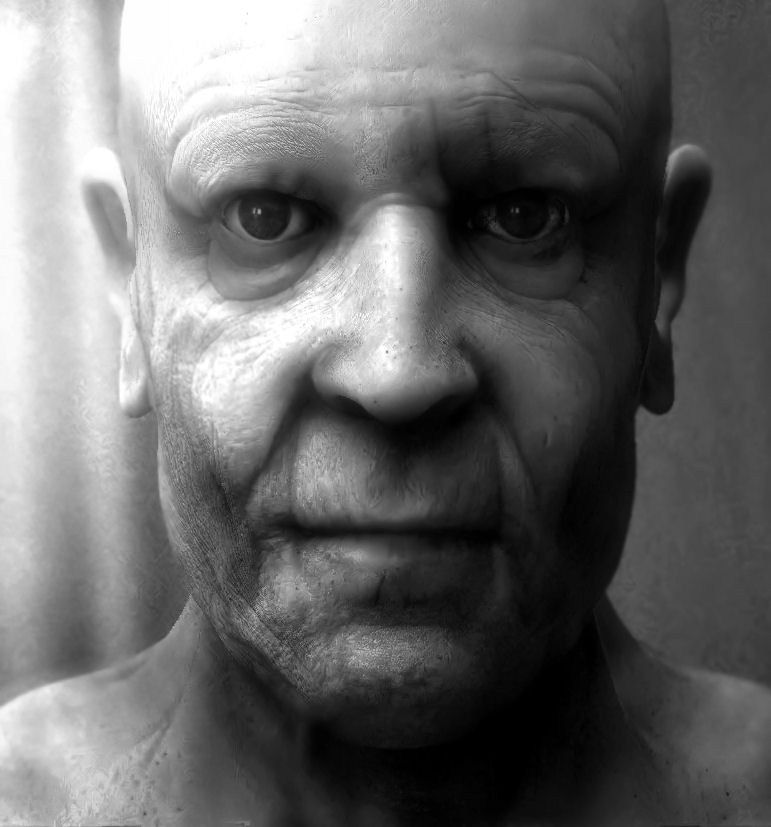
done a few changes, i think this grey-scale version looks abit more emotive in some way.
[ ]
]