ZBrushCentral

Need Urgent ZB Help About Texturing/Rendering

Hello every one , what I need is simple for those who knows Zbrush , I have a post on link below , and I want to have both characters textures in zbrush (import their textures in one scene) and then paint the ground too :

http://www.zbrushcentral.com/zbc/showthread.php?t=70370

I dont know how to have several objects with separate textures in zbrush , after you help me on that I want render the scene with good setting :slight_smile: and need help on that too.

Thank you very much for your time.

oh :frowning: and how can I have back faces?

Attachments

2 copy.jpg

Hi mehdishay, I try to help you ( no sure if I can, though ) but could you please explain your problem in other words again. :slight_smile:
I´m not really sure what you mean.

In this post you say "I want to have both characters textures in zbrush (import their textures in one scene) and then paint the ground too "

and in your other thread:

“Well , I’m working on 2 characters and some other stuff , my WIP is I want to have both characters (with their material and texture) on that ground , and paint ground in ZB separately, is that possible in zbrush?”

1. Do you want just the textures or the characters with their textures in one scene?

  1. You said that you don´t know how to have several objects with seperate textures – does this mean you know how to get for example two models in one scene but you just don´t know how to texture them seperately?
    Or is the main problem that you don´t know how to get them together in one scene?

And last but not least :

3.Is the ground an extra tool?
4.Do you know how Polypaint works?

Hmm… unfortunately your offline. In a few minutes I´m offline, too, for the next couple of hours.
Here are a few links. Hope they help you out a little bit.

How to texture SubTools seperately(answer in Post 2+4 )
http://www.zbrushcentral.com/zbc/showthread.php?t=52151

Another thread which might be helpful:
http://209.132.96.165/zbc/showthread.php?t=57081

SubTool infos:
http://www.pixologic.com/docs/index.php/Subtools
http://www.pixologic.com/docs/index.php/Appending_Subtools

SubTools and materials:
http://www.pixologic.com/docs/index.php/Materials_and_SubTools

A useful Plugin by the way :SubTool Master.
You´ll find the download + more infos here:
http://www.zbrushcentral.com/zbc/showthread.php?t=057154

PolyPaint infos+tutorial:
http://www.pixologic.com/docs/index.php/Texture_Painting
http://www.pixologic.com/docs/index.php/Polypainting
http://www.pixologic.com/docs/index.php/First_Painting

Infos about rendering:
http://www.pixologic.com/docs/index.php/Rendering_The_Big_Picture
http://www.pixologic.com/docs/index.php/Render_Palette

Infos about lighting:
http://www.pixologic.com/docs/index.php/Lighting
http://www.pixologic.com/docs/index.php/Light_Palette

Any other questions --> I recommend to check out the online documentation (there you´ll find almost everyhing about Zbrush) :wink:
http://www.pixologic.com/docs/index.php/Main_Page

Hello , and a BIG Thanks for your replay :slight_smile: , I have only 4 days to finish this scene , ok let me explain what is that exactly :

-both characters must be on ground, the stronger one carry an sword and attacking , the other one has a bow and he drop that on the ground beside himself , he is sit on the ground.hope I explained well.

And answers :

1-I want characters with their weapons on one scene , characters has UV and textures(I’ll attach everything soon) , but weapons has no uv/texture, I’d like paint them in ZB

2-yes I can import and append sub-tools , but when I apply a texture, that will apply to all scene models, same as materials. if there is a way for each model to have separate texture and material, that would be great.

3-yes , ground is 3 models : ring , ground , stones .

4-and yes I know how to paint using textures and 2d brushes .

About second post :

I’ll be online from now till next 8-9 hours , Great links Thank you , I’m checking…

Kind Regards
M.Shay

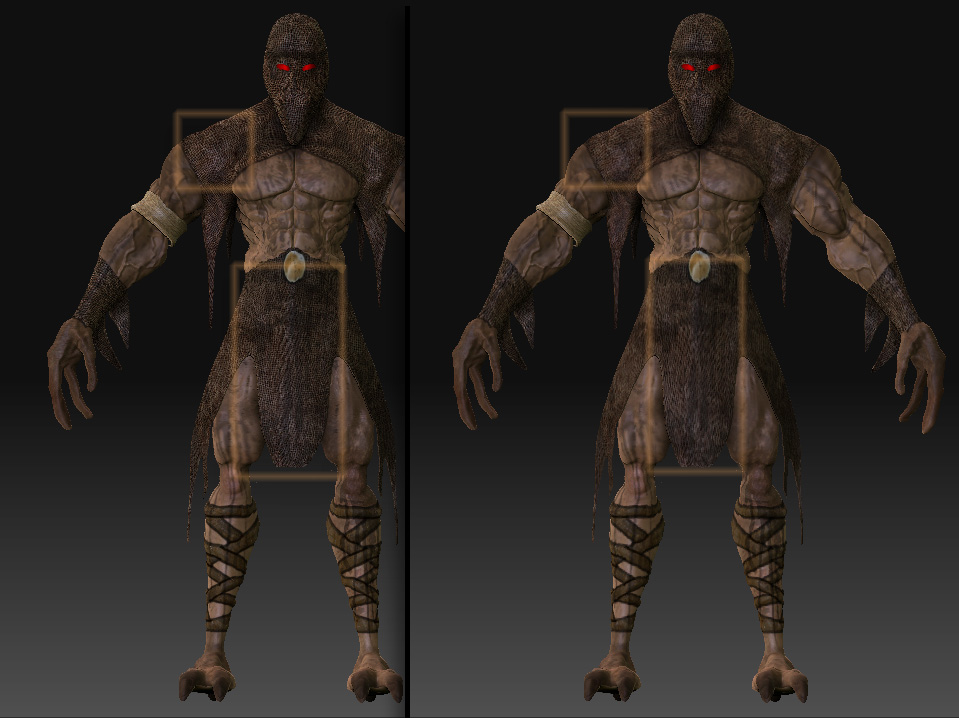
Okay , I had a success for first step , I’m happy with it but noticed some areas are blur , is there a way to prevent that?

Attachments

a.jpg

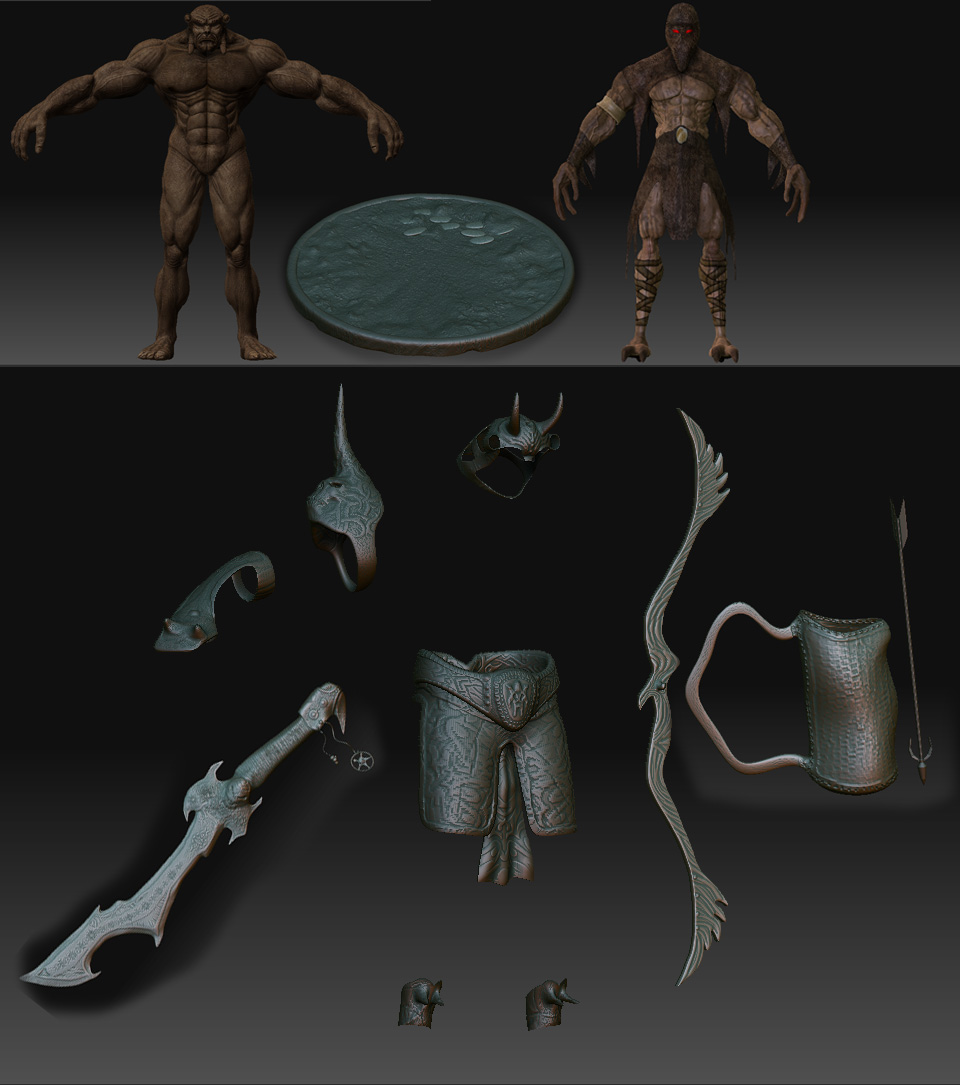
Okay , here’s all I have (attached image) and things to be done are :

1- txt–>color for characters (without Blur and separate materials if possible)

2-paint the ground,sword and all other models (different materials if possible)

3-deform the character at right , to have a position like drop/plop on the ground.

4-merge all into scene with their own txt/mat .

5-Light and Render at the best quality.

*Problem : is there a way to have back faces? or I have to import the shelled mesh and sculpt again?

*** Time To Complete : less than 4 days ***


Attachments

all.jpg

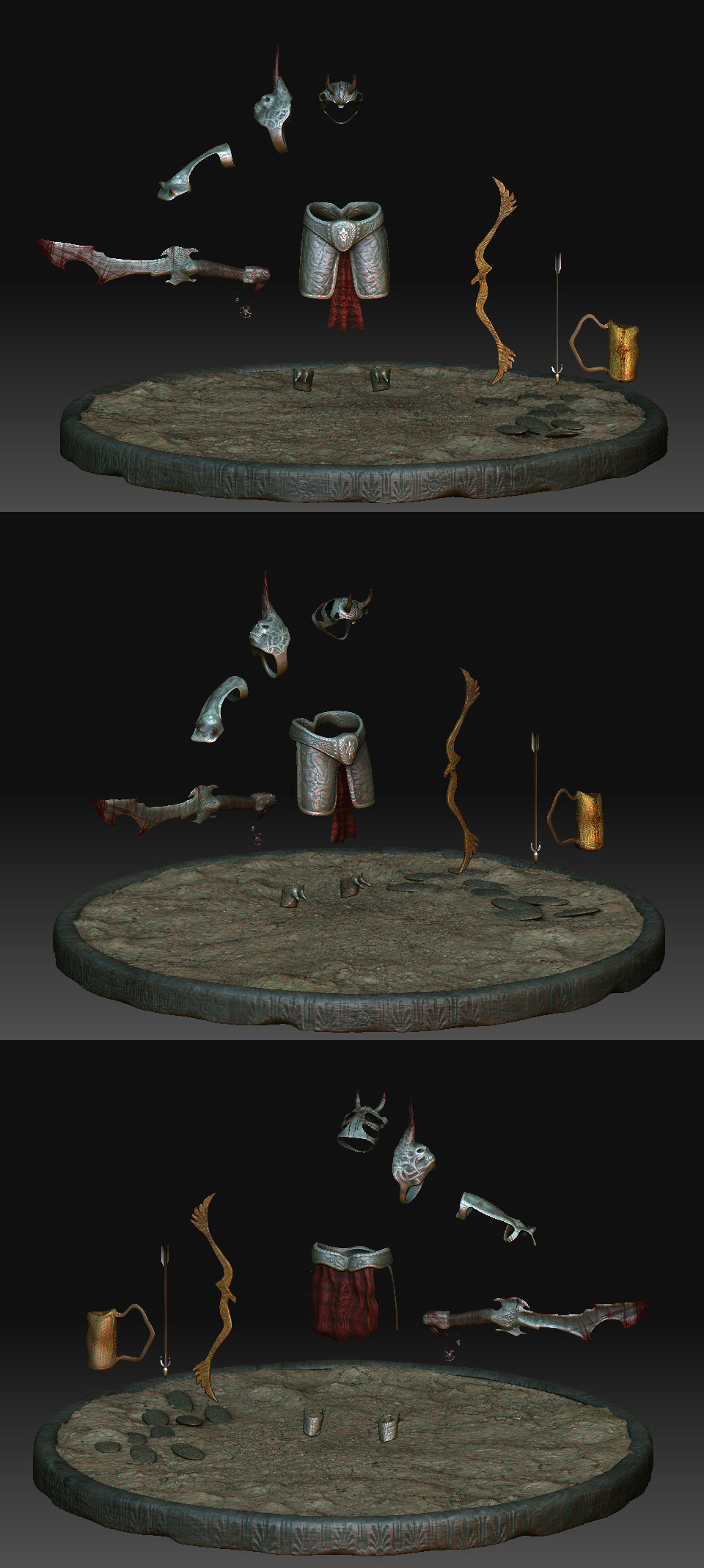
Guess you are not back yet :slight_smile: , I’m done with somethings , hope they can render with characters with same or better quality .

Other who view this thread , Please feel free to post comments and suggestions.

Regards
M.Shay

Attachments

ALL1 copy.jpg

:eek: Soooo many questions.
Ok I try to answer them, but I don´t know an answer for every question – I´m still busy with learning, too. :slight_smile:

Reply to post no. 7

1+2) Yes, you can have different textures and materials for your tools.
( please see the first two links and also the “SubTools and materials” link … this should help you)
Regarding the “blur”… I´m not sure. How many Polys does your model have? Maybe it has not enough… or the mesh is streched in those areas – I´m not sure.:confused:

3) Read all the links below – you´ll be busy for a while but they´ll help you posing your model. :wink:

http://www.pixologic.com/docs/index.php/Transpose
http://www.pixologic.com/docs/index.php/Understanding_The_Action_Line
http://www.pixologic.com/docs/index.php/Posing_a_Model
http://www.pixologic.com/docs/index.php/Transpose:_Moving_a_Model
http://www.pixologic.com/docs/index.php/Transpose:_Scaling_a_Model
http://www.pixologic.com/docs/index.php/Transpose:_Rotating_a_Model
http://www.pixologic.com/docs/index.php/Blurring_Masks_and_Joint_Rotations

4) Do you really want to merge them? If I were you I wouldn´t merge them but I guess you just want to have them in one scene. (see the SubTool-info links )
Regarding the different textures/materials please see the other links again. :slight_smile:

5) I can´t help you with that – it would be the best you would try it out.
That´ll take a while and the best render settings… well, I would say that depends on which result you want to achieve. THE ONE recipe for a good result is not existing in my opinion.
Read the links about rendering+lighting.
You really need to understand how the settings work before you can put them to good use.

Regarding the “back faces”
Try pressing Display Properties --> Double
I´m not sure it that´s right, though. Sorry.

Hope it´s all correct what I told you and I hope it helps.

Last but not least:
How to insert images at ZbrushCentral :wink:
http://www.zbrushcentral.com/zbc/showthread.php?t=68060

And I also recommend to visit the ZCLASSROOM.
Watch the videos – they are easily comprehensible and will help you a lot.
http://www.pixologic.com/zclassroom/homeroom/

Hi ,

yes many question , many thanks for your time :slight_smile:

1+2) : these links wont open :frowning: :

http://www.pixologic.com/docs/index.php/Materials_and_SubTools

http://www.pixologic.com/docs/index.php/Subtools

http://www.pixologic.com/docs/index.php/Appending_Subtools

  1. none of links opened :frowning:

4)no :slight_smile: , i meant that I need have all in scene

double works! :D;)

and very strange , this one wont open too :

http://www.pixologic.com/zclassroom/homeroom/

Thanks again.

Hi, don´t know why the links don´t work. I just checked them and I have no problems.

Try this one:

http://www.pixologic.com/docs/index.php/Main_Page

Click where I painted the “1.”
Then scroll down until you see the SubTool section.
Regarding the Posing --> the same page: Strike a Pose

And regarding the Zclassroom – click where I painted the “2.”
or you´ll find it also on top of every ZbrushCentral page.

Hope it´ll work now.:slight_smile:

Hi ,

man I dont know how to thank you , you spend a lot of time for me getting screen shots and descriptions :):+1:
thank god I know how to click and scroll …lol…
but my chance cant be more worst , I think my isp has problems with pixologic.com :frowning: :

ERROR

The requested URL could not be retrieved

While trying to retrieve the URL: http://www.pixologic.com/

The following error was encountered:

  • Connection to www.pixologic.com Failed
The system returned:

(110) Connection timed out The remote host or network may be down. Please try the request again.


lets continue the thread on the new one I’ve post.

Bye;)