Hello all! 
I am creating my art exam piece in zbrush, and it was all fine and dandy until one day zbrush didn’t want to cooperate with me.
I was Zsphere modelling the figure with adaptive skin density set to 4. I used to check out the smoothness in other levels, but mainly previewed everything at level 4. The modelling went on smoothly so far (I’m still quite new at zbrush, but am getting the hang of it), one day I saved the tool and the next day I opened it up to continue working. This is where the problem came up for no reason.
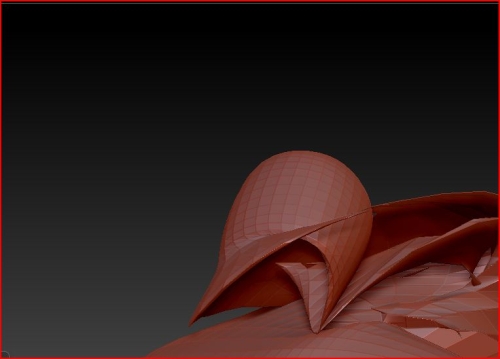
Whenever I try to even SLIGHTLY move a zsphere (at density level 4 and above) , the skinning is totally ruined, instead of smooth skin I get jagged edgy thingies poking out everywhere. BUT once I turn down to density 3 I can continue modelling as usual, without any major worries. Problem is, density 3 is too low for me 
I’ll illustrate what I mean:
Before:
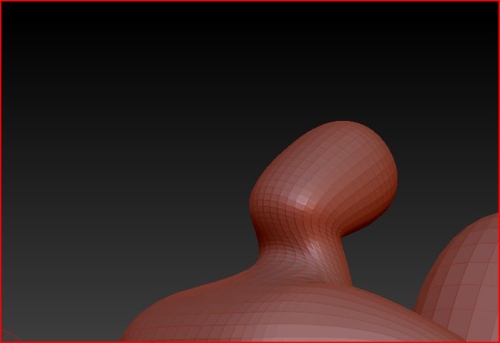
I’ve played around with a gazzilion settings and nothing worked, I even tried reinstalling zbrush but that didn’t help either. I’d be really thankful if someone could help me fix this, because my exam deadline is haunting me
P.S. I’ve checked the older threads and I might have missed an answer to the problem…so if i did miss something please throw in a link.
Attachments