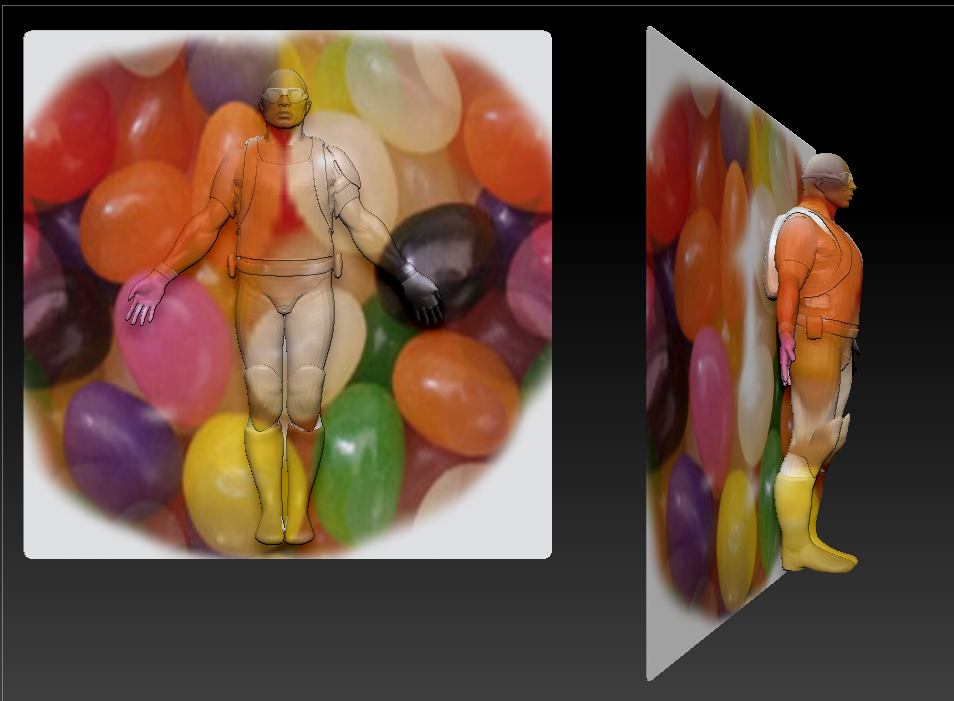
I want to simulate a projection of a picture on my 3D artwork and background.
The inspiration comes from the pictures with painted people in front of a background: from one angle you barely see them, from all other angles you see them clearly.
It is basically a simulation of an object in front of a beamer and background.
When you’re right in front of it you barey see the artwork, but when you turn (simulated with the Zbrush camera) you see the object in front of the background.
It is kind of “digitally unveiling” of my object.
How can this be achieved?
LVR