What Bukoba said is good advice.
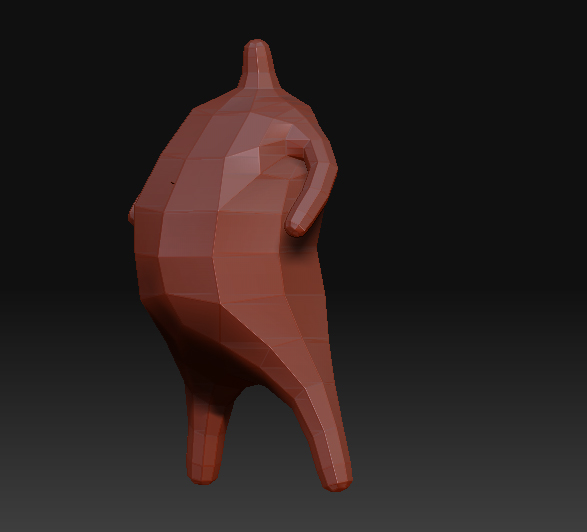
However, I think you need to understand how the sculpting process works to begin with. Basically, what you need to do is figure out the main forms of your subject, and how they flow into each other.
In that respect, modeling a human head is good practice, if challenging.
For example, you can’t simply scoop out two circular holes and call them eyes, or slap a knob in between and call it a nose – both of those features will spring into existence organically if you follow the bone structure of the skull.
The usual advice applies: try to sketch the main lines on paper beforehand, to see if you understand how the face is put together. Practice, practice and practice some more! The head you posted probably didn’t see a lot of work – it’s an ok start (well, except for the eyes, you’d need to smooth those out and reshape drastically), but you can still tell it was just a sphere with the chin sorta pulled out.
A common mistake to avoid is slapping facial features onto a flattened plane. The face is actually not flat at all! Just look at your mouth from a low angle - it’s barrel-shaped, wrapping around the teeth. One neat trick you might try is to look at drawings of superheroes, which usually have clean, strong lines that nicely describe the facial structure - it’s no accident that X-Men Gambit’s mask follows the lines that it does.
Interestingly enough, having some experience in traditional 3D modeling can be helpful, although it’s a whole different ballgame. There it’s all about following the edge flow, which can train you to recognize the main forms in a model and how they interact.
As for the actual nitty-gritty of using Zbrush, here’s my two cents, adding to what Bukoba said:
- Use the Standard, Clay and Claytubes brushes for sculpting, Move for adjusting the overall shape. In fact, pushing and pulling forms around using the Move brush can stand in for a whole lot of early sculpting.
- Unless you’re a confident sculptor, use a fairly low intensity, in the 10-15 range, then slowly build up, layer by layer.
- the Smooth brush is your friend! Build up a shape a bit too strongly, then smooth down to proper size. I keep the smooth brush at 10 most of the time as well.
- Once you’ve got the main forms down, use Pinch to sharpen edges, such as the outline of the lips.
- if you’re happy with how a sculpt is going, use the ‘Store Morph Target’ under tools, which saves your current progress. Then, as you keep sculpting, you can switch between the saved and current sculpt, observing what changed and what needs more work. Should you decide you’re not going where you want, you can always just switch back to the saved state. Once you think you’ve made good progress, store morph target again! It’s very liberating once you get used to it, since it frees you from keeping track of the number of undo’s you’ve got left.
In the end, you simply gotta perservere. There’s no substitute for hard work, unfortunately.
Hope this helps, and good luck!