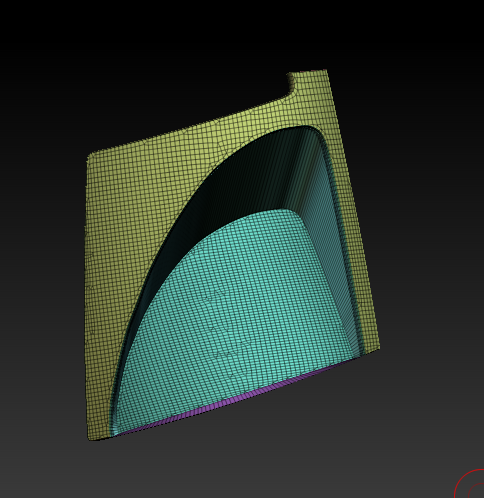
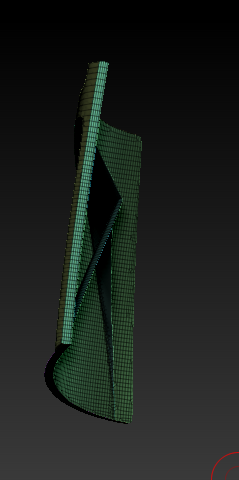
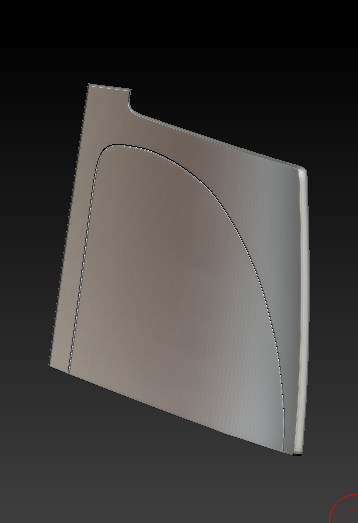
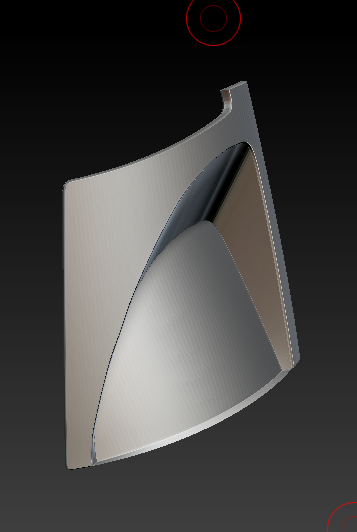
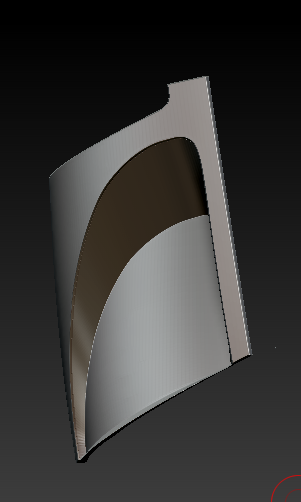
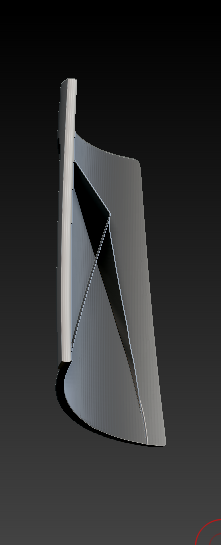
I am not sure if this is an answer to your question, but I do see the polys pushing through the back. If you already know this info I am typing below then great, and if not then I hope this helps.
It appears that in certain areas that are pushed in you may just be within the thickness of the model and other areas are pushed through the back which would explain why it looks one way from the front and another from the back.
Move topological only selects items that are close to those polys and also recognizes separate polygroups if you have that function turned on. That being said while you are moving the front faces back in your model (the blue polygroup) the back faces (the green polygroup) is not being affected because they are farther away. I would use BMV which is the keyboard shortcut for brush move (standard) move brush that will see and move all polys within your cursor circle.
The move topological brush is awesome especially if you are separating lips or things that are close together but are not close in regards to connected polys.
If I wanted to have this as one piece that showed the indent I could also just select the back poygroups hide them, delete hidden, and do the extract function to give it thickness.
Topological brush
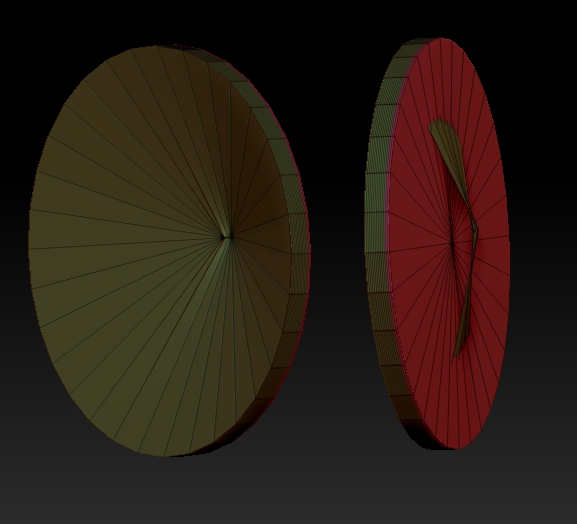
(Standard) Move brush