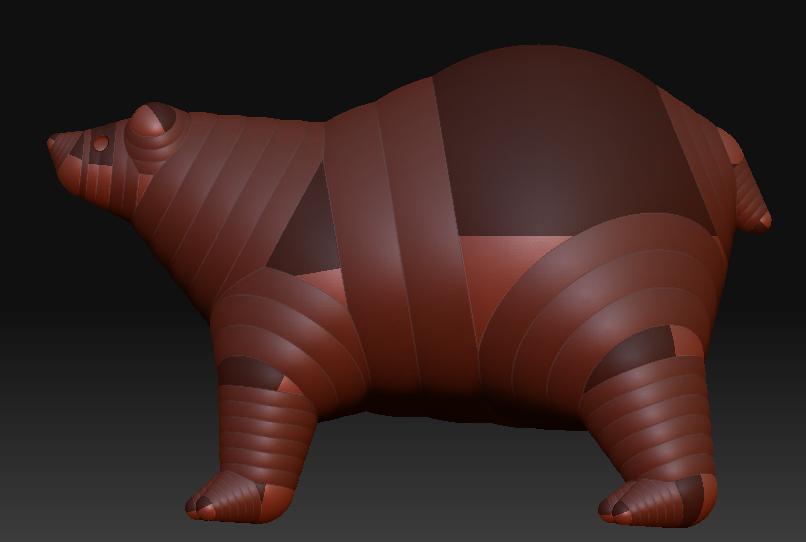
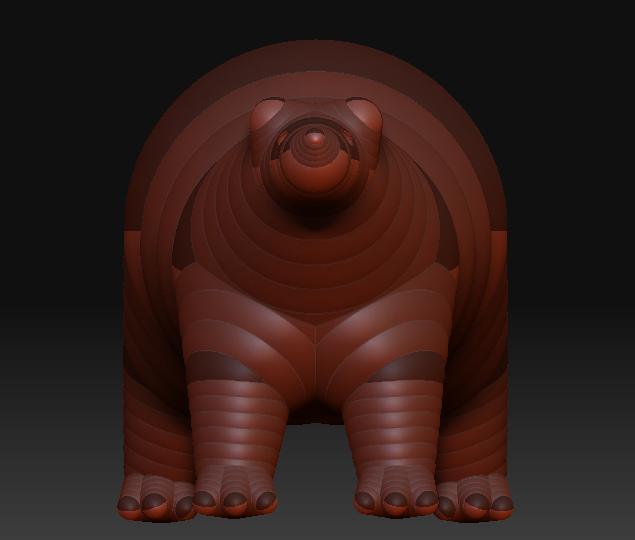
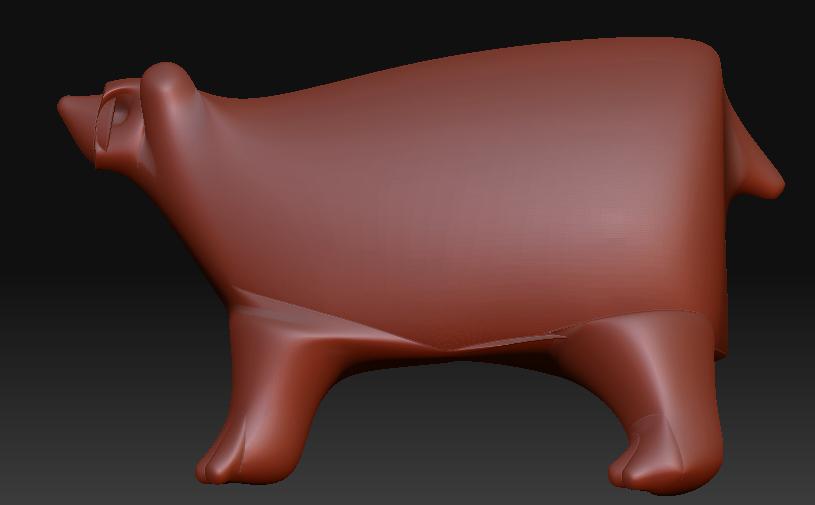
Hi man, your problem is in the “adaptive skin” options, perhaps the “Ires” has a number that is way to short?
I would also try with the “Mbr” option, you can preview along the way, see what happens with the “Mc” and “Mp” on and off, but for the looks of it, I think that it’s the “Ires”.
Another thing: It’s not a good idea to use a big number in “density” probably never, but specially in your case. If I were you, I would get the density at a level 3 or something, and only then, once you have made the skin and you’re working with it, start dividing the geometry.
If you divide now, it will acentuate the options that you don’t like.
If you get a simple low count mesh, you can also change the shape with the movetool more easily and fast, correcting big shape issues in a matter of seconds, and you’d have a good and clean lowest level, wich is always better (and necesary if you’re planning to animate).
As I said, your zsphere structure is good, the problem is not there, but in how you’re making the skin.
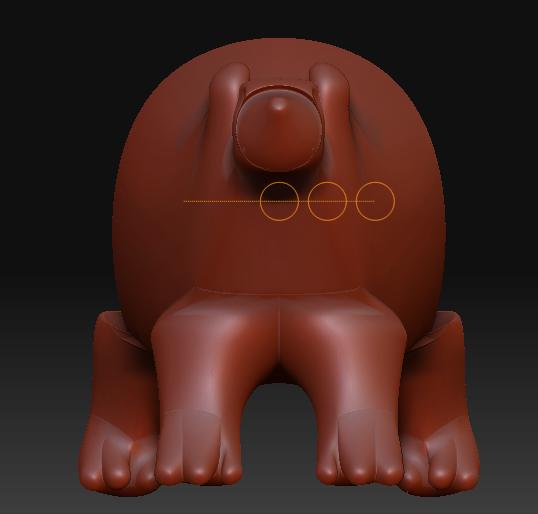
One thing you may check after you solved the problem, is perhaps the ears: If you insert another edge loop (meaning another zsphere close to the other), it will hold the shape better. I don’t know how much you now about 3d modeling in terms of things like eadge loops, but remember about putting some loops to conserve better the shapes. If not it will probably turn to round, as it will try to unite the points of one sphere directly with the further one.
Think about it this way (if you don’t know what I’m talking about). You have one big sphere in one side, and a tiny one in the other. The skin it will produce is a membrane around both of them, making a single shape.
Now, if you insert another tiny ball in the middle, then you’ll break that clean stright line from one to another, and you’ll insted get and object that would be very round in one side, that would streach to the middle, and that would have some regular extremity extruding out fron there. The loop is like putting an elastic band in the middle of a baloon.
I’m telling you this beacuse you’re doing a good job for someone that starts with the zspheres, and this is one of the things that can really help you understand how to get the most out of them.
Anyway, hope it helps!