ZBrushCentral

Need help with Lasso Slicing

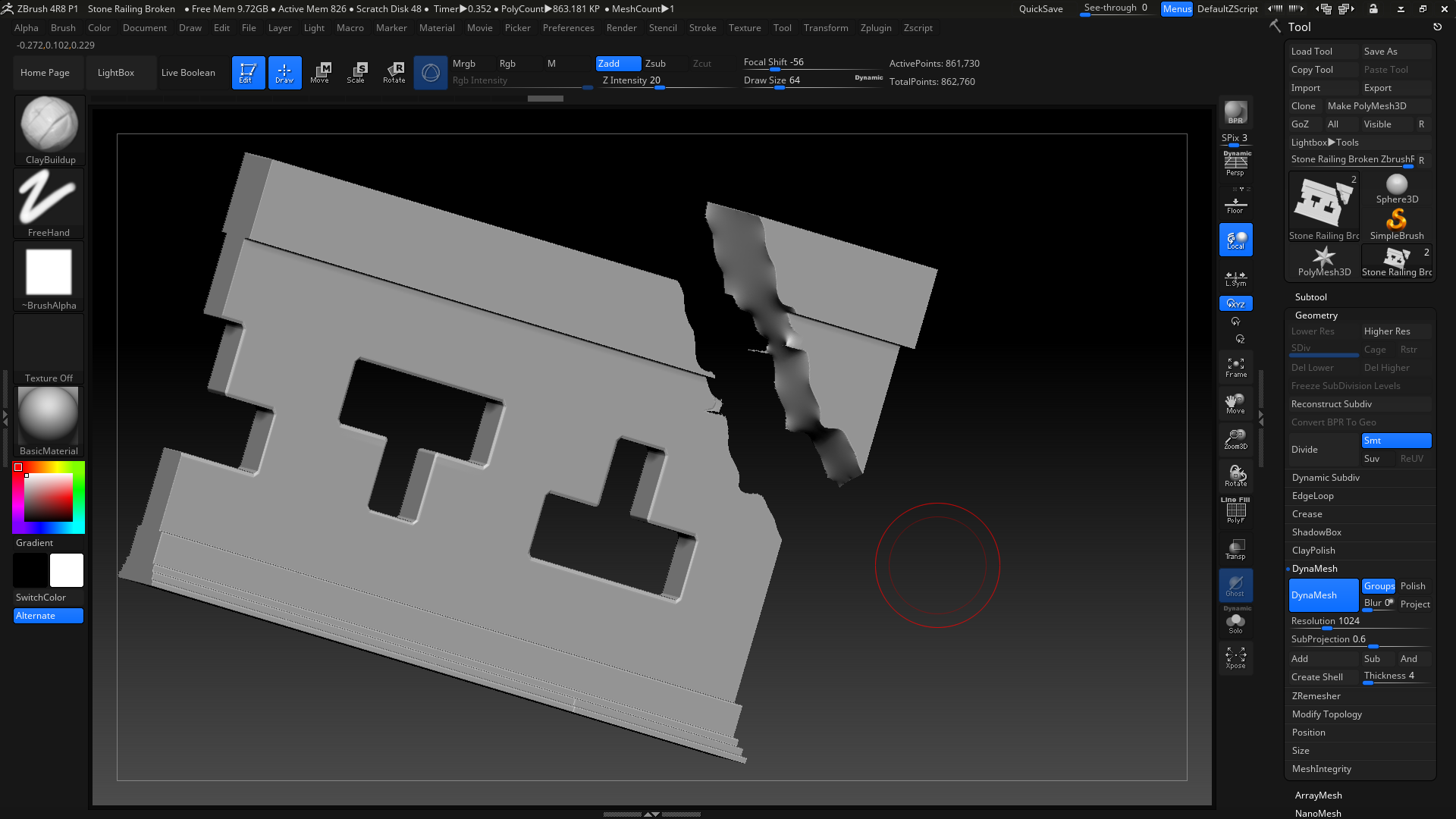
Hi when i use the lasso slice tool and dynamesh it to fill out the hole it becomes smoothed out towards the center how can i make sharper and rigged and not smoothed out.
unknown.png
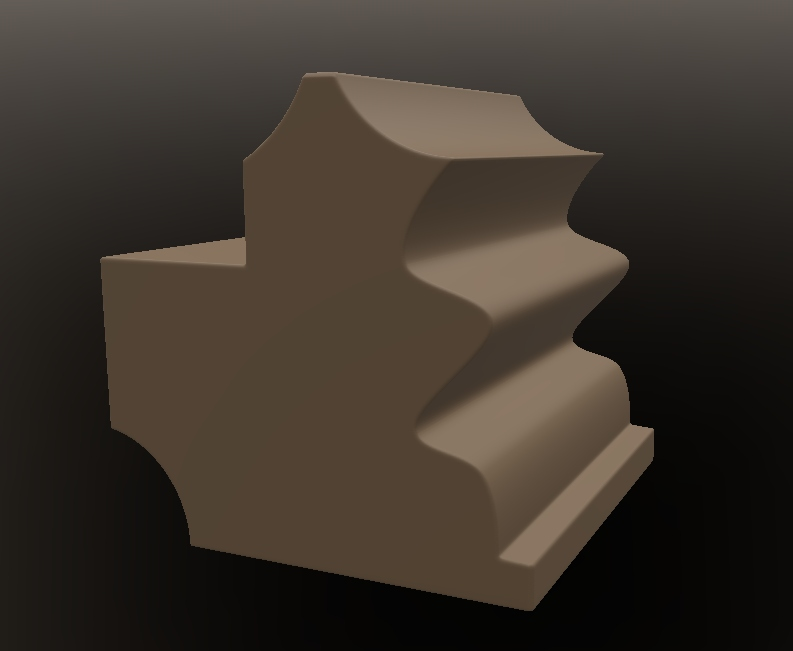
im looking for something more like this where its straight and not smoothed out as it goes into the center like the previous image:cuts.png
Thanks,
Ibyunknown.png

Attachments

unknown.png

I can’t see your pictures. You must post them directly in your post with the attachment function.

However, the Close Hole function, in dynamesh or otherwise, has limits. It only closes the hole in whatever shape results from filling in random geometry between the verts of the hole edge, like stretching a piece of plastic wrap across the opening. It doesn’t make guesses about how you want the topology re-drawn.

It may be you want to use the trim function instead, or an extrusion, or use several operations to make the shape you want rather than a single one, but I’ll have to wait until you get your pictures up to see the situation.

I have updated the images. I have tried the Trim function and that gives the same result. The clip functions works as desired but it flattens the part I cut out and sometimes end up with flat artifacts and messes up the geometry sometimes.

In this situation I would use the new Live Boolean system to make a “cutting” object. Use sculpting, or the clip curve, or any other means to shape it how you want, and preview the “cut” on the model in real time by setting the cutting piece to subtract. Shadowbox would be an easy way to draw a jagged edged “cutting” piece with masking, that would then be extruded so it would cut straight through.

Then use “make boolean” with the cutting piece set to subtract, which will create the new umesh in the toolpalette for the larger piece, then return to the Live boolean tool, and change the boolean mode to “Intersect”. Make boolean will then create the smaller piece as a new tool in the palette. You can then append one to the other.