I’m still a beginner on zbrush and this is my first time sculpting anything on it so I’m not very familiar with all the tools, please keep that in mind.
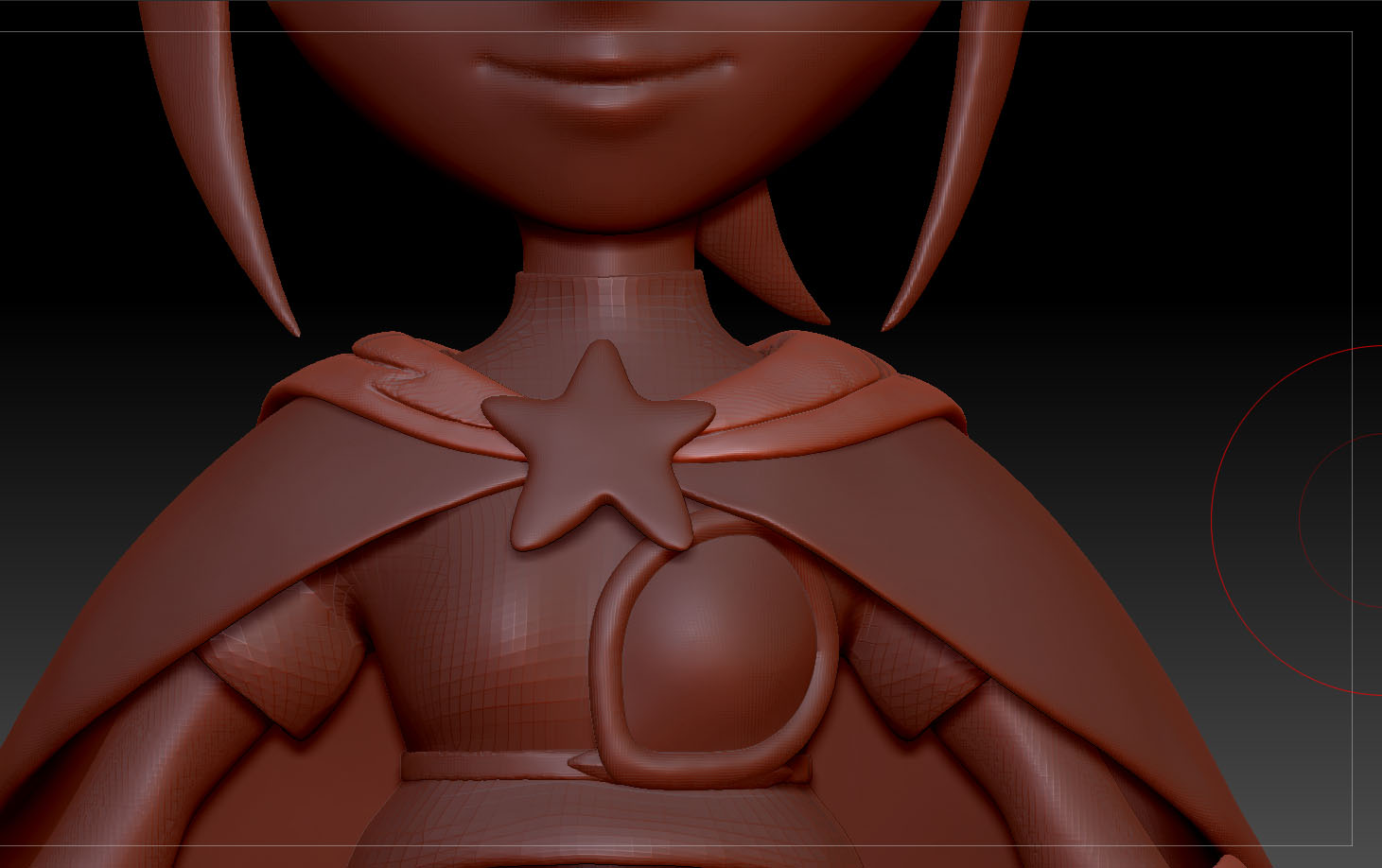
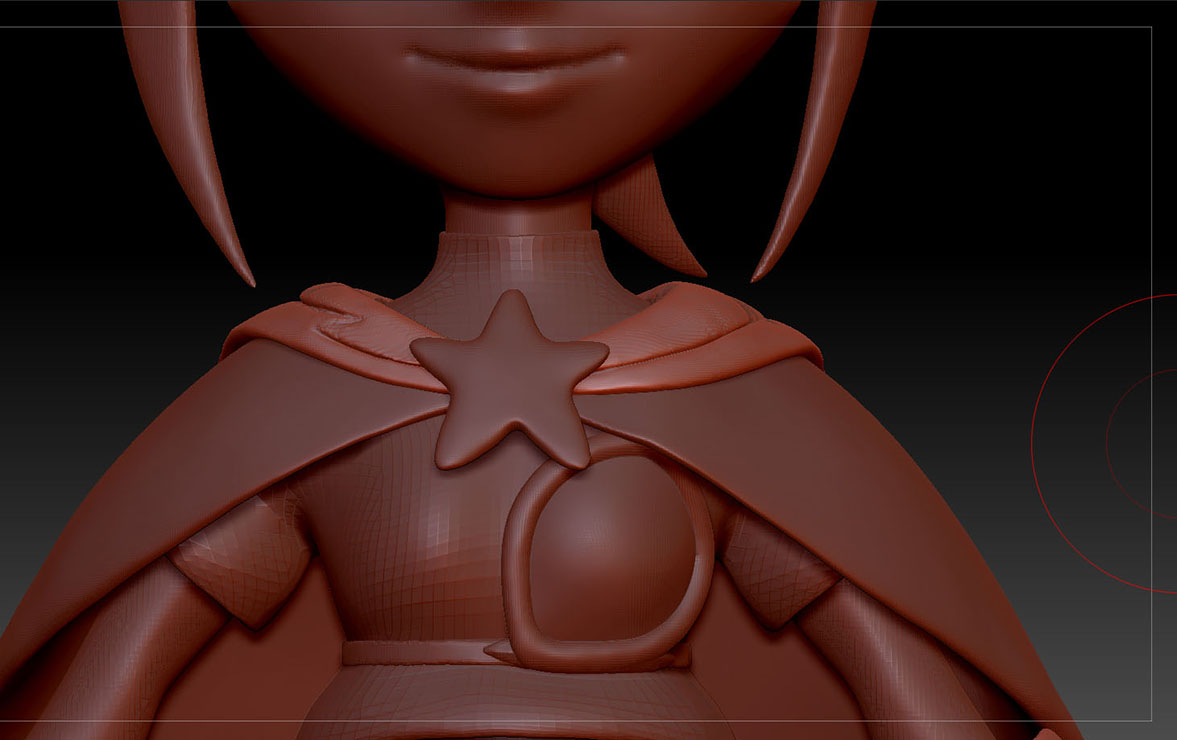
Okay so I’m modeling a character with dynamesh enabled and I’m trying to sculpt a hooded cloack for the character and so far it looks like this
The right side looks alright but I need to use dynamesh on the left side because as you might notice the left side doesnt look as good. The thing is I dont want dynamesh to affect the right side, is there any way to do this? To just let dynamesh affect a specific part of a subtool? Like mask the part you want to leave untouched or something of the sort? Because I need to use dynamesh as I sculpt the whole hoodie, not just the front part of it, so this is very troublesome.
Thanks in advance!
Attachments