Good afternoon,
I need help figuring out how to make 3d designs based on imported stl files.
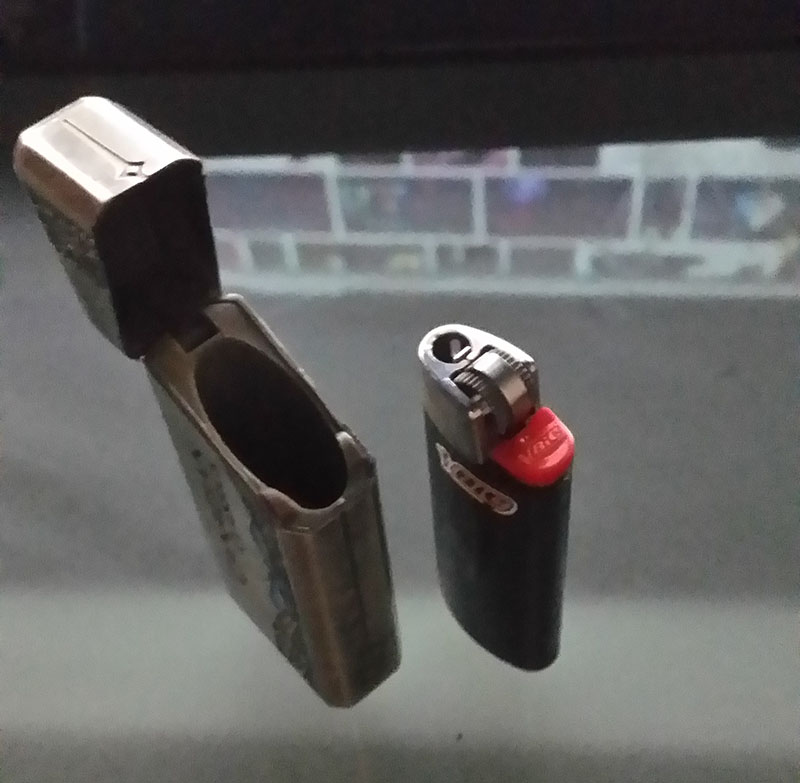
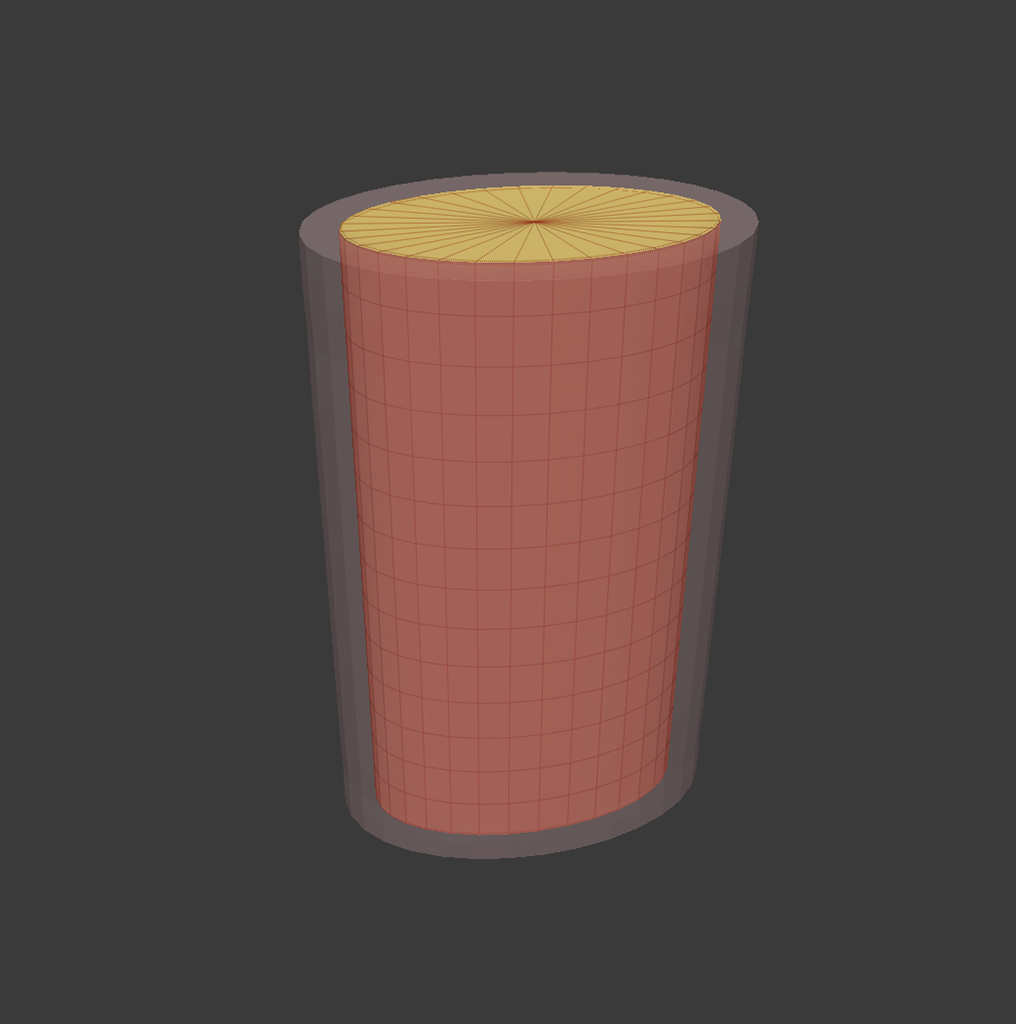
I have attached a picture to help explain as it is a bit specific and hard to find any information on google as it is pretty specific.
Say I have a regular lighter and I would like to make a cosmetically appealing shell to put the lighter in. So if I scan the lighter with a 3d scanner, I will receive an STL file that I can import into zBrush, but how can I model around the STL file without penetrating the STL model so that I can export one STL file from zBrush for 3d printing? It is important for the lighter to fit inside the shell snuggly, hence why I would like to model around the imported STL file of the lighter.
I am sorry for the newby question, been searching for over a month now on how to do so with no success, so I though I would reach out for some help…
Any advice would help! Thanks! 
Attachments