I’m on an 8-core intel Mac, 8 gigs RAM, zBrush 3.2 clean install. Using Maya 2008.
I’m having some issues with getting my displacement (and sometimes texture) maps to display correctly in Maya. I have been using Maya since 3.0, but am pretty new to Zbrush. This is my first model (other than tuts) that I have built from scratch (zspheres) in zBrush, and am attempting to use the new GoZ function to bring it into Maya for rigging and animation.
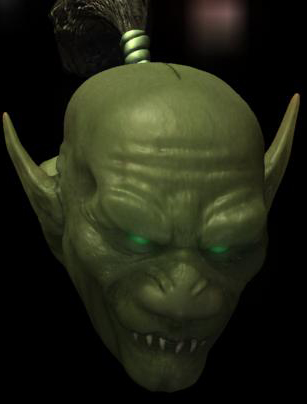
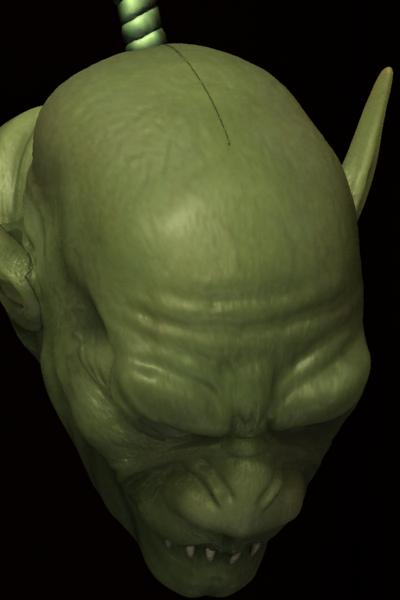
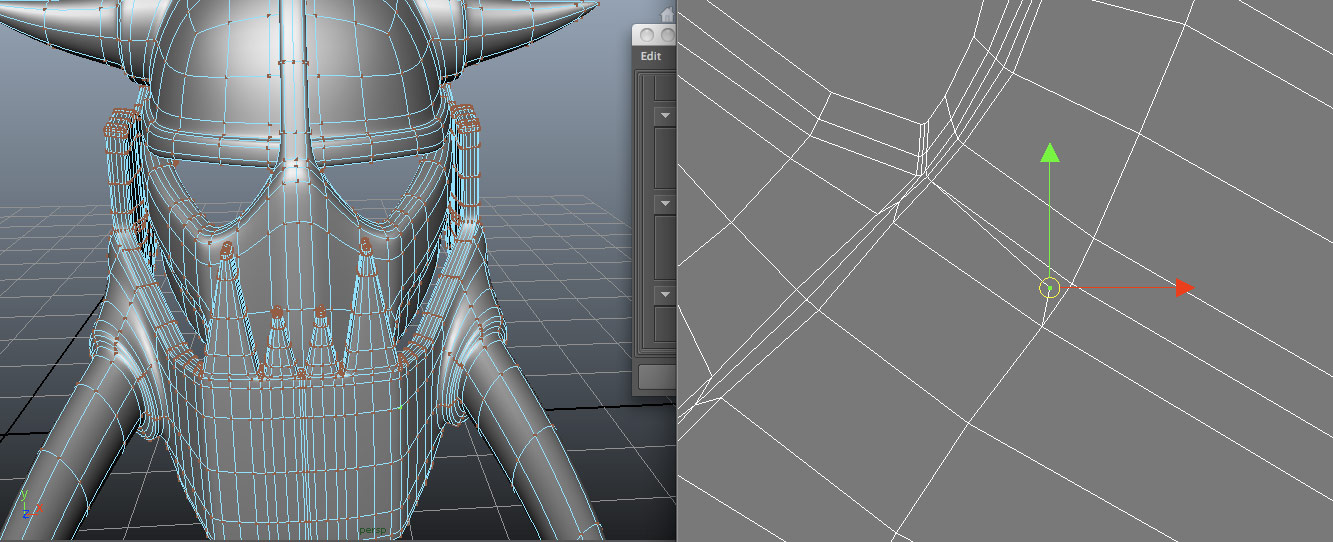
I have attached renders from both zbrush and Maya so that you can see the differences. The main issue for me is the wings, the back edge is bloated, there are several ugly seams, and a significant loss of detail.
You can see the settings I used to create the UVs and maps in the Zb screen (I used GUVtiles), but I have tried several different settings, and this is as close as I was able to get it.
Can anyone help me understand what I’m doing wrong? I feel like I probably made some workflow mistakes while building this character, but I need some help understanding exactly what I did to avoid it happening in the future, and plodding through random searched threads to figure it out myself isn’t really helping me.
Any insight would be greatly appreciated. Thank you.
 ]
]
 ]
]