ZBrushCentral

need help.... please...

i’m working with Zbrush 3 and i’m new to it

I’v modeled something in maya and then exported it to zbrush

i started working on it… divided it couple of times untill my polly count was 3.4 millions…

I’v saved the tool from time to time and the load it again and kept on working on it for couple of days now.

my problem is this: when i tried to export it to Maya, the polly count was too high and maya crashed, but now i CANT lower my resolution…

in my geometry i kep divide my model again, but from some reason i cant lower my resoluition… (cant go back in my resolution) because of that, i cant export lower version and import it to maya.

please, what do i need to do so i’ll be able to export my model in low res and then import it back to maya???

Attachments
help.JPG

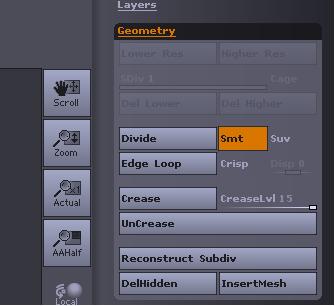
just click on “reconstruct subdevision”

then u just reconstruct lower subdevision and voila u can export lower res.
Detail wont get lost so dont be afright. also lower resolutions wont get lost.

but first of all. install GOZ so its easier

thank you thank you thank you!!!

i was started to think allready that i needed to build all back from scratch!!!

will try it as soon as possible

hey max. i tried the reconstruct subdiv , but nothing happnens…

any idea y?
can i try something else??

could try retopo http://www.pixologic.com/docs/index.php/Tutorial:_Bird_of_Prey#Retopologization

or

tool:remesh-all, res 40 then change to the resulting tool subdiv it and do project -all which is just under remesh all

try the latter first

youtube videos courtesy of - cannedmushrooms www.youtube.com/user/cannedmushrooms#g/p

can u uplaod the a render of the mesh with poly viwe activated? so we can see the meshflows.

if u have any triangles now then… yes hard.

in every case u can retopologize it. this would be the worst case but it works 100%

thank you very much everybody!!!

i managed to do it :slight_smile:

thanks for the help!!

i was able to do it in awired way…

i had my basic mesh that i modles in maya…
and i had the really high resolution model i made in Zbrush…

i uploaded the tool with the Orc and then used my morpth brush to remember it…

then i uploaded the tool with my maya mesh… divided it couple of times and then used the morph tool!!

it worked!!!

thanks everybody… asw soon as it be finish, i’ll upload it…
(again, i’m only abiginer so… u know… dont expect for something amazing…)

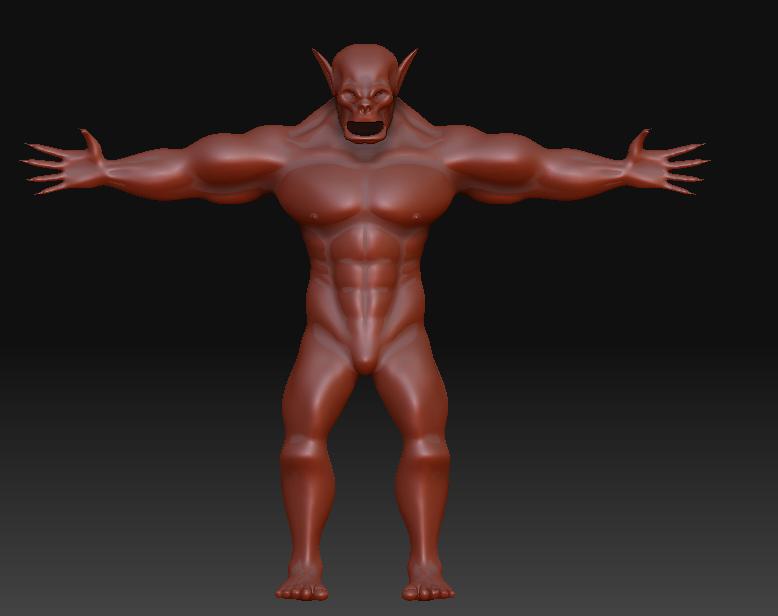
ok… so i did this one in Zbrush… (yea i know… not really detailed, but its my first oine so… be easy with me)

and now i want to open it in maya.

so, i lowered my resolution…
and opend it in maya… now i need to do the binding skin and rig and all that stuff…

my question is this: after i’m bidning, and rigging and animating…
how can i replace my low res model with the high res?

Attachments

dsadsadas.JPG

http://www.youtube.com/watch?v=4nw3pdEqw8A GoZ normal and displacement maps. for extra credit try a special map. ~http://www.zbrushcentral.com/showthread.php?t=59813&page=4&pp=15

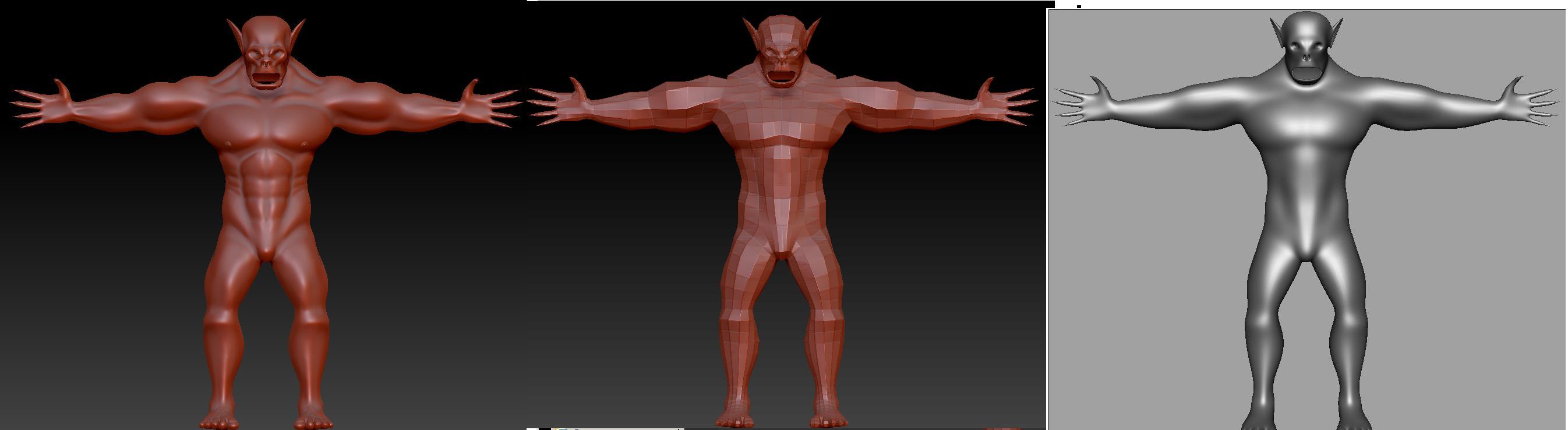
well… u can see my situation in the picture:

high resolution in the left, the i’m using the goZ and it lower the resolution (i know that this is what goZ soppouse to do) but then in maya i see it as low res and not as it should look like.

thats happnes after i’m loading my tool and then pressing the edit button.

if i’m loading my tool, pressing the “edit” button but then pressing the “make polymesh3d”

then myhighest resolution stay still and my low resolution is ereased… then when i’m using the goZ button, its uploading my full resolution model to maya… which makes it crush.

what i’m doing now is to load my tool, pressing the edit button… lowring my resolution couple of times and then making it polymesh3d… then i’m pressing the goZ…

so i’m getting medium resolution in maya… i’m guessing that thats not the way its soppused to work…

will be glad if u could tell me what to do ( i watched the tutorial u sent here for me, and still i’m getting the same results. allso watched the tutorial in ZbrushCenter about the goZ tool… its not working for me)

Attachments

fdsfsddsf.JPG

documentation folder ZBrush4_whats_new.pdf pg75 i think you need to create proper topology then uv’s and then maps if you want a riggable character in maya. http://www.andrewklein.net/bh/zbrushweek2.html