ZBrushCentral

Need Help On Putting Mesh's on my sculpt in exact size with Mesh Insert...

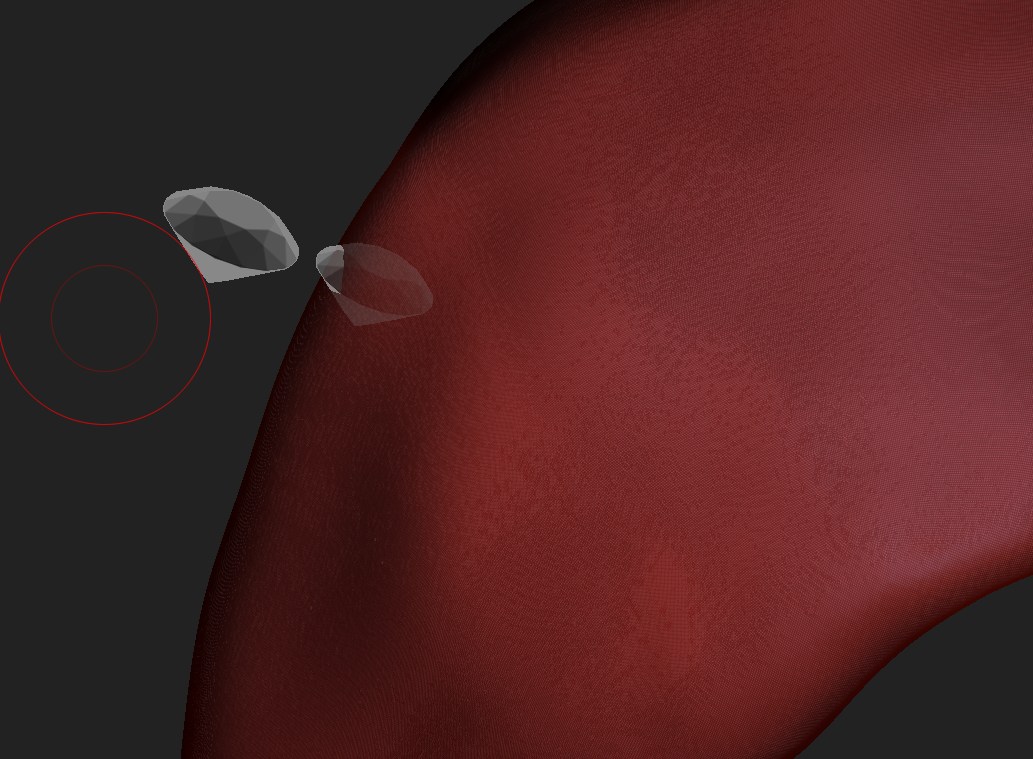
I want to put stones on my sculpt but when i do it with mest insert it changes the size of the real mesh… Is there a way to put it wit exact size? Or maybe another way to put them, i can put them by duplicating and doing move/rotate. But with 100’s of mesh its really take age’s any suggestions?

Thanks,

Attachments
Help.jpg

Not sure if it is possible to get the control you want using MeshInsert. If not, then I would export (GoZ) the base mesh to an other 3D package (Cinema 4D in my case), insert all the diamonds there and then bring everything back into ZBrush again to continue sculpting.

Hmm thanks can i really go back scultping after i put stons in cinema 4d? If yes i need to learn cinema 4d :slight_smile:

I think you can change the stroke type from drag rec to drag…size…I think it’s drag anyway. It will be the size of your brush.

Yeah i tried that ıts the brush of my size actually :frowning:

Yes, you should be able to do that in any 3D package. You just export the mesh using Goz to your external 3D app (Cinema 4D, Max, Modo, Maya etc), insert all the stones and place them as you like, merge them into one mesh and then Export/Import everything back into ZBrush again as a SubTool. If you don’t merge the stone meshes into one object then you can use ‘SubToolMaster’ to import multiple meshes in ZBrush.

It would be nice if it was possible to get it right directly in ZBrush though. Tried what beta_channel suggested, but I can not find where to change the stroke type to “Drag size”?