ZBrushCentral

Need help correcting mesh problem

Hi everyone. First, forgive my noob-ness (this is only my second week using ZBrush). And thanks in advance for everyone’s excellent support and help.

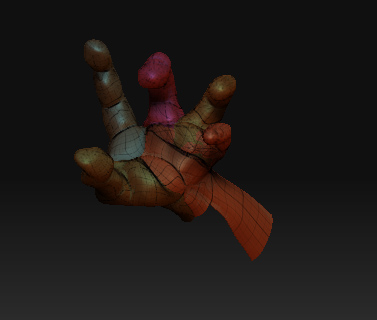
I have a mesh that has weird edges (creases) and no matter how much I smooth etc, nothing seems to correct it. You can see what I’m talking about here:
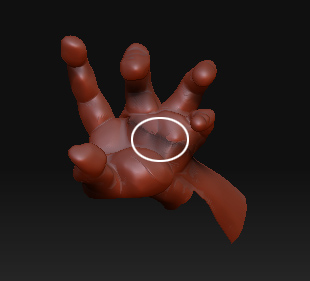
hand1.jpg

As you can see, there’s something definitely wrong here. Can someone point me in the right direction to edit the mesh? Do I need to use retopology? Edge loops?

I feel so stooopid…:stuck_out_tongue:

Attachments

hand2.jpg

i see some masking in the first picture, so do a clear mask in the tool: Masking menu.
also its easier to smoothing of things like this at lower subdivison levels.

I’m guessing that you used ZSpheres to create this. The problem is that you’re attaching multiple children to the same “side” of the parent ZSphere. This creates overlapping polygons, which result in the creases.

See the FAQ>ZSpheres section here at ZBC for more info.