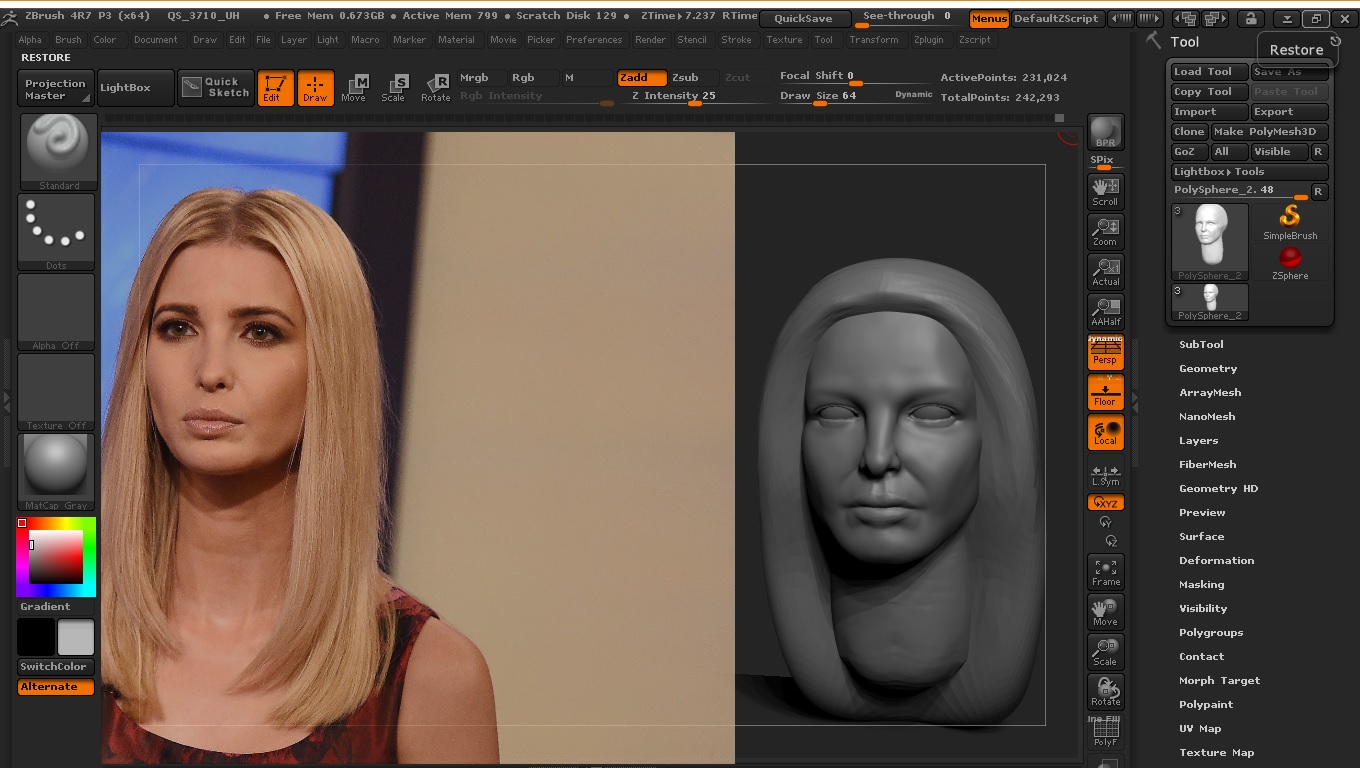
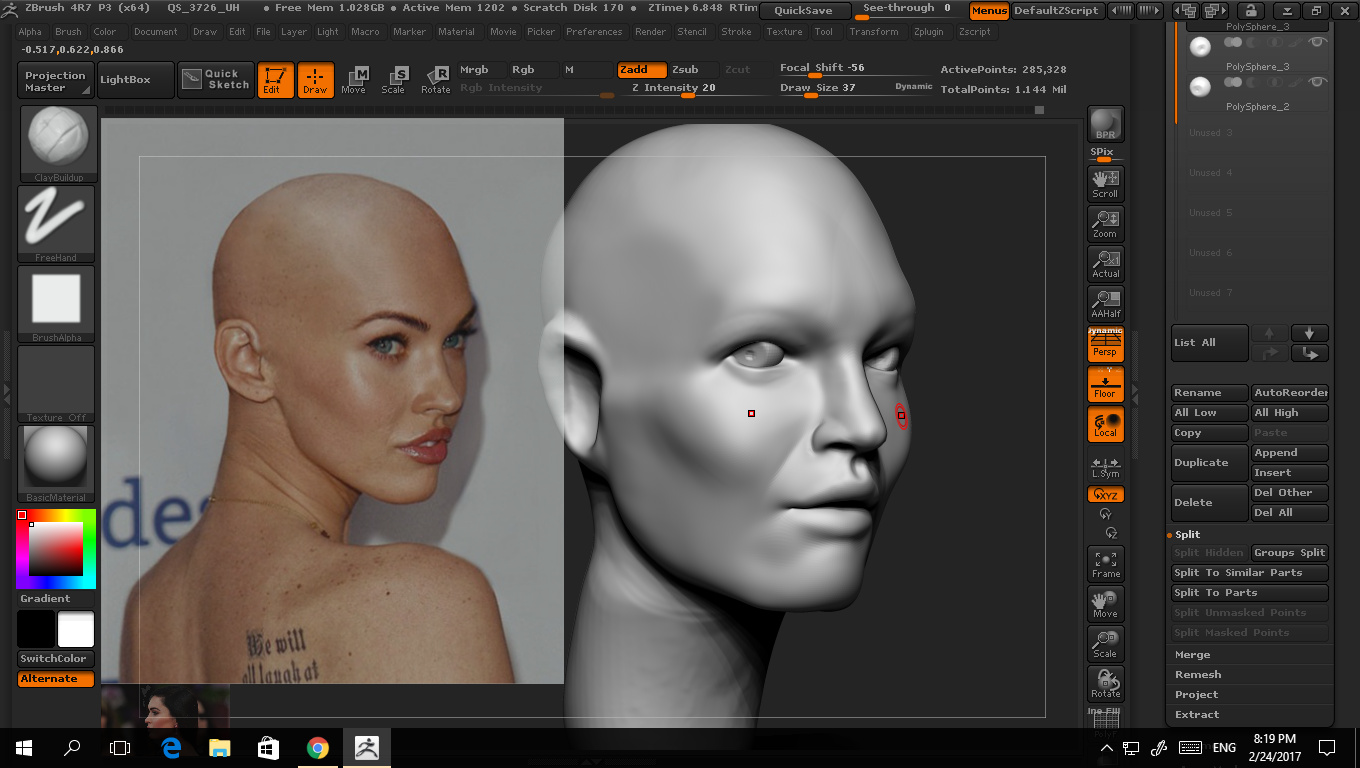
I have had some problems with this in the past with my side/front planes not totally meshing up correctly. This happens frequently when you use footage from the Internet or don’t plan ahead when taking the shots yourself. The reference images you have in the two shots have problems not being lined up correctly with the camera. With video footage, you can often just scrub the footage (i.e. move backward or forward in video clip) to find the best front image reference. Another problem happens when the scale of your front and side references are not scaled properly.
I made a 2 part video on minimizing the problems last year, and maybe this will help you out.
https://www.youtube.com/playlist?list=PLZlNYPOAI8EqWPEOyB8k01XFTWsQwlWl1
You only need to see the first 2 videos.
As for contrast with the models, it could be that you need to run the BPR. Just press ®. Also, experiment with different materials when sculpting, as they can show or hide flaws in the sculpt.