ZBrushCentral

mysterious subtool/masking problem - ideas?

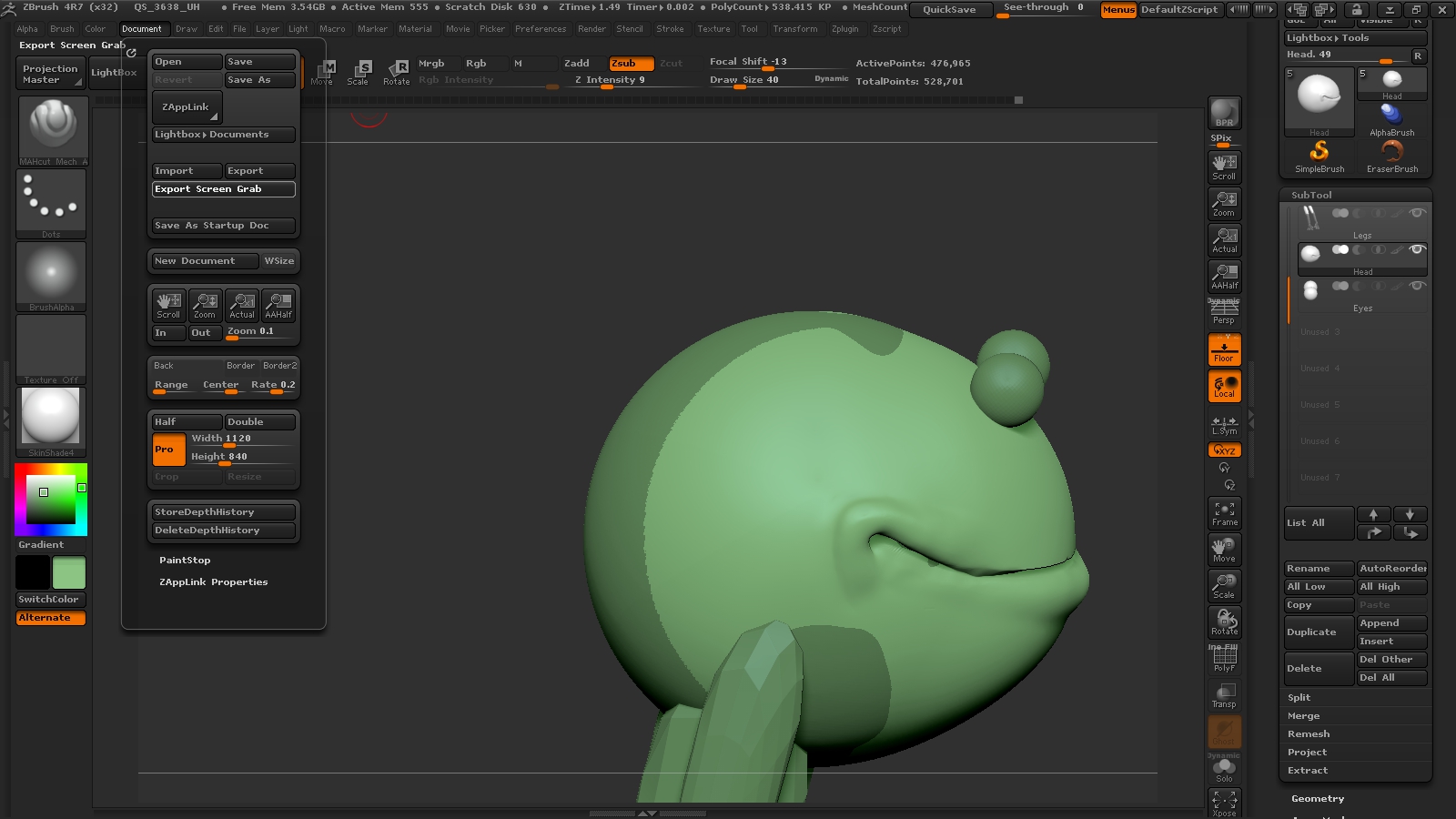
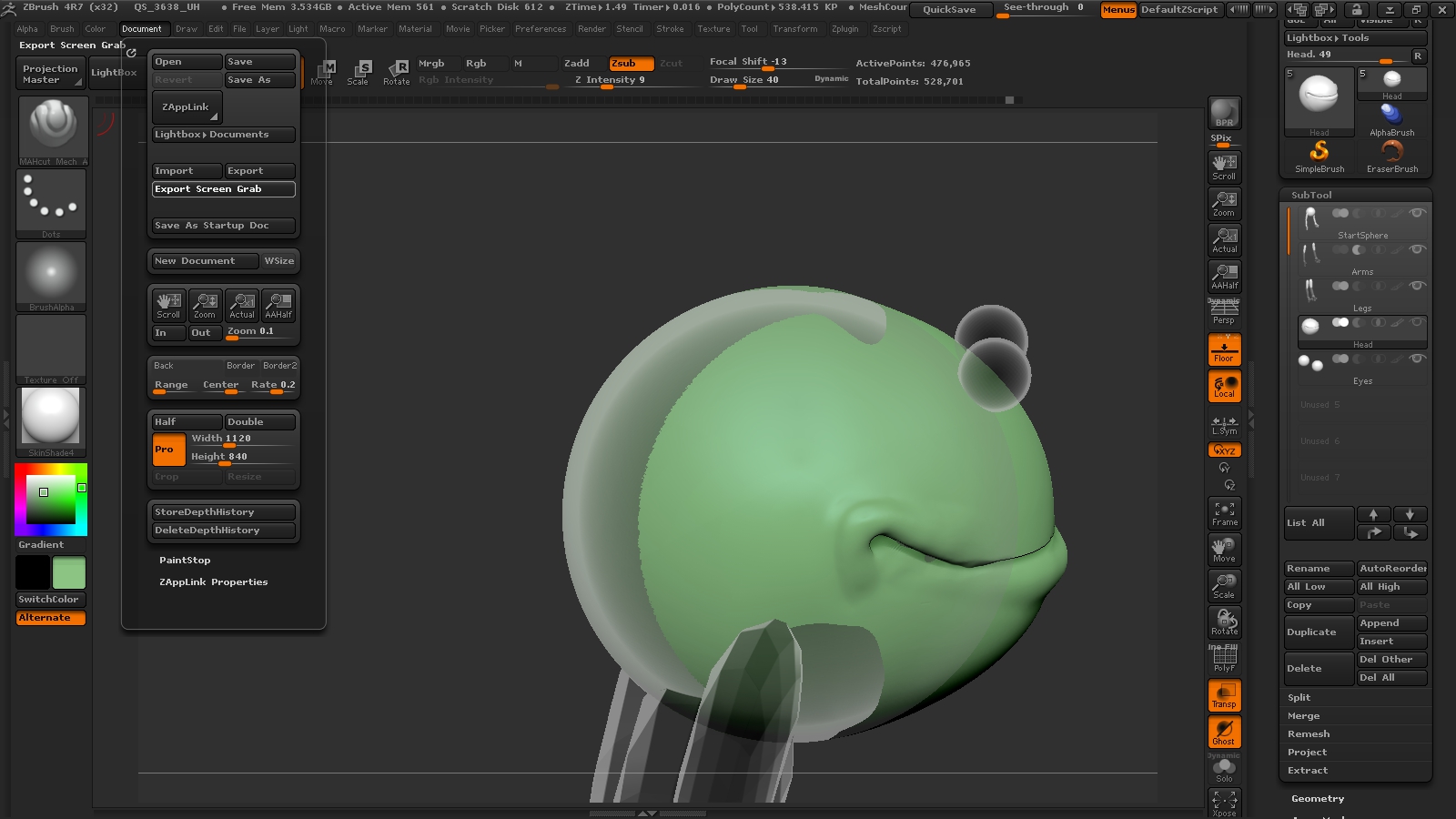
I am having a weird thing happen. I’m getting a separate color on my sculpt and it is acting like a masked area, except I can put clay on it. It doesn’t disappear when I clear mask or try to remesh or group. When I ghost it the darker area acts like a different subtool, even though I appears whole in my subtool thumbnail Any ideas what this is?

Attachments
frog problem 2.jpg

frog problem 2.5.jpg

You’ve got two overlapping subtools in that area. Judging by your thumbnails, the other spherical object is in the first subtool marked “start sphere”. You may wish to delete one or the other.

To see what is contained in any active subtool by itself, regardless of the subtool visibility settings, enter Solo mode (the button for solo mode is right under the “ghost” button on the right side of your viewport there). When active, you should see anything not in your active subtool disappear.