I’m just going to add things, bugs and errors to this Thread from now on, on things I find when using Zbrush.
-Under rigging submenu there is a select mesh button. This button only works if you have previously had a ztool open in the main tool menu or a project loaded. If you haven’t then pressing this opens a menu where you can select a ztool to append BUT there is no browse button or option in this menu if you have to load the tool fresh, in other words it hasn’t yet been opened in Zbrush. It is an inconvenience to not have a browse option in the select mesh menu window.
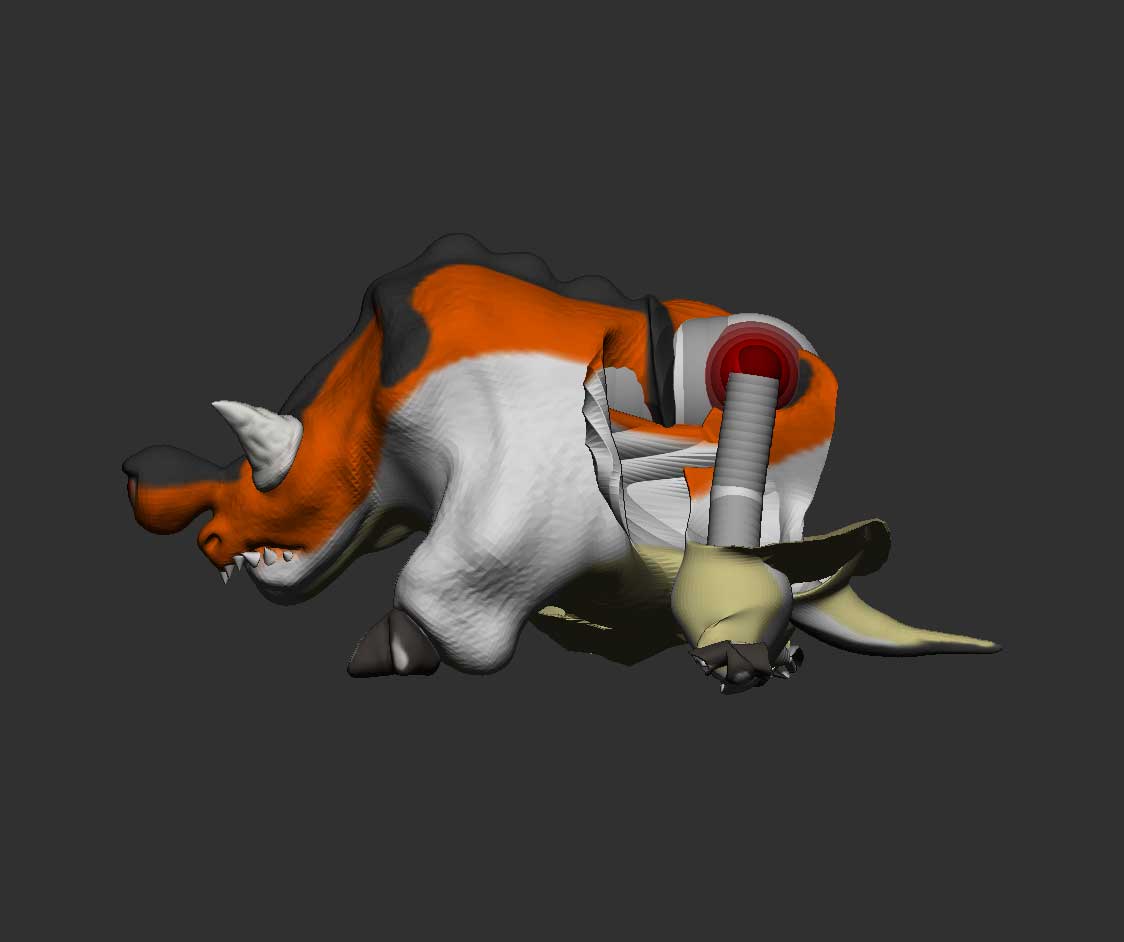
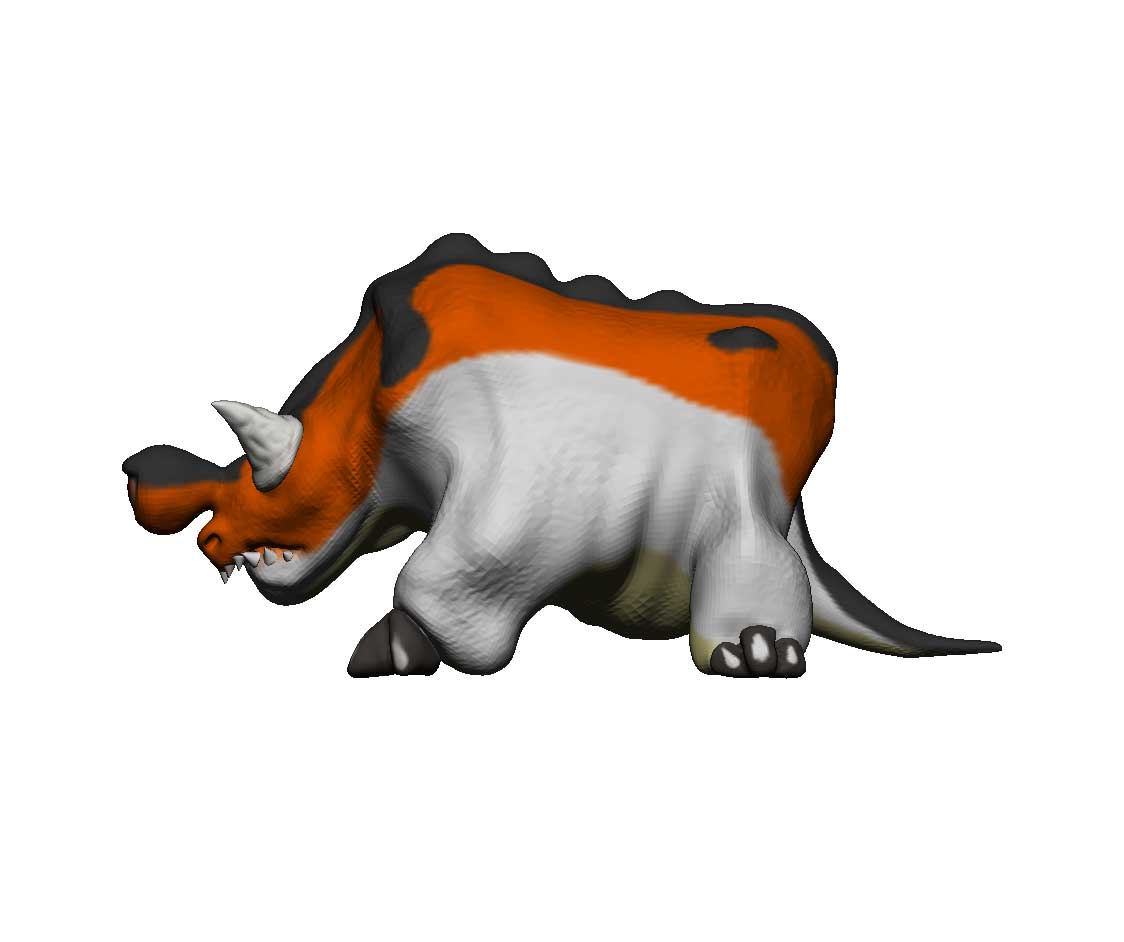
- Rigging doesn’t work or has some big issues. I will repost the pictures here from my other thread on rigging issues.
As you can see here. my model on the right is fine. I have retopo’d it, Dyna meshed it and de-artifacted it to the point of clean details and no mesh problems, I have it UV’d and the the Texture maps and other maps have been generated. This is the low poly version, it has top subdiv to level 4 (4 million actives) to a low of 65k. I created a zsphere rig for the model as shown on the left when I select to bind the mesh in rigging it appears to do it’s thing and bind the mesh. I can use rotate on the front legs to get some posing but when I tried to rotate the rear legs the mesh collapsed on the models hind quarters like its skin had been ripped from it and left to slump to the ground (Shown in the pix on the left). Any idea why this is happening? There are two confusing tutorials out there both have different methods to rig in Zbrush and both do not work for me.
- when trying to capture a transparent and ghosted image of the model to show the rig off it automatically turns the render into a solid pix without the transparency is there a way to fix this?.
: that’s all I can think of for now I will update later.
Attachments